Five more open-source projects I found for agents to try
GitHub is full of valuable open-source projects that can solve practical problems and save us from reinventing the wheel.
GitHub is full of valuable open-source projects that can solve practical problems and save us from reinventing the wheel.
I like browsing it whenever I have a moment, starring anything interesting in case it comes in handy later.
Now that we have agents, installing and using a project after finding it is much easier. Give the agent the link and your requirements, and it can get the project running for an initial check.
This time, Moli has picked five recently discovered open-source projects that seem worth trying. Let's take a look!
① unslop
github.com/heydamir/unslop
The first project specifically removes the "AI look" from AI-generated webpages.
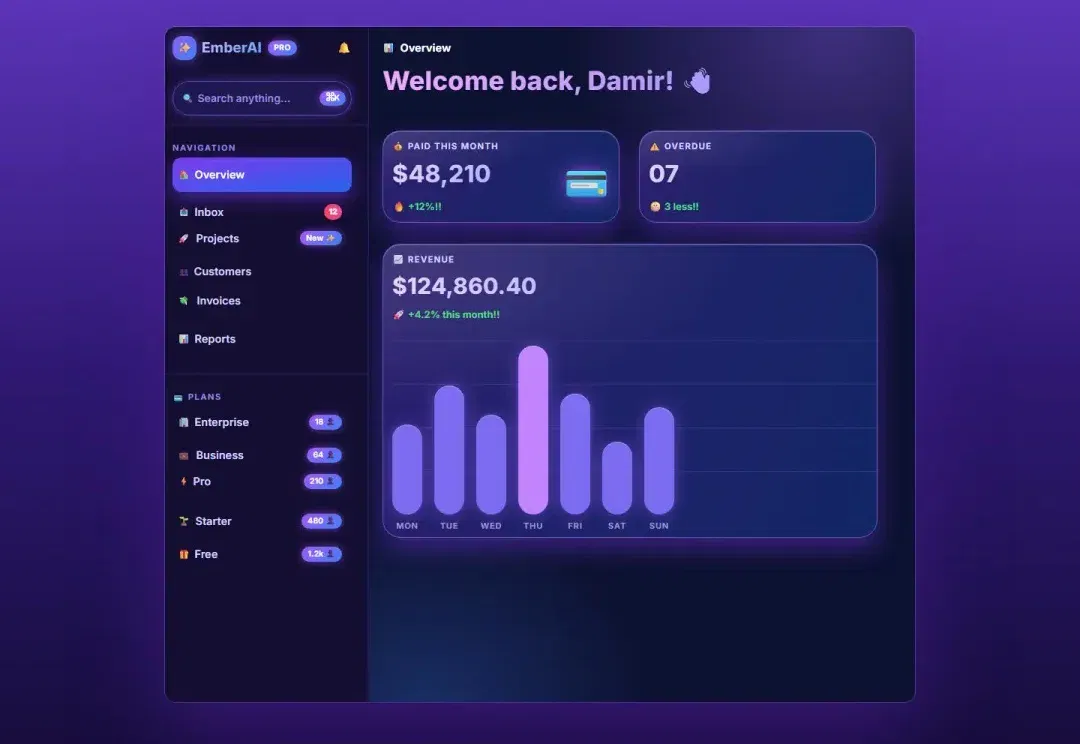
You have probably seen those pages: purple gradients, heavily rounded cards, and glowing headings and buttons. Individually they may look polished, but together they always feel like the same template.
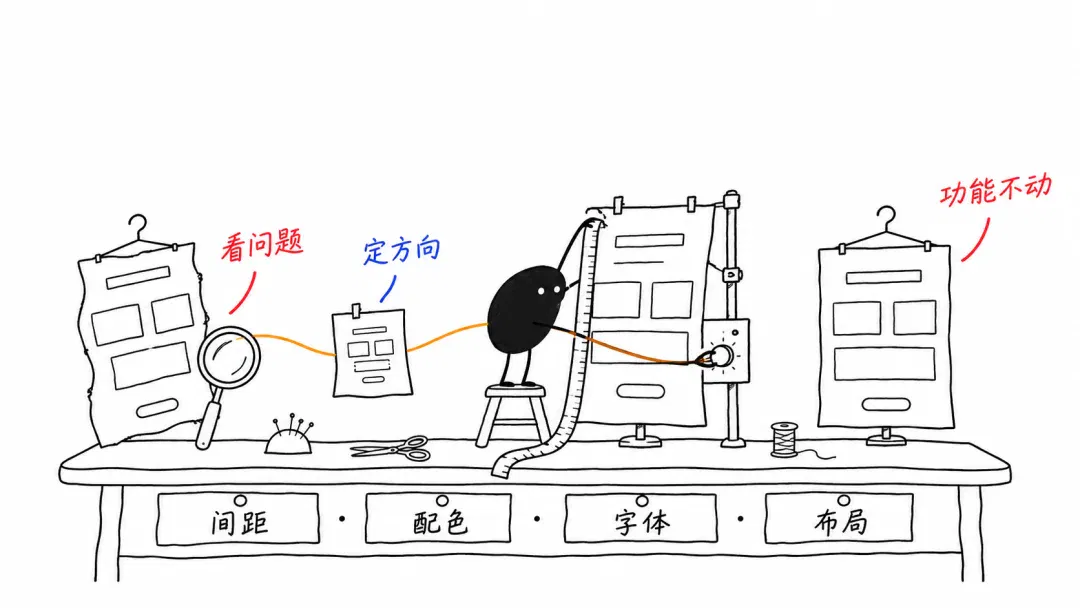
unslop is a skill that helps agents adjust interfaces like these, created by designer Damir Sokolovsky.
It breaks design changes into an ordered process. First inspect what the page actually looks like and identify problems, then choose a design direction based on the product's purpose. Next adjust spacing, colors, icons, copy, typography, and layout one by one, finishing with visuals and motion.
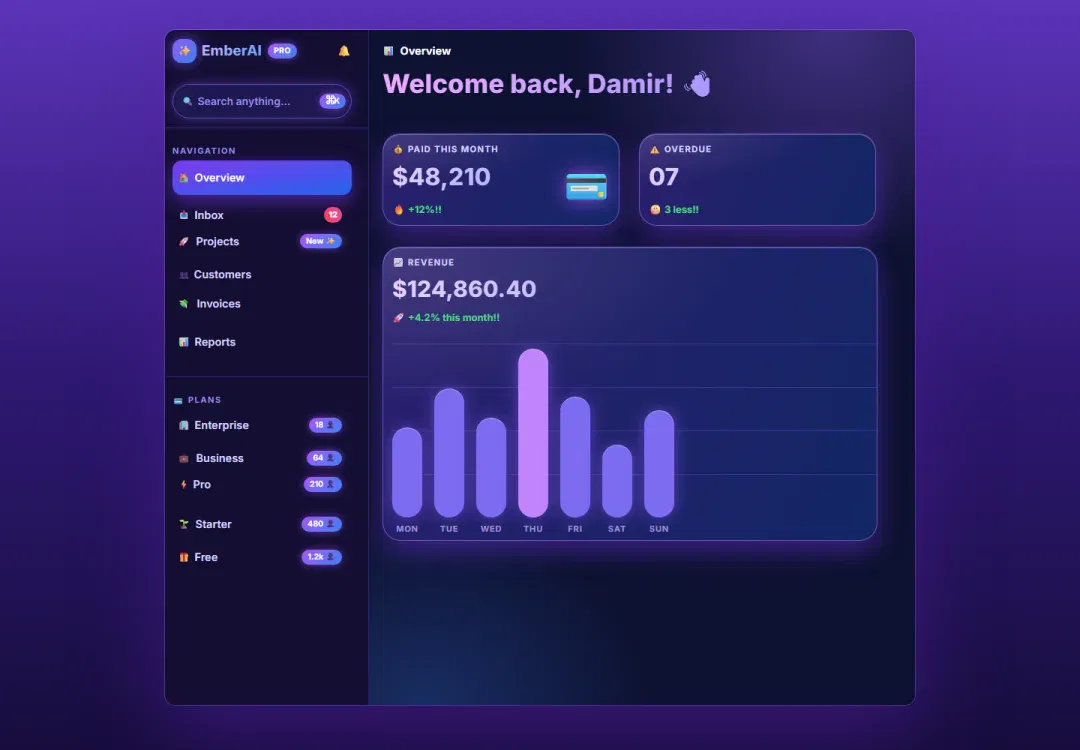
One thing I like is that it preserves the product's existing functionality. If a page is already good, it only fixes the problems it finds, rather than forcing a new style merely for the sake of a redesign.
I had an agent build a simple music player, kept the first draft, and then revised a version using unslop's process.
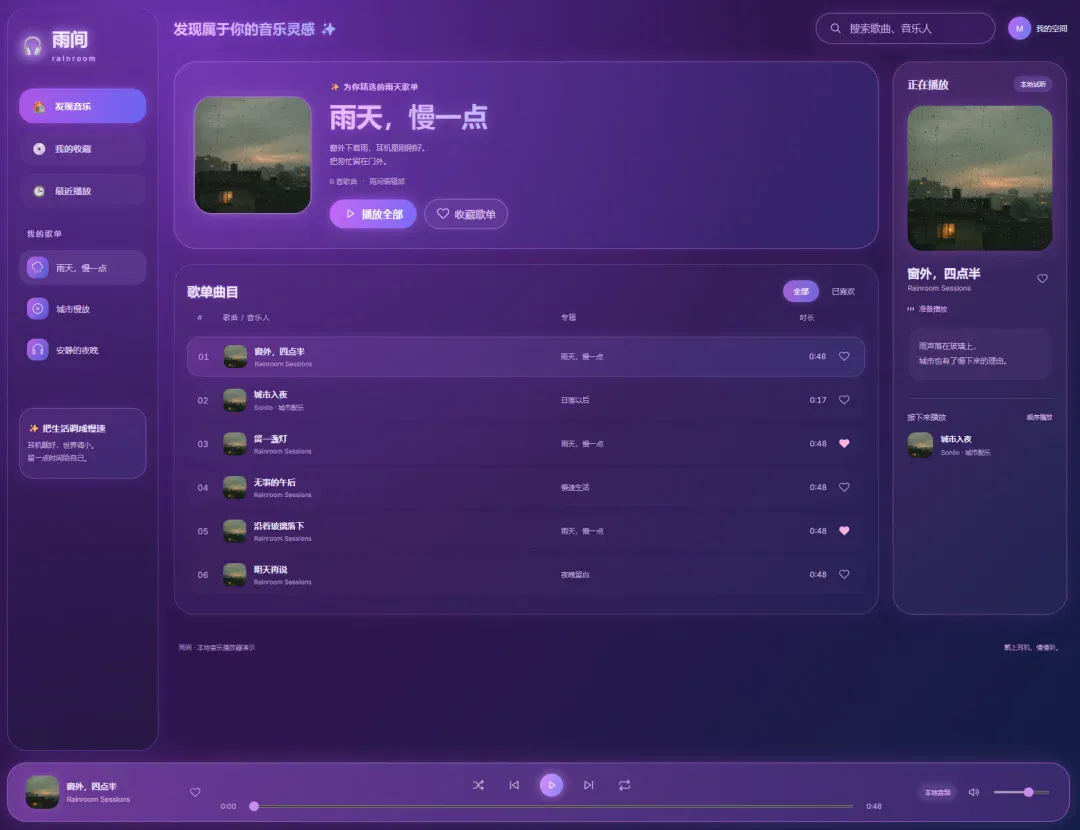
For a similar page, you can describe the task like this:
Task prompt:
Use unslop to improve this music player. Preserve the existing songs, cover images, audio, and playback features. First inspect the page for problems, then adjust the design around the quiet atmosphere of "listening to music on a rainy day." Improve the layout, typography, spacing, and colors. When finished, check that playback, track switching, search, and favorites still work.
The direction this time was a quiet, soothing listening space. The purple and glow effects that once covered the interface were toned down, and the playlist heading, track information, and controls were given a clearer hierarchy.
Here is the improved version 👇
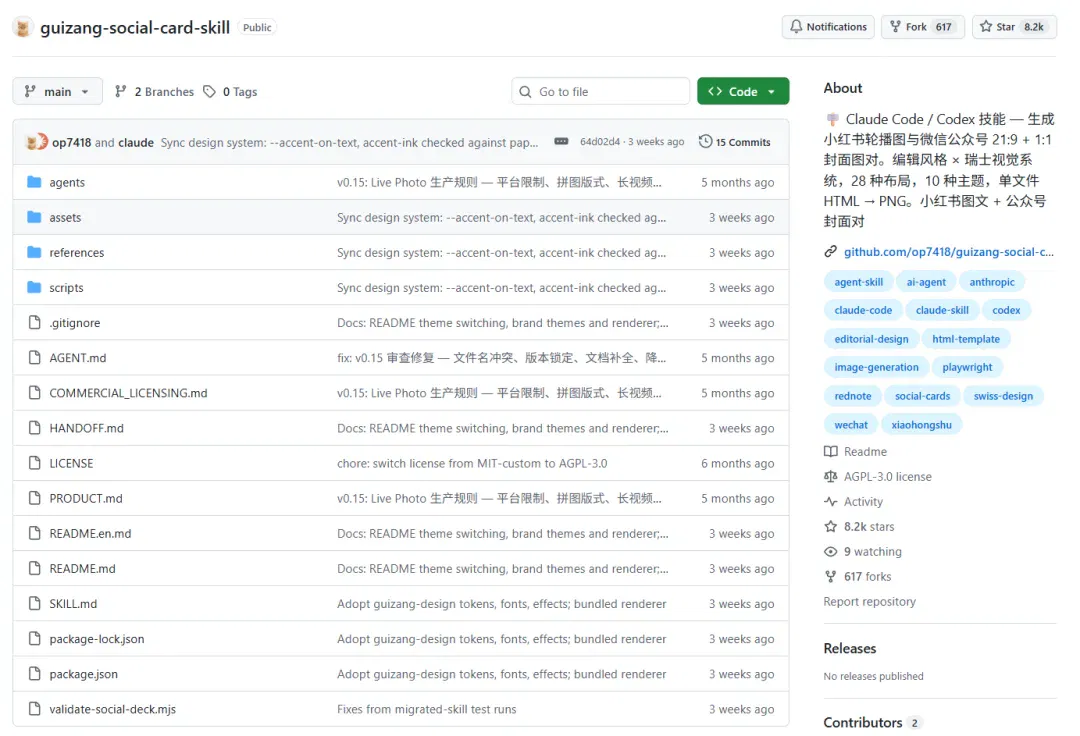
After the changes, the page is cleaner and better captures the mood of the rainy-day playlist. Both versions use the same audio and playback logic. Playback, track switching, search, and favorites were all checked, and the original features remain.
If you already have a working first version of a webpage but feel it looks too much like a template, you can have an agent go over it again with this skill.
② Guizang Social Card Skill
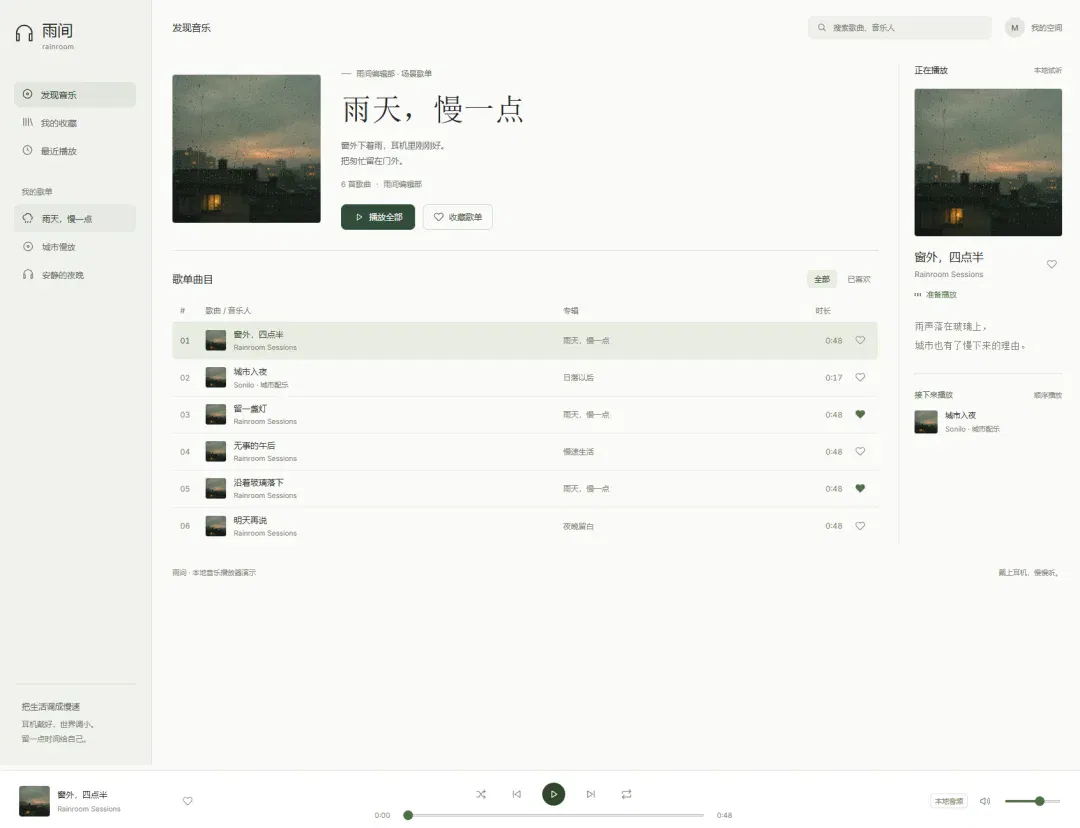
github.com/op7418/guizang-social-card-skill
The second is Guizang's image-and-text layout skill, suitable for Xiaohongshu carousels and WeChat public-account covers.
Its layouts have a magazine-like feel, combining large headings, photographs, lists, and columns according to the content. A set of images stays consistent while each page has a different arrangement.
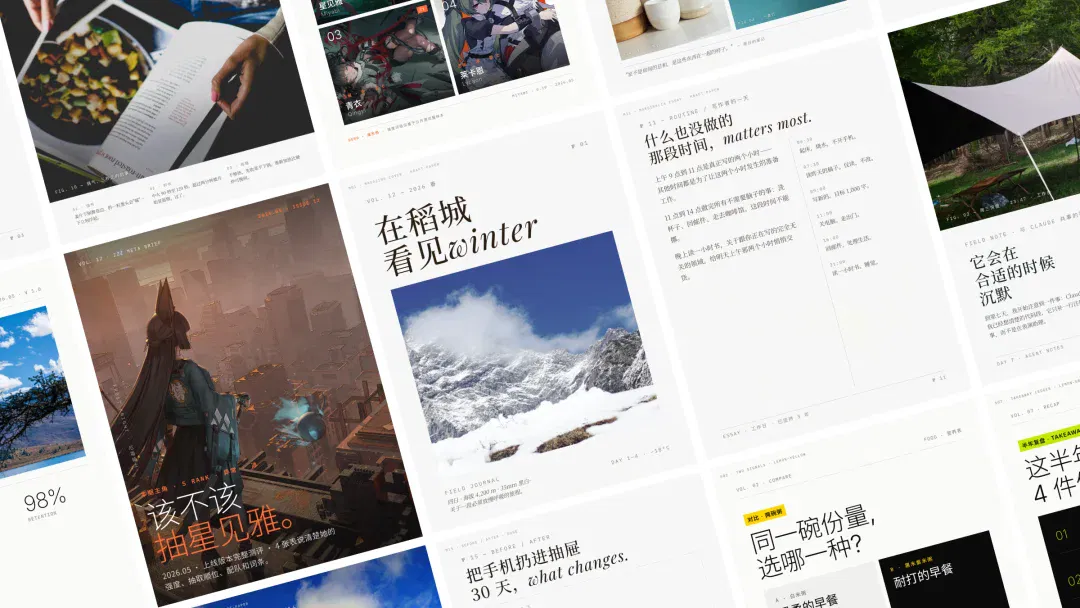
I tried a "weekend brunch at home" theme with toast, scrambled eggs, and a cup of coffee, using stock photos as plating references.
Task prompt:
Use Guizang Social Card Skill to create an image-and-text series on "weekend brunch at home." Make four pages: a cover, an ingredient list, preparation steps, and plating and serving. Use an electronic-magazine style with warm kraft-paper colors. Use attributed stock photographs as plating references.
Here is the result 👇

With a layout like this, even an ordinary breakfast takes on the feel of a lifestyle magazine.
③ Sherlock
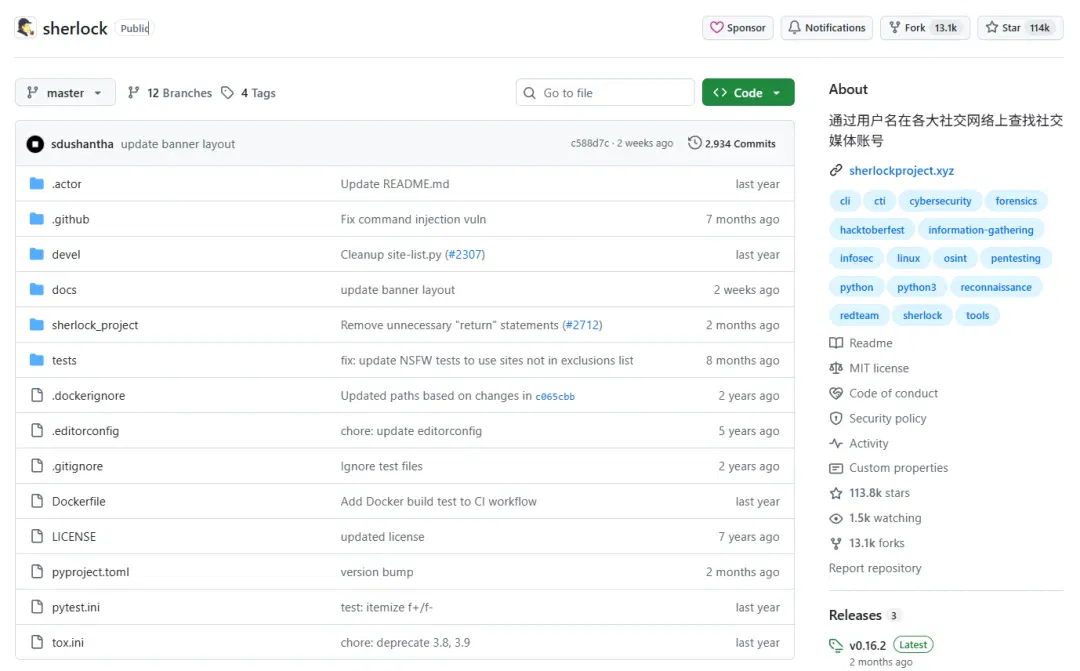
github.com/sherlock-project/sherlock
The third is called Sherlock, as in Sherlock Holmes. What it does is indeed a little detective-like.
Enter a username, and it checks multiple websites for accounts with the same name, organizing the profile links it finds.
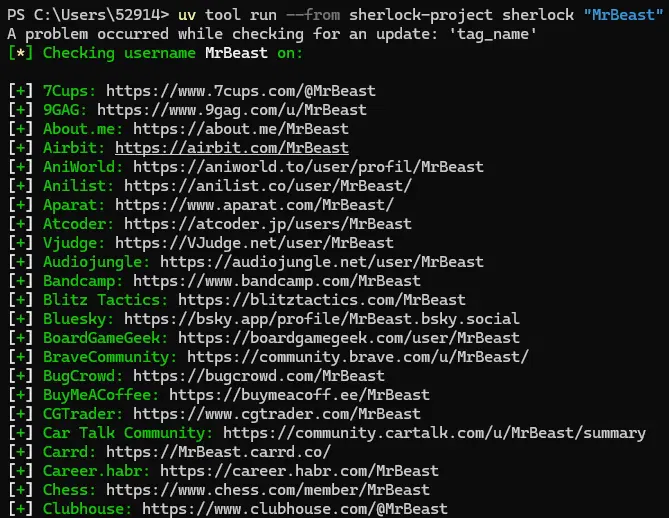
I checked: its current default coverage includes more than 400 sites, including GitHub, YouTube, Instagram, X, and TikTok.
But the services we commonly use in China, such as Weibo, Bilibili, Zhihu, and Xiaohongshu, are largely absent.
It may therefore be better suited to following creators overseas.
For example, if you discover a creator on YouTube and want to find out whether they use the same username elsewhere, you can search with Sherlock and then verify the results.
④ Sonilo video-to-music
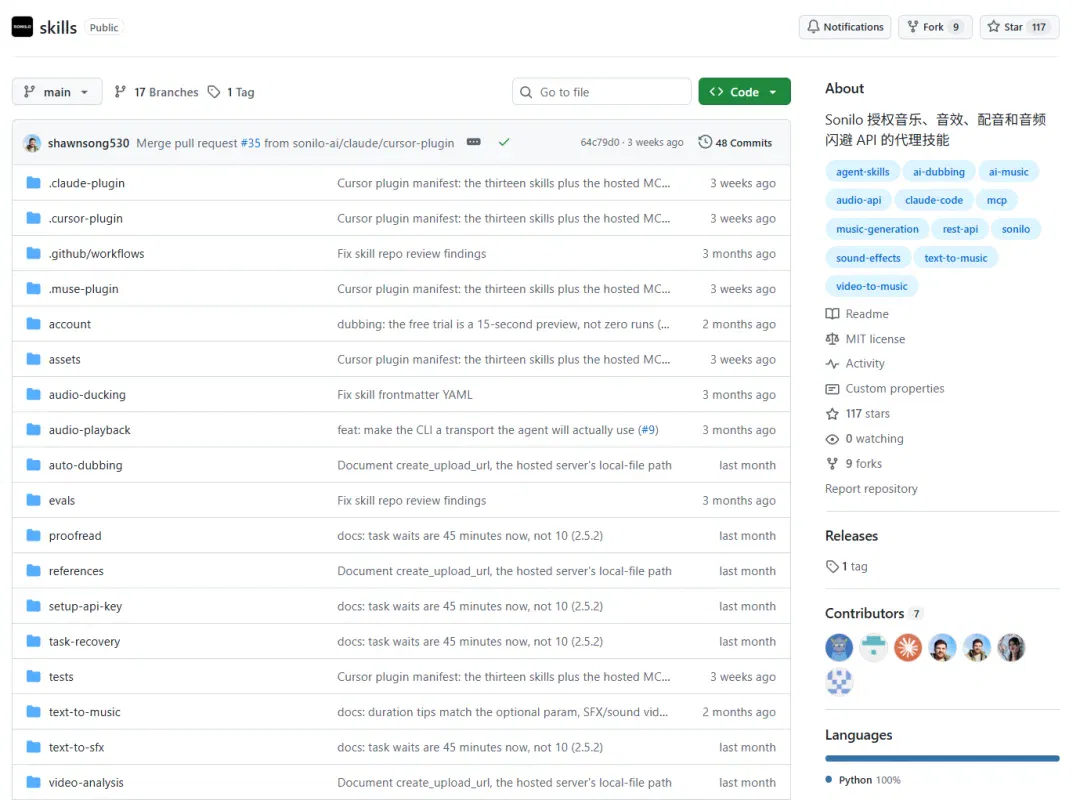
github.com/sonilo-ai/skills
The fourth is actually a skill for agents to call a video-soundtracking website.
The website is Sonilo, which mainly generates music and sound effects from video imagery. Give it a video and specify the style you want, and it scores the footage according to its rhythm, movement, and mood.

With this skill, we can hand the task directly to an agent. After signing in to a Sonilo account, tell it where the video is and what music you want; it handles the subsequent calls and file saving.
I found a roughly 17-second London city time-lapse, moving gradually from sunset into night, and tried adding a soundtrack.
The original video was completely silent; all the audio in this version was made by it 👇

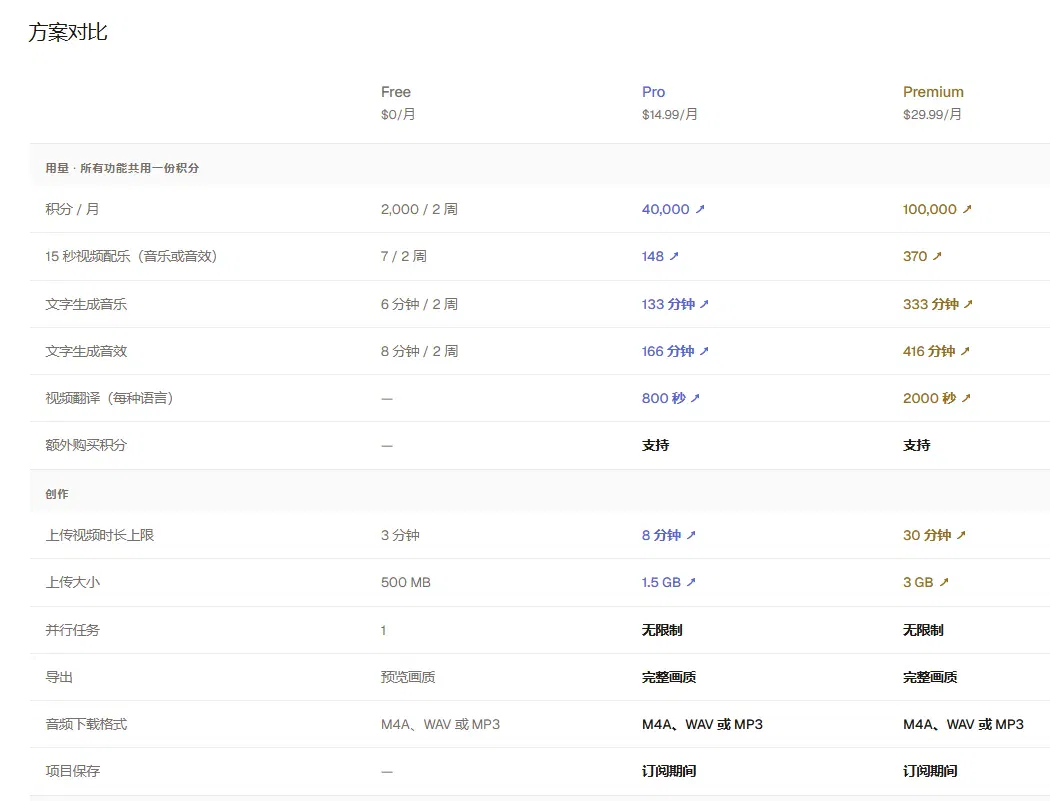
As for cost, the API offers a small free trial. After using that up, you can continue trying the service on Sonilo's website.
The website's Free plan provides 2,000 credits every two weeks, which should be enough for light use, such as occasionally scoring a short video.
⑤ OpenMotion
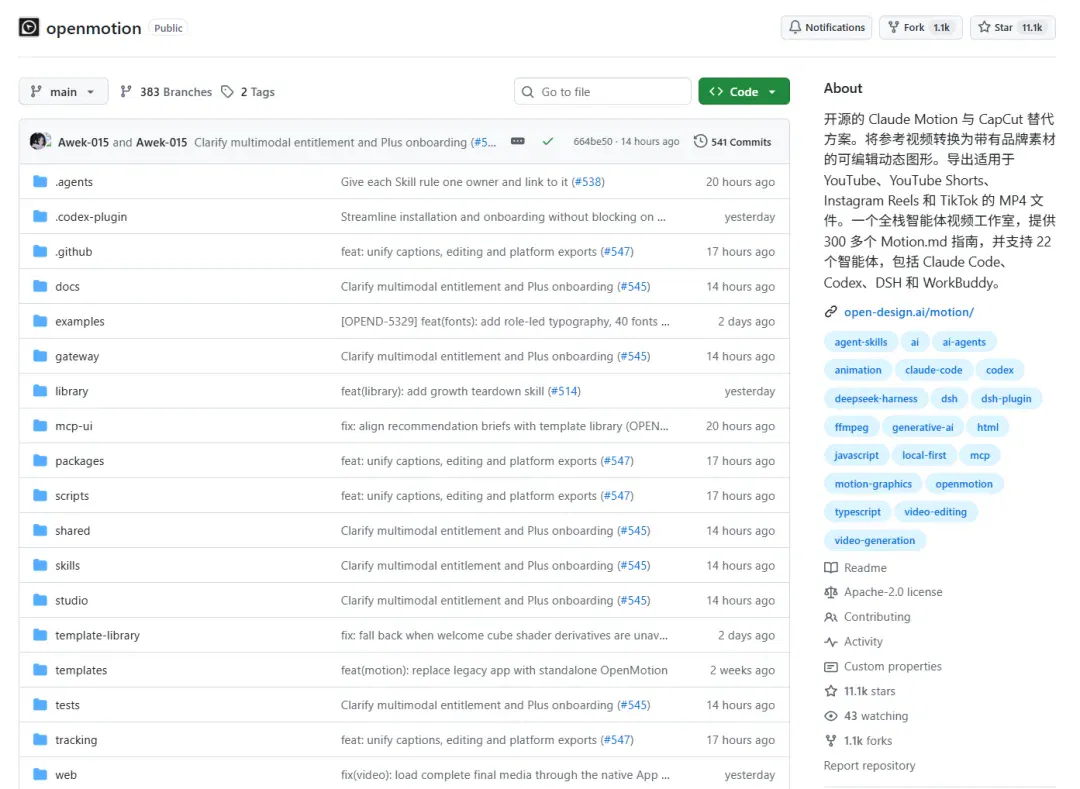
github.com/nexu-io/openmotion
The last project, OpenMotion, is the one I think is most worth experimenting with this time.
It is a motion-video workbench in which agents participate in production. Give it a reference video, and the agent can break down its shots, text, and transitions, rebuild them as an editable project, and bring that project into the workbench to preview and adjust before exporting the finished video.
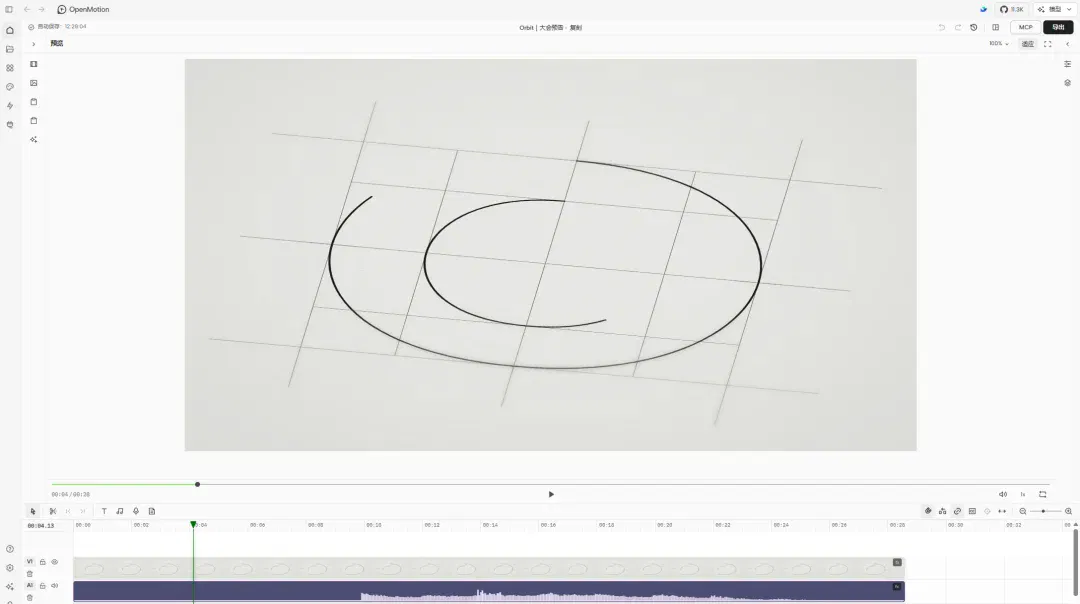
The website has many beautiful open-source video templates that can be recreated with one click.
You can also give it a video you like from elsewhere to analyze and rebuild, then replace the text and assets with your own.
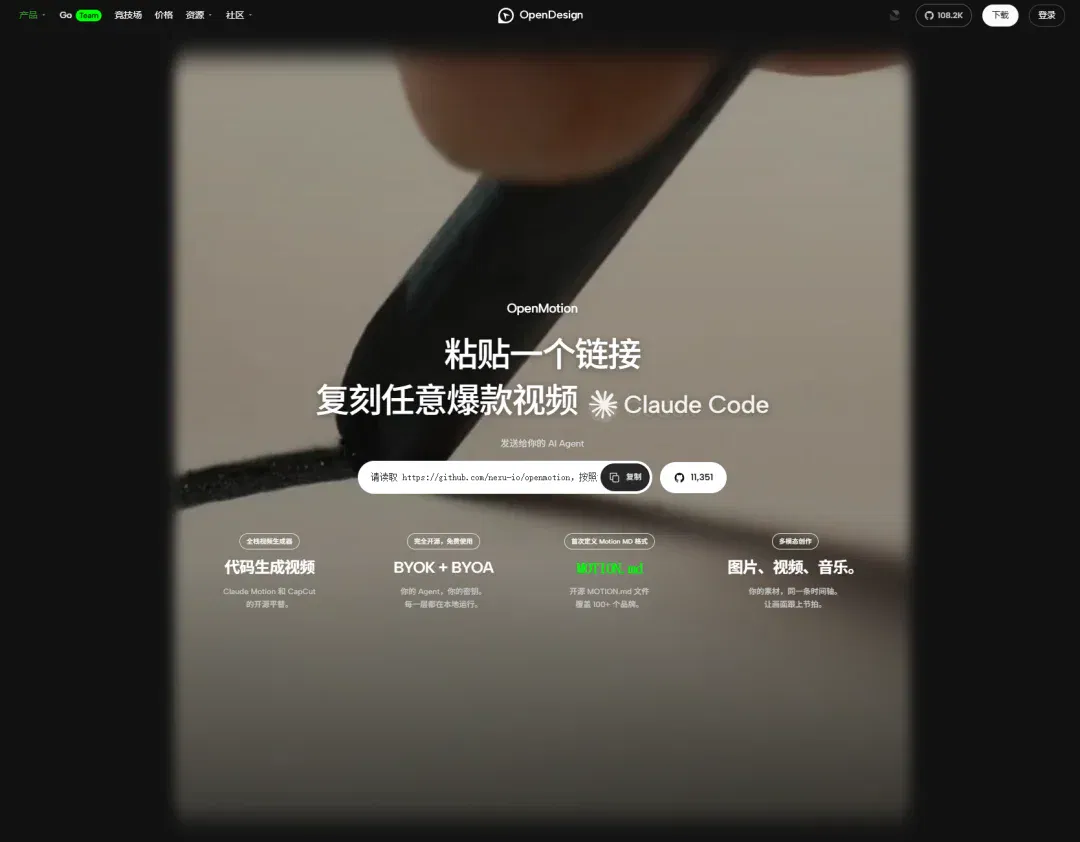
I found a video called "Orbit | Conference Teaser" and had it recreate one for me. You can compare them; I think the result is pretty good.

Original video
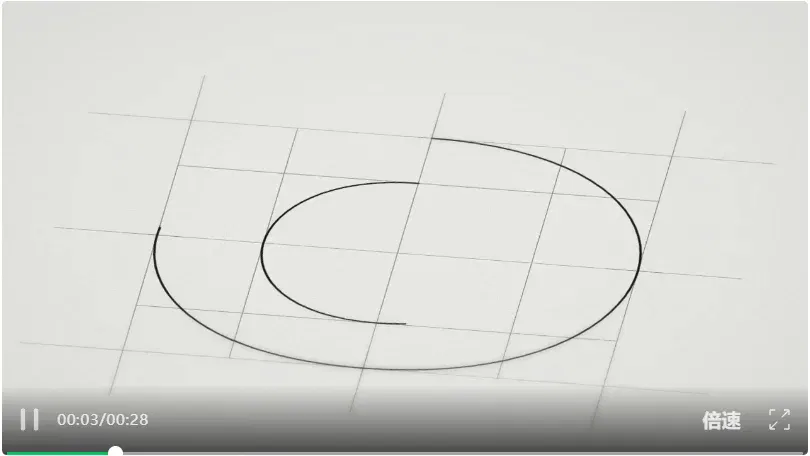
Recreated version
A final thought
With agents helping, many GitHub projects have become easier for non-specialists like us to use.
Previously, a project without a graphical interface meant slowly figuring out installation, where to enter commands, and what to do when errors appeared. Simply getting it to run could take ages.
Now, give an agent the project link and your requirements, and it can help you get started.
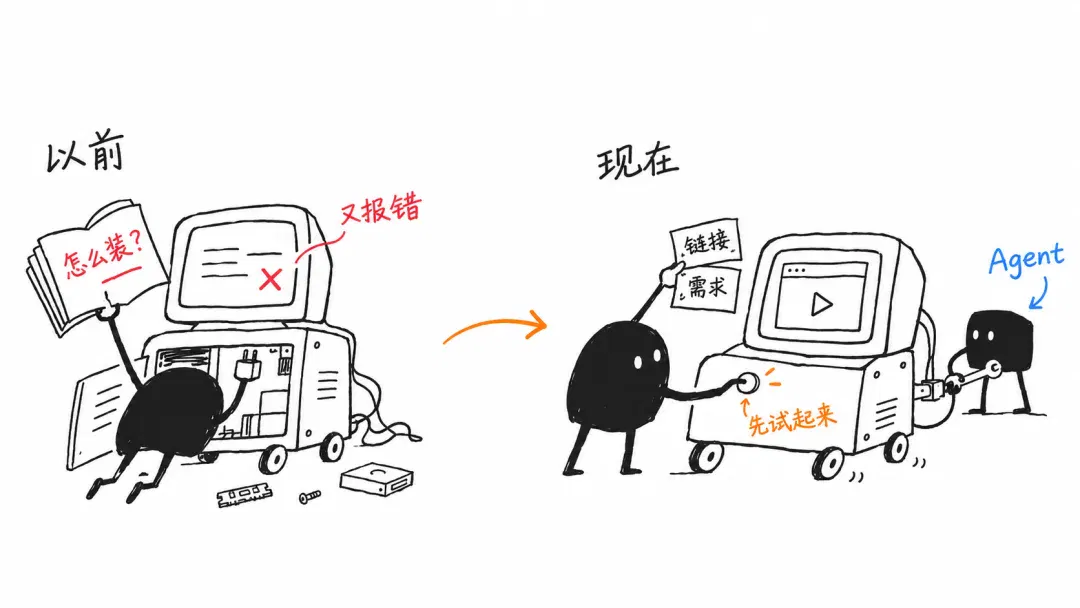
Once you have actual results, you can judge whether it works well and suits your needs. If you want changes, the agent can keep helping.
Agents are giving more people a chance to use these tools. When choosing projects, we can focus more on the problems they solve instead of being discouraged at the first sight of installation commands.
A slightly lower technical barrier means more things to try. To me, that is a very practical change agents bring.
This article is from "Moli," by "Xiaoxiao Moli."
Related topics
After reading
Join the AINRK community
Read how to join the community and connect with people working in AI.
Related articles
Continue reading related topics and articles in this category.
3个爆火的开源项目,无需API Key的爬虫神器! (opens in a new tab)
现在用 AI 做项目,经常会碰到这种尴尬的情况: 写代码,它喜欢乱造轮子,能用十行解决的事,非要写一大坨。

Tsinghua and Infinigence AI Open-Source Uni3Sim to Simulate LLM Inference Clusters (opens in a new tab)
Uni3Sim combines compute, memory and interconnect models with native SGLang/vLLM schedulers to predict TTFT, TPOT and throughput and compare resource and cache designs. Reported errors and benefits apply to specified hardware, workloads and pricing; agent-driven design search is planned.
RUC open-sources AutoMaster: Skill guidance and trajectory selection for agent post-training (opens in a new tab)
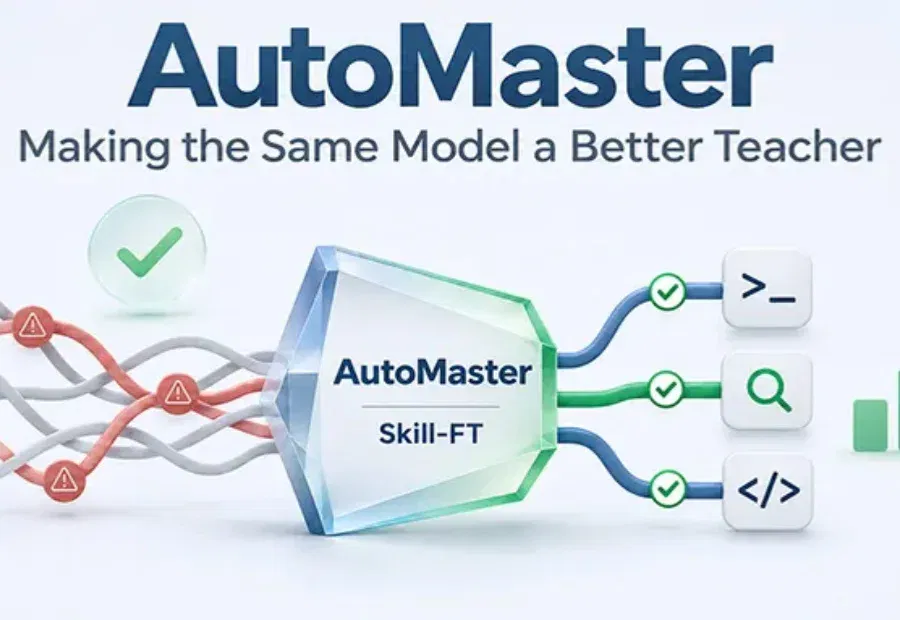
RUC introduces Skill-FT and AutoMaster. Across six settings with a fixed teacher, task pool, 512 selected trajectories per round and SFT recipe, gains over Vanilla SFT are 1.42–8.99 percentage points. Multiple rounds require extra sampling, training and evaluation.
WeChat open-sources WePocketModel, unifying representation, generation and decision with one backbone (opens in a new tab)
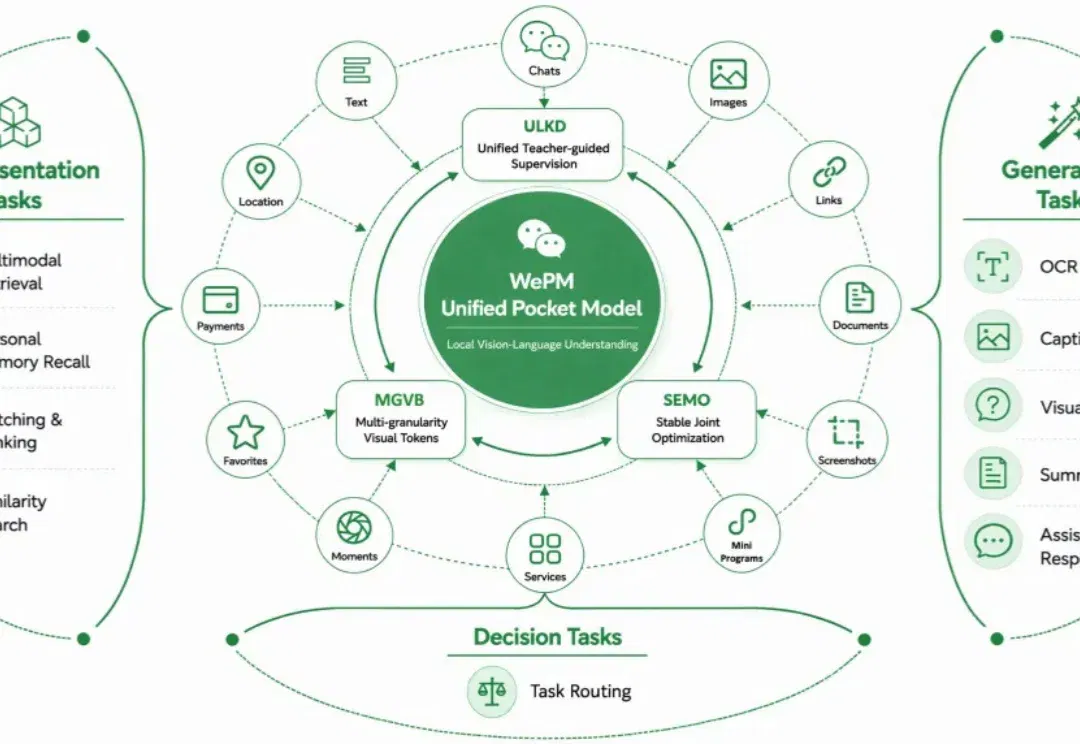
Tencent's WeChat team releases WePocketModel, sharing one backbone across representation, generation and decision. WePM-4B uses 61.9% less resident weight memory than the selected specialist stack. Its roughly 8GB is BF16 weights, not total runtime memory; demos use an M5 Mac.
PEEK cuts FID by 49.3% in a specified ImageNet-EDM diffusion-sampling experiment (opens in a new tab)
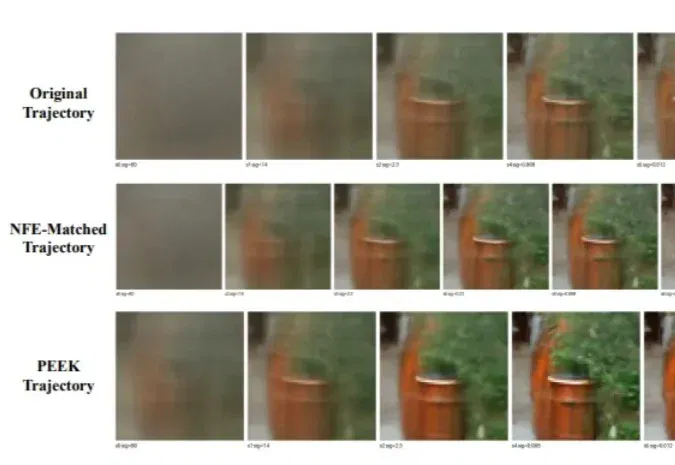
NUS’s training-free PEEK adjusts deterministic diffusion sampling with look-ahead predictions. At an equal denoising-call budget, one ImageNet-EDM experiment lowers FID from 19.71 to 9.99. Results and one-time search costs depend on the setup.