Rootix DeskBuddy mini arcade: reportedly tracks nine agents and handles confirmations with a joystick
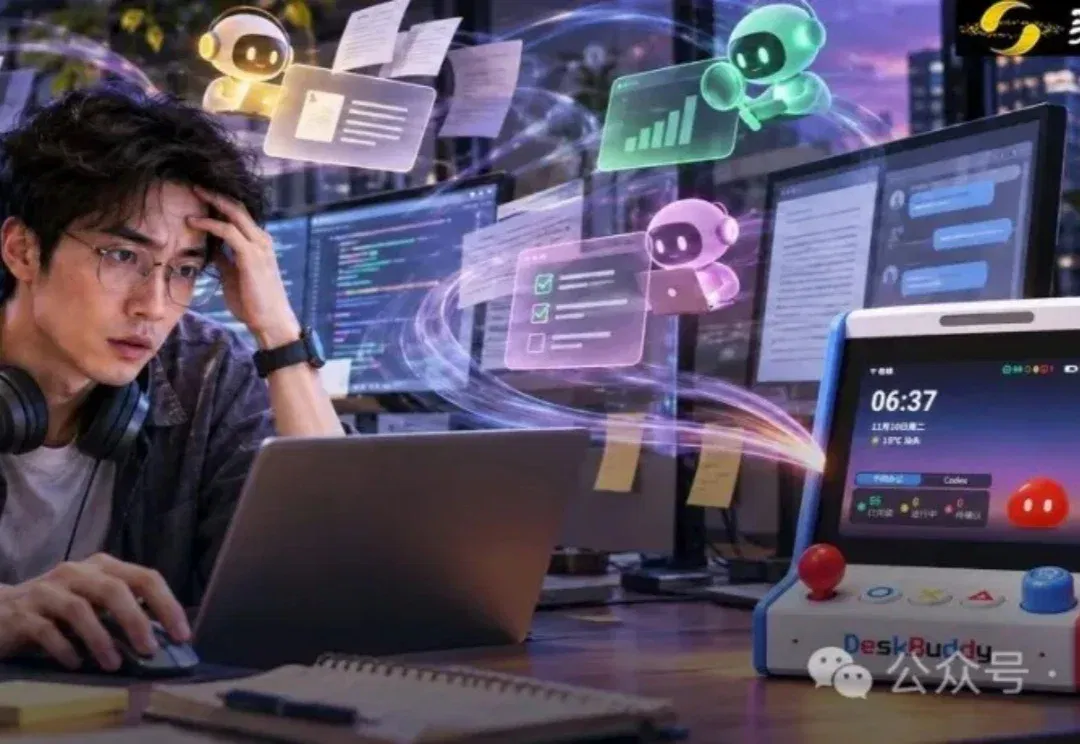
Rootix DeskBuddy brings agent status, confirmations and group collaboration to the desk. The report lists RMB429 and nine integrations; Doubao Work support and protocol open-sourcing remain planned. Local storage, encryption and permission isolation are vendor claims, without an independent audit.
Editor's fact check (November 26, 2026): Shifeng Culture's third-quarter report confirms that Rootix and DeskBuddy were unveiled on October 21. The RMB429 price, nine tool integrations, and interaction demonstrations reflect the report's publication time; Doubao Work integration and open-sourcing the protocol in Q4 remain plans. Local storage, encryption, permission isolation, and efficiency benefits are descriptions from the vendor or reporting. This article has not independently audited security, inspected data flows, or performed controlled testing. “Local, not uploaded to the cloud” cannot be extended to mean connected third-party agents never transmit data. BCG's cited findings come from a survey of 1,488 US employees; changes beyond three tools are not a universal causal threshold, and visit counts are not unique-user counts.Shifeng Culture's third-quarter 2026 report (opens in a new tab)OpenAI: Performance Factory technical blog (opens in a new tab)BCG: When Using AI Leads to Brain Fry (opens in a new tab) Original Harvard Business Review research (opens in a new tab)
The people best at building AI have worked as its copy-and-paste laborers!
OpenAI wrote this itself in its official blog.
On November 19, its account of the internal Performance Factory system included this sequence:
An alert fires; an engineer copies it to Codex. After Codex investigates, the engineer pastes its conclusions back into Slack.
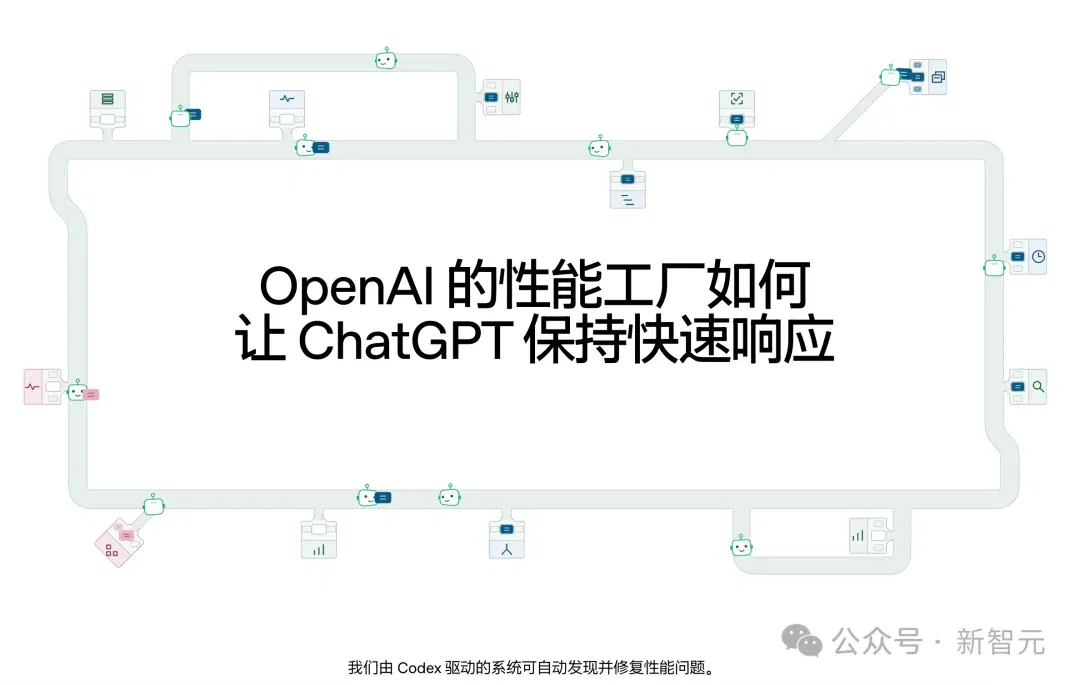
Later, investigations moved to automated cloud execution, but people still had to sift through Slack threads like prospectors, judging by eye which issues were worth addressing.
OpenAI even devoted a separate section to it, with the earnest title “Protecting engineers' attention.”
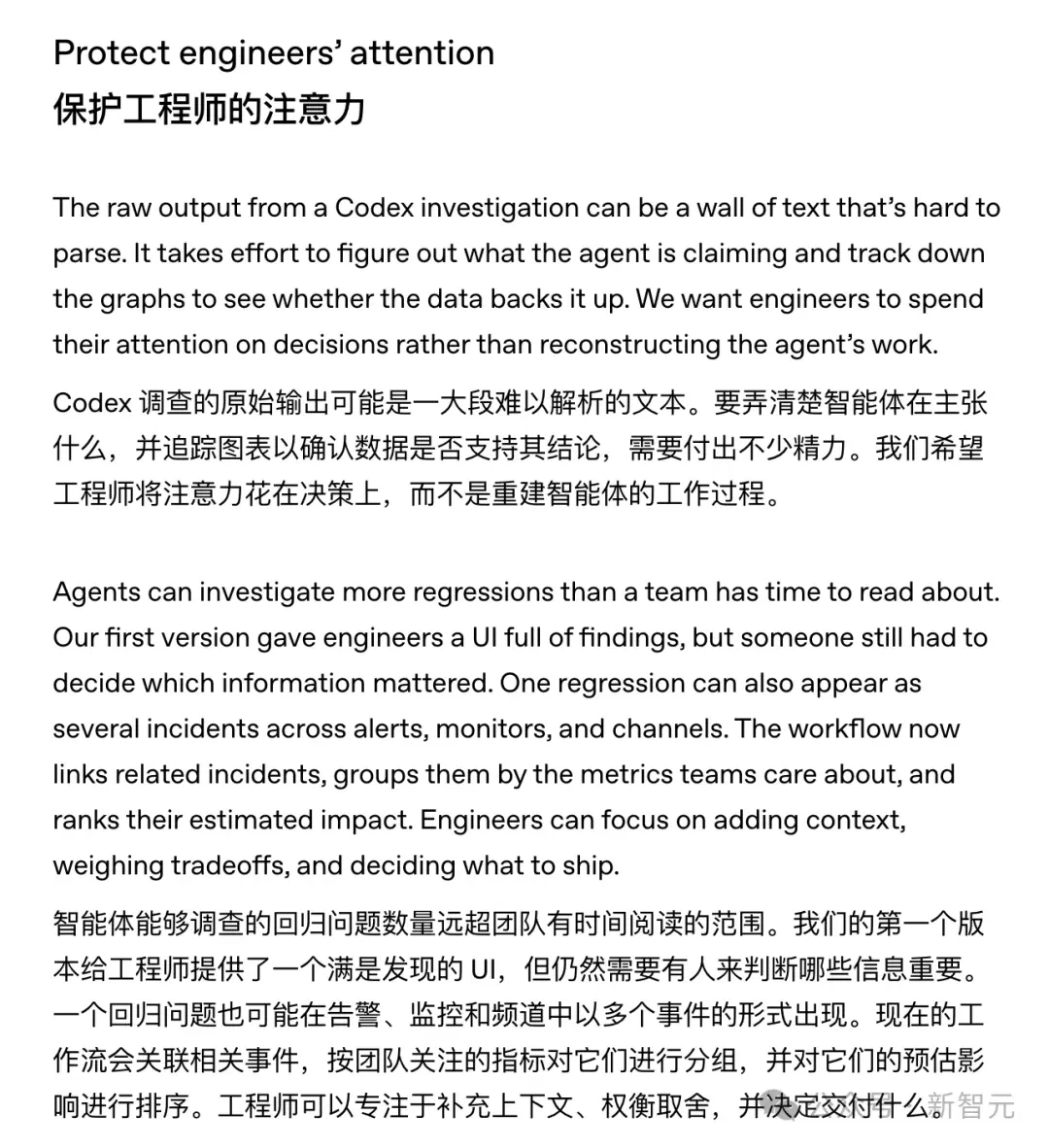
Even OpenAI is worn out by its own AI. With five or six agents at your workstation, who is serving whom?
More and more people are asking that question.
Figures show that, in June this year, 17 domestic PC-based AI-native office agents received more than 60 million monthly visits combined, with Tencent WorkBuddy alone accounting for 20.97 million. In August, OpenAI announced that Codex had exceeded 20 million active users.
AI does more and more of your work, yet you increasingly resemble an overwhelmed construction foreman.
It is four in the afternoon: Claude Code is refactoring code, Qoder is running unit tests, Qwen Office is extracting meeting notes, and WorkBuddy is rushing out a first proposal draft. They are all bursting with energy, but you have only one brain.
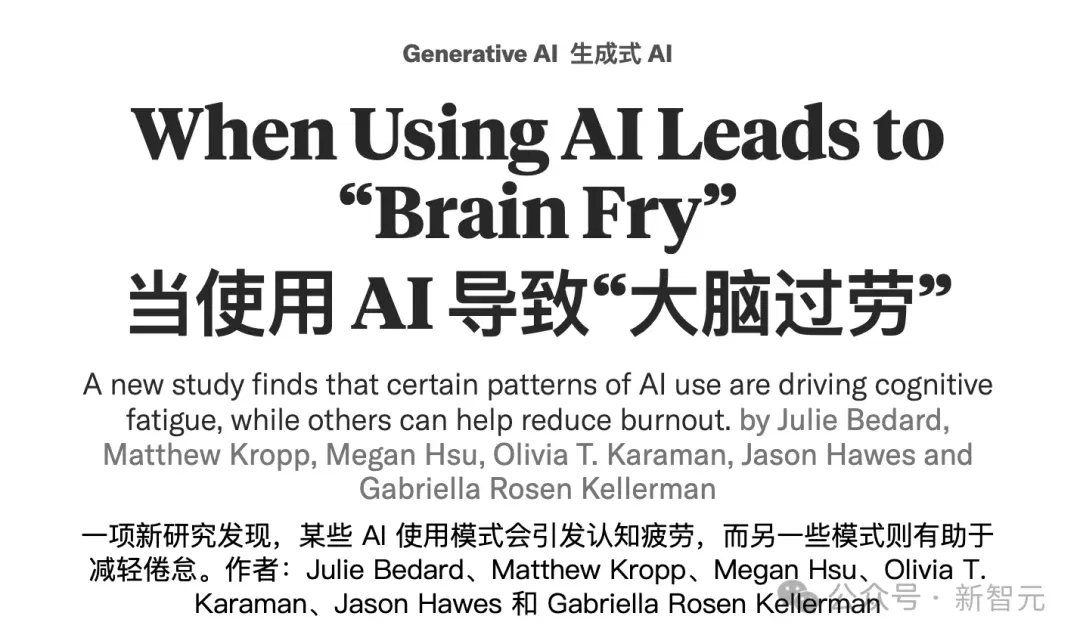
BCG's research published in Harvard Business Review this March calls this fatigue AI brain fry—having your brain fried by AI: the research links intensive oversight of AI tools with cognitive fatigue. In the surveyed employees' self-assessments, productivity scores decline beyond three simultaneously used AI tools. This does not establish the same causal threshold for everyone.
Compute piles up in the cloud, but the attention bill is charged to people.
So the question AI office work most needs to answer now is: as AI becomes more capable, how can people work more comfortably with a whole group of it?
Why can't even three monitors save you?
Over the past two years, the industry's solutions have remained almost entirely trapped in software thinking: too many windows? Build another aggregation app, add another dashboard, or simply line up three monitors.
Anyone who has tried knows this does not work.
Pop-ups have been pointing to the problem all along: they must compete with Feishu, WeChat, and full-screen meetings for the same screen. Three monitors merely replace switching windows with turning your neck.
Ultimately, these approaches all make people seek information. Progress is visible somewhere, but it does not come and call you; you have to keep checking and remembering it yourself.
Has that task finished? Is it stuck on an error, waiting for my decision?
Breaking this pattern requires reversing it: let information find people.
The most direct approach is to lift “status” out of the computer screen and place it on the physical desk.
This suddenly became a lively field in the second half of this year.
In August, a small Vancouver team unveiled the desktop robot Vibe Buddy, with the slogan Keep an eye on your AI, specifically monitoring Codex and Claude Code task status and usage allowances.
In September, major companies entered. Tencent launched an open platform for WorkBuddy with nine co-branded hardware products, including an Anker desktop companion. Alibaba's Qwen Office unveiled the RMB899 desktop robot Eva at the Apsara Conference.
The direction was right, but each major company's hardware recognized its own agents.
Real computers, however, never contain just one provider: Qwen Office runs next to WorkBuddy, while Codex and Claude Code are open in terminals.
The giants have little incentive to build that cross-ecosystem layer.
On October 21, A-share-listed Shifeng Culture (002862.SZ), in Shanghai, unveiled its AI hardware brand Rootix and first device, DeskBuddy, a desktop companion. It officially went on sale for Singles' Day at RMB429.
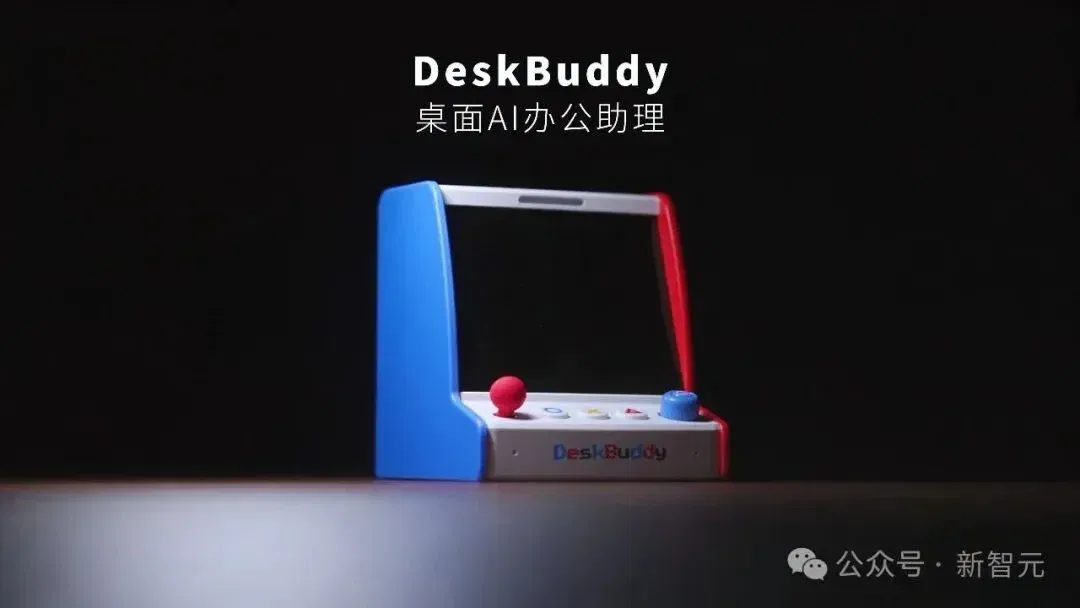
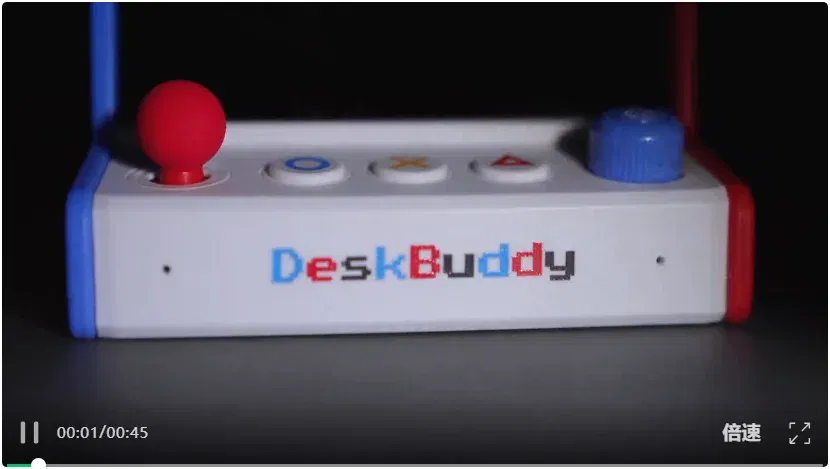
An off-white body, red and blue side panels, a small joystick, and three arcade buttons: it looks exactly like a miniature cabinet transported from a 1990s arcade.
But it is neither a desktop-pet toy nor a smart speaker. Its job is to be a desktop AI office assistant—or, more technically, a multi-agent control panel on your personal desk.
Rather than build large models,
it fills the human-attention layer
For two years, major companies have competed over protocols and foundations: Anthropic's MCP addresses tool connections, Google's A2A addresses agent interoperability, and Microsoft and Chinese tech giants compete on system-level agents.
Yet one piece remains missing from all those architecture diagrams: who manages human attention?
That is the piece DeskBuddy fills.
First comes integration.
Normally, connecting several agents means repeating configuration several times.
DeskBuddy's process is different: tap “Add computer” in the app, copy a passage, and paste it to any agent on the computer. That agent completes the installation itself, then scans the other agents on the machine and connects them one by one.
Having agents wire themselves up is a very agent-like approach.
According to this report, nine tools are currently integrated: Claude Code, Codex, WorkBuddy, Qoder CN, Qoder international, opencode, Qwen Office, Baidu's DuMate, and DeepSeek Harness. At publication, Doubao Work was still planned for integration by the end of the month.
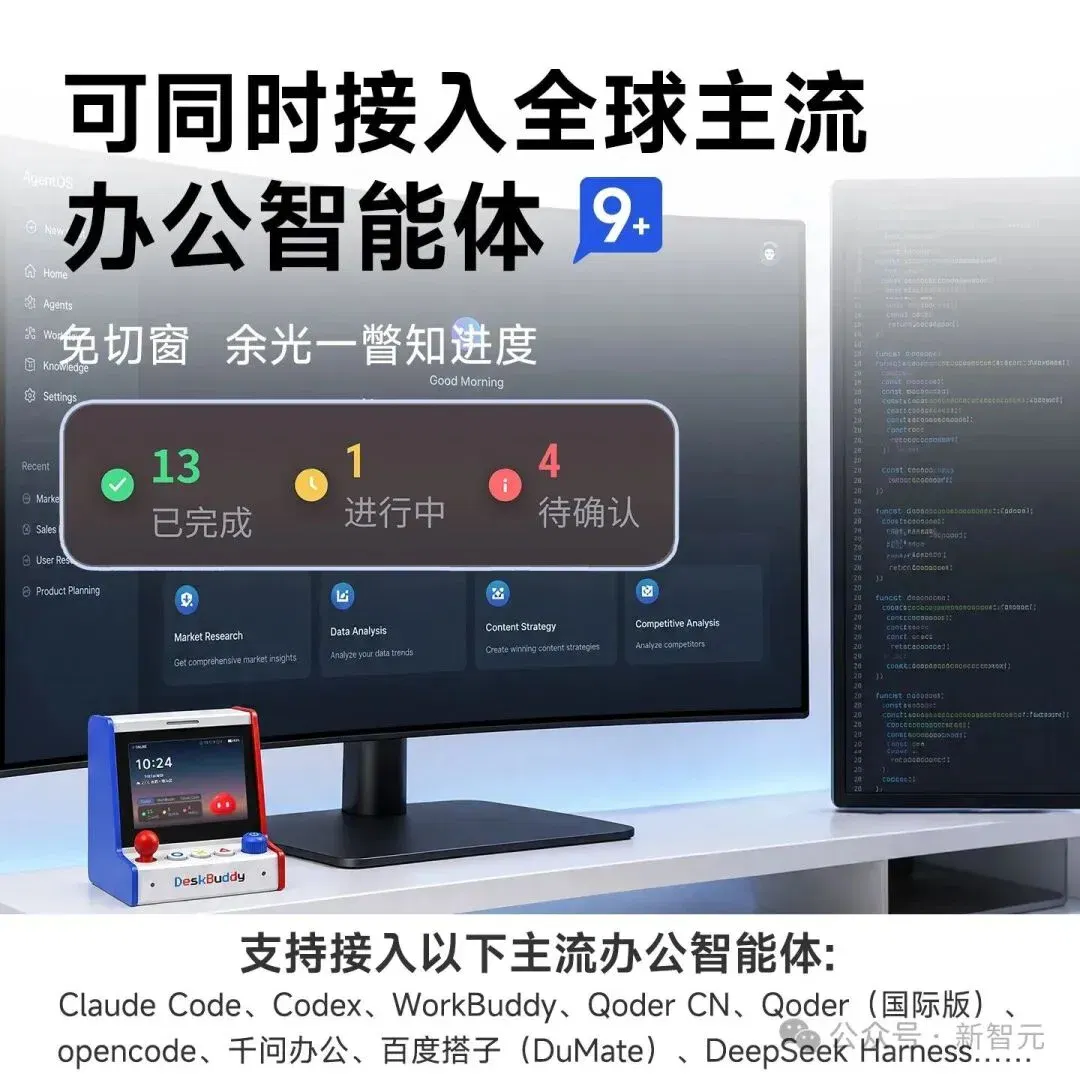
Once connected, it does just one thing: listens in.
It does not wrap these tools in yet another client. Instead, it subscribes to status events through each agent's own hooks, configuration, and MCP channels, mapping them to three common states: running, waiting for you, and finished.
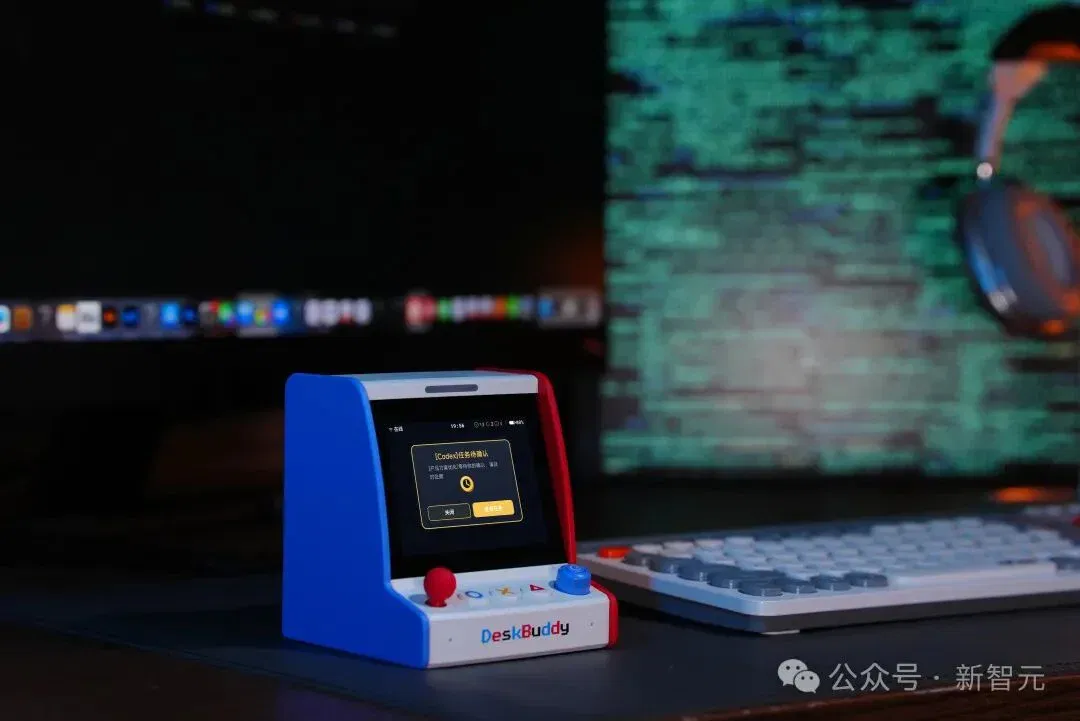
Your existing accounts, network, and workflows stay as they are.
On the desk, progress appears one row at a time on the small display, with a light strip above it: breathing white means running, pulsing orange means your action is needed, and a green flash means finished. Your hands stay on the keyboard; a peripheral glance is enough.
Second, no window switching.
Say: “Buddy Buddy, have my WorkBuddy make me a résumé.”
A new “running” row appears on the little screen. Soon, WorkBuddy asks for more information. Instead of waiting in some computer window, the follow-up appears directly on the device. Answer there, and the task continues.
For these “waiting for a word from you” moments, DeskBuddy offers two modes, switchable in the app.
In manual mode, every pending confirmation goes to the small screen for your decision.
One interaction I particularly like: AI is writing the weekly report, and the screen presents a multiple-choice question—organize it by project, by time, or by priority? Push the joystick, choose A, and you are done.
In automatic mode, you first define the permission scope in the app. It handles confirmations inside that scope itself, letting background tasks run through; anything outside it still waits for you.
Marking AI's work with an arcade joystick looks amusing, but the logic is sound: I draw the line between what need not ask me and what must.
The agent implementation guidelines issued by three government departments this May also seek to clarify that line: the boundaries between personal decisions, delegated decisions, and autonomous agent decisions.
Away from the desk, the mobile app provides the same entry point: check outputs, add requirements, approve requests, or directly assign new work to Claude Code and Codex on your computer, without installing a collection of separate providers' apps on your phone.

According to the vendor, DeskBuddy keeps conversations and code documents locally, encrypts transmission, and allows a separate app password. This is the product's data-handling claim, not independently verified in this article. Connected third-party agents and their cloud services must still be assessed separately; this does not establish that all data remain on the device.
Rootix also plans to open-source its underlying notification protocol in Q4, exposing the data boundaries for everyone to inspect.
When everyone's companion joins the same group,
removing the most expensive messenger
So far, we have been talking about one person and a desk full of agents.
What Rootix particularly wants to show us is the already-launched Team Agent (multi-agent group collaboration).
This is the little machine's most ambitious feature.
Put simply, the OpenAI system at the beginning also means “agents joining the group”: Codex posts investigation results to Slack threads, and people are flooded with messages.
The challenge has never been getting agents into a group. It is the three questions afterward: who can direct it, whose permissions does it use, and who reads the screens full of messages it generates?
Most earlier group bots were shared: anyone could @ them, and they used one common set of permissions. Too many permissions felt unsafe; too few prevented useful work.
Team Agent takes another approach: the group contains each person's own counterpart. It runs on its owner's computer and works in the owner's environment. Others can @ it with requests, but only the owner decides on actions beyond its permission boundary.
Consider a concrete example.
Three colleagues in a development group each bring an assistant: a front-end helper backed by the developer's Claude Code, a back-end helper backed by Codex, and a testing assistant.
The product manager @s the front-end helper in the group: add an “unfinished only” filter button to the to-do list, remember the selection in localStorage, and add a sentence to the README.
Four details follow.
The process is public. The front-end helper begins work on Wang Lei's computer. The files read and lines changed appear in the group in real time. Nobody needs to chase progress updates.
Permissions follow the person. When it reaches git commit, that exceeds its “workspace writable” permissions. An approval card appears in the group, and only Wang Lei himself can click “Approve.”
Delivery can be checked on the spot. After the edit, it starts the local service and returns a preview card. Colleagues open it, try the filter, and reply, “The interaction works.”
Assistants respect boundaries with one another. The back-end helper glances at server.js, spots a potential path-traversal vulnerability, and reports its conclusion in the group without changing someone else's code.

The Rootix team summarizes the principle in one sentence: information enters the group; permissions do not.
The engineering follows the same boundary: the server does not handle keys or code, each computer's daemon makes outbound connections only, and group-collaboration capabilities are exposed to the agents through MCP.
Which part of the chain does it change?
Previously, the product team stated a requirement, a developer understood it and relayed it to their AI, and after AI finished writing, the developer posted a screenshot to the group for alignment. On those two trips, people were merely translating—from human language to AI and back from AI to humans—without adding any judgment.
Now requests go directly to the agent. Even group messages that do not @ it are passed along as background, so earlier discussion need not be repeated. When uncertain, it asks people a multiple-choice question in the group.
People appear at just two points: approval and acceptance.
The process keeps rolling in the group. When it is your turn to decide, the light at the corner of the desk comes on.
From one person's desktop assistant to collaboration among everyone's counterparts, the logic is the same: leave the process to AI, while people retain the decisions that are theirs to make.
“1 + X”: personality keeps it on the desk
Finally, the appearance. Why should a control panel managing a desk full of AI look like a retro mini arcade?
Rootix calls it “1 + X.” The 1 is aggregated multi-agent management, providing functionality; X is personalized desktop companionship, providing emotional value.
I would rather translate that as “job + personality.”
For personality, a little red bean originally lives on the display: Buddy, Rootix's own character.
A colleague takes a little God of Wealth figurine with an NFC sticker and places it on top. The red bean instantly becomes the God of Wealth, with its manner of speaking, voice, and animation changing too.

That red bean can become any character you like. The machine comes with blank NFC stickers. Put one on any figurine you own, then use the app to write its personality, choose its character and voice, or upload a voice recording of your own.

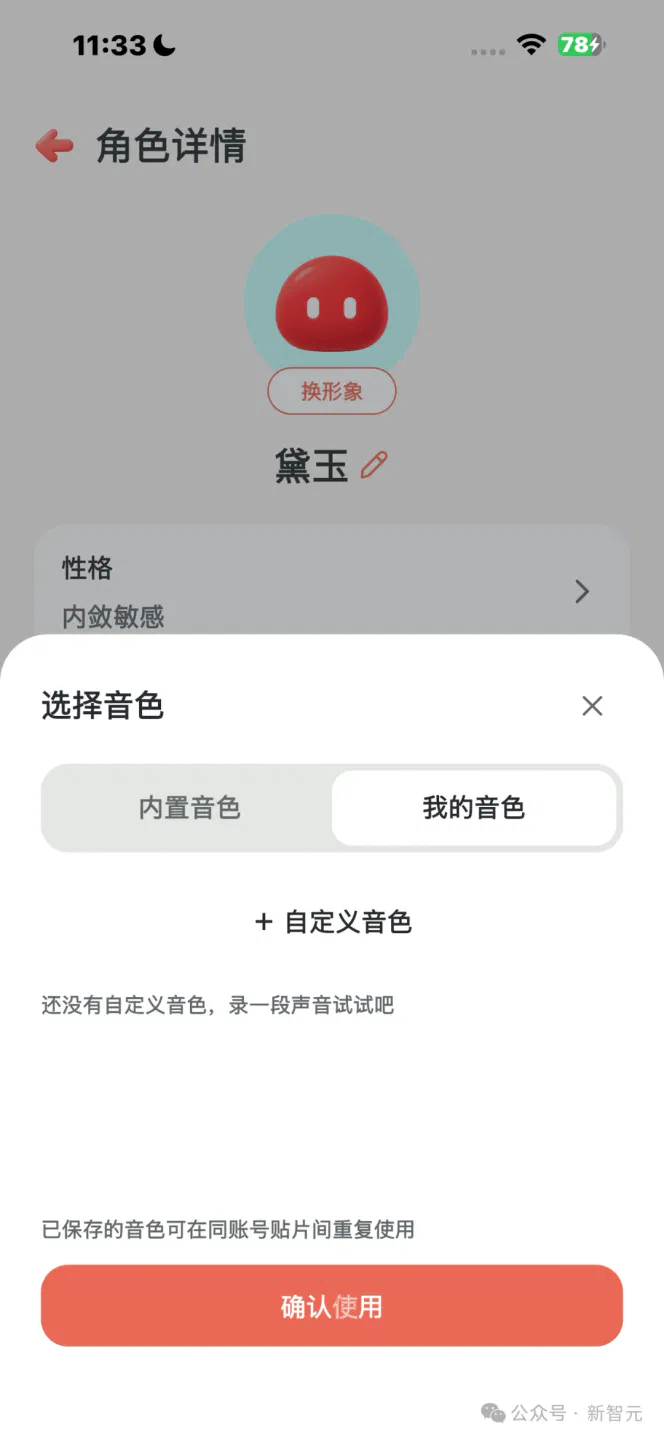
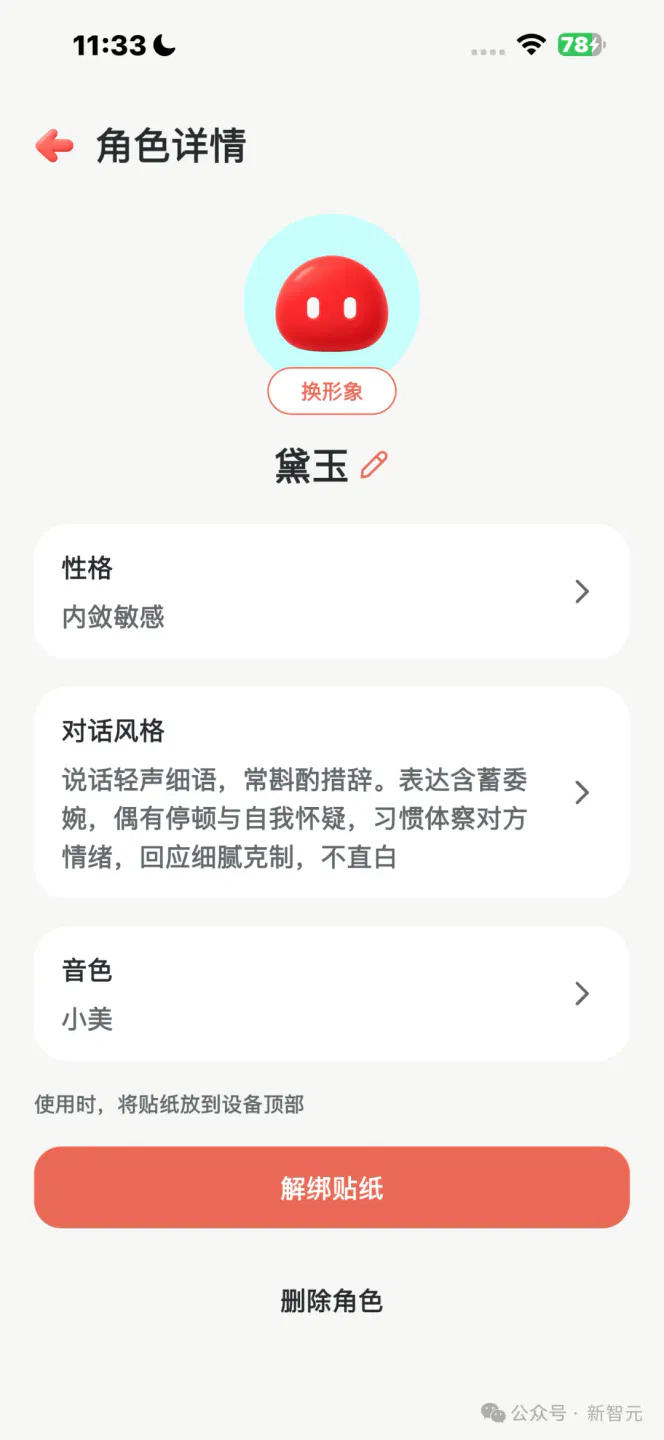
It is like keeping a desktop pet you created yourself at your workstation. A different mood every day from Monday to Friday is fine too.
Change characters as you please; the “1” stays the same. Claude Code and WorkBuddy remain monitored as before.
Most cute AI designer toys cannot escape being a novelty for three days and gathering dust on the fourth, because they are not tied to frequent workflows. Yet nobody wants a cold, bare development board in front of them every day either.
The job gives it something to do daily; the personality makes you want to keep it in view.
When work stalls, play a few rounds of Snake with the joystick, or connect Bluetooth and use it as a small speaker. Sync DingTalk and Feishu calendars, and it lights up before meetings and reminds you to drink water when the time comes.
That is the order meant by “emotion-aware office work”: first help you miss one fewer confirmation and suffer fewer interruptions, then offer a little support for the fatigue of working late alone.
On the late-2026 AI desktop hardware landscape, DeskBuddy occupies the gap between major companies' RMB899 robots, screenless voice controllers costing RMB200–300, and open-source mini displays requiring you to assemble the parts yourself. It costs RMB429, works out of the box, and connects nine mainstream agents in one device.
Over the past two years, the industry has grown accustomed to grading AI by parameter count, leaderboard scores, and concurrency.
Today, the new measures worth putting on the table are simple: after adopting AI, how many fewer times do you switch windows each day? How many fewer requirements must you relay? Can you leave work on time?
OpenAI can build a dedicated system to protect engineers' attention. Ordinary people do not have that option.
Mark Weiser, the father of ubiquitous computing, said that the most profound technologies disappear.
But in the multi-agent era, the best collaboration entry point should not hide in the cloud or crowd across multiple screens.
It should sit quietly at the corner of your desk, visible at a glance and responding when called. Rather than competing for your attention, it should help gather its scattered fragments back together, little by little.
This article is from Xinzhiyuan, by Xinzhiyuan.
Related topics
After reading
Join the AINRK community
Read how to join the community and connect with people working in AI.
Related articles
Continue reading related topics and articles in this category.
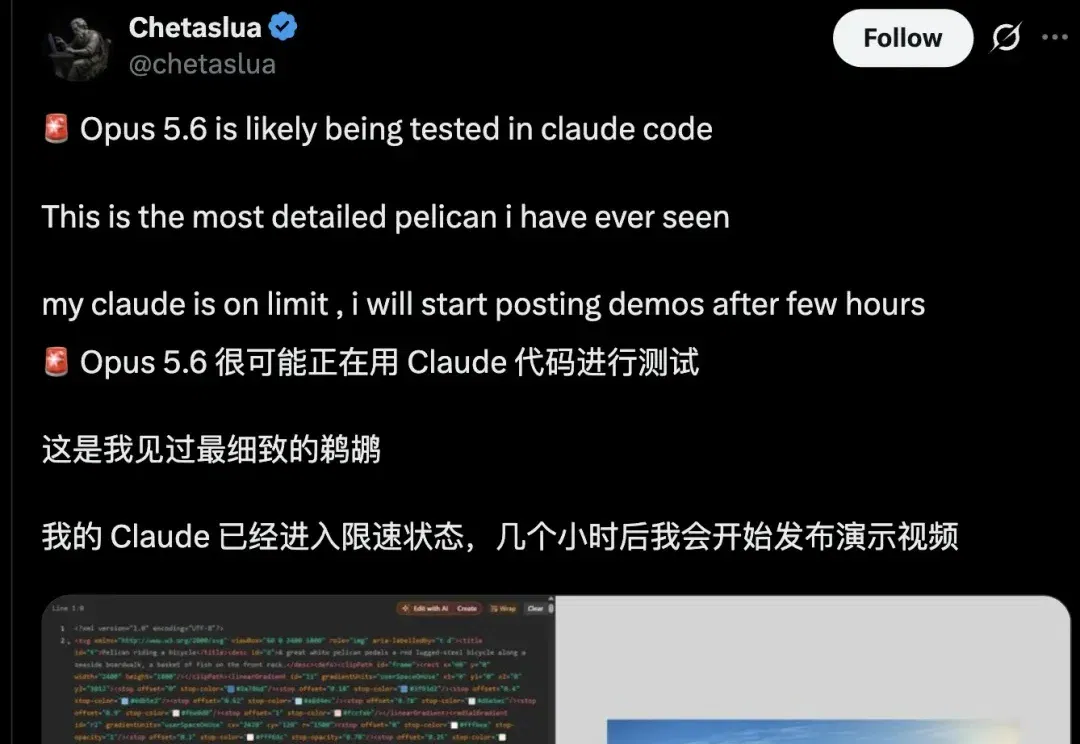
Users Claim Possible Opus 5.6 Routing; Visual Demos and Speed Impressions Remain Unverified (opens in a new tab)
Users say a suspected Opus 5.6 backend is appearing through Opus 5.5 Extra, sharing visual, frontend and 3D demos and reporting two- to threefold efficiency gains. Model identity, testing conditions and release plans await official confirmation.

Alpöge says “250,000 pages” was a joke, addresses Riemann-proof code criticism (opens in a new tab)
Levent Alpöge says the “250,000-page” proof was a joke and acknowledges redundant, low-quality Lean code in his work with Claude. He argues that its ideas should lead to a more natural, concise mathematical framework; code quality and formal correctness remain distinct.

Lean and Mathlib Communities Confirm the Alpöge–Claude Formal Proof of the Riemann Hypothesis (opens in a new tab)
The Lean and Mathlib community says Alpöge and Claude's formal RH statement and proof passed verification. The article covers four checks, independent kernels and Robin's criterion; mathematical interpretation continues, while P versus NP and algorithmic implications remain speculative.

Alpöge and Claude’s Riemann Hypothesis Proof Verified; Masullo’s Draft Still Needs Revision (opens in a new tab)
Lean and Mathlib have verified Alpöge's classical Riemann Hypothesis statement and proof. MIT's generalized results cover Dirichlet L-functions; Masullo's separate draft still needs revision. Alpöge describes the work as a collaboration with Claude.

Alpöge and Claude release a Lean proof of RH; the Lean community confirms verification (opens in a new tab)
Alpöge and Claude released a Lean proof of the Riemann Hypothesis, subsequently verified by the Lean and Mathlib communities. The report traces their collaboration and theta-lift approach; the verified GRH results are limited to Dirichlet L-functions.