Oh My Hermes adds model routing, task orchestration and verification states to Hermes
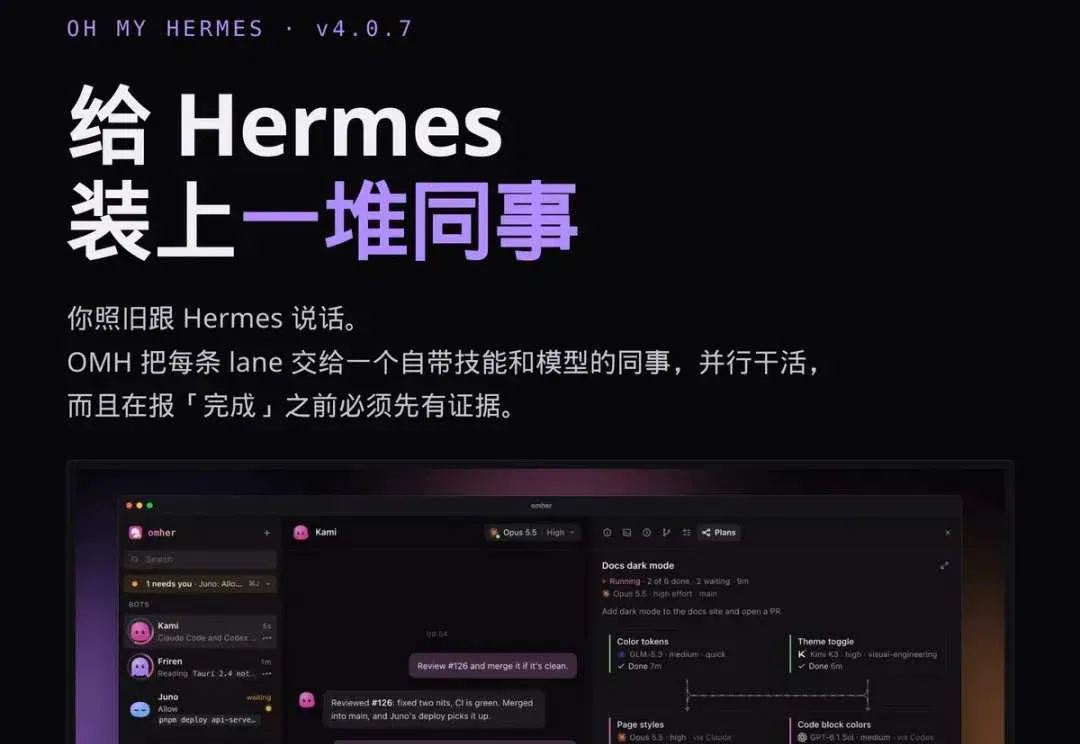
The independent open-source project configures model chains and skills by task type and shows desktop and terminal workflows. Users still manage model quotas, parallel costs and verification evidence.
The conclusion first
Oh My Hermes (OMH) is neither a new model nor a replacement for Hermes. It is a runtime layer added on top of Hermes Agent. You keep talking to Hermes as usual; it splits each job into several lanes and assigns each a colleague "equipped with skills, a model and a reasoning level" to work in parallel.
Three particularly practical designs: a model chain for each of 18 work categories, 153 expert skills selected by the router itself, work does not count as done until verified. MIT-licensed, 5.4k stars, currently v4.0.7.
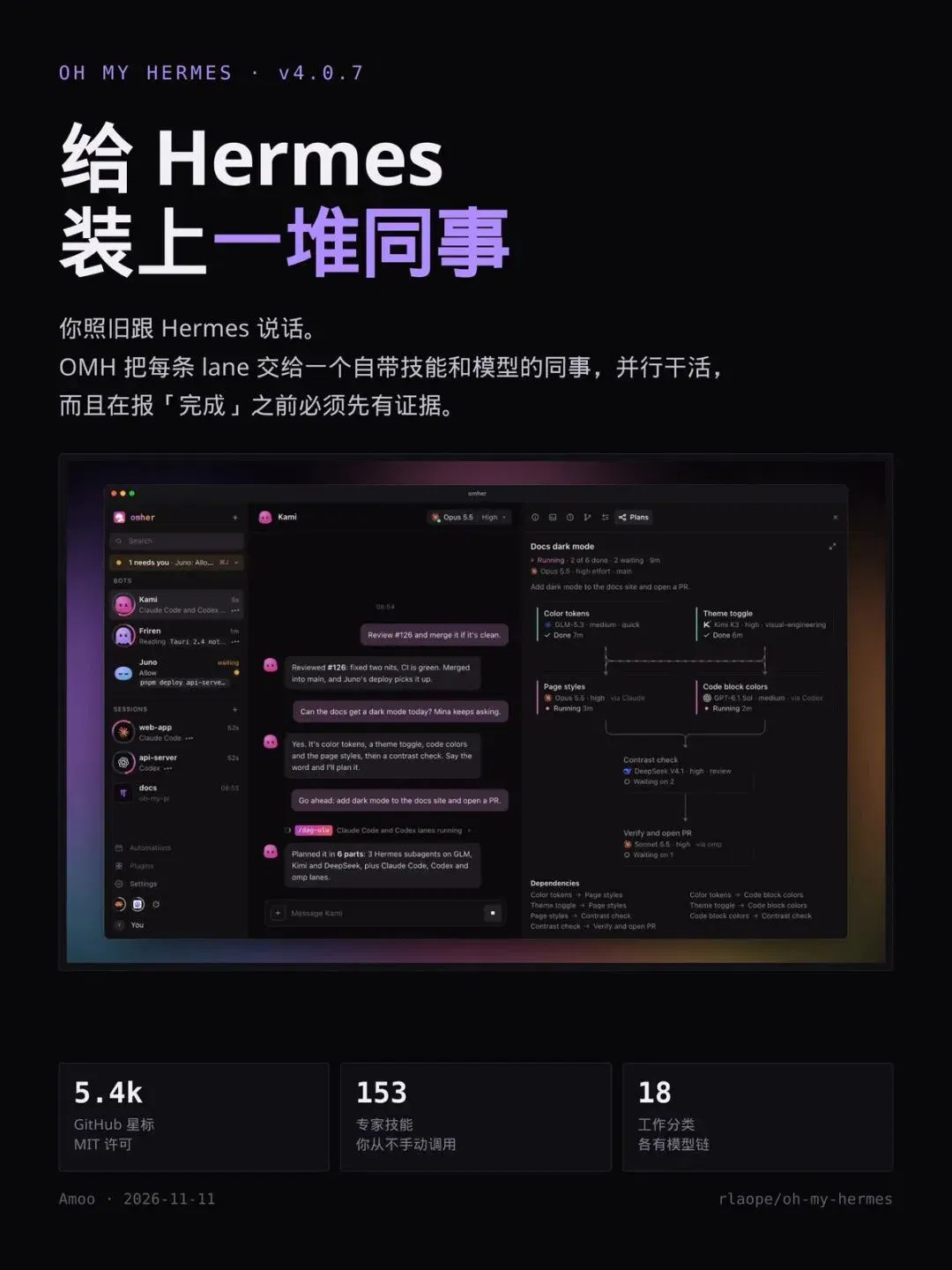
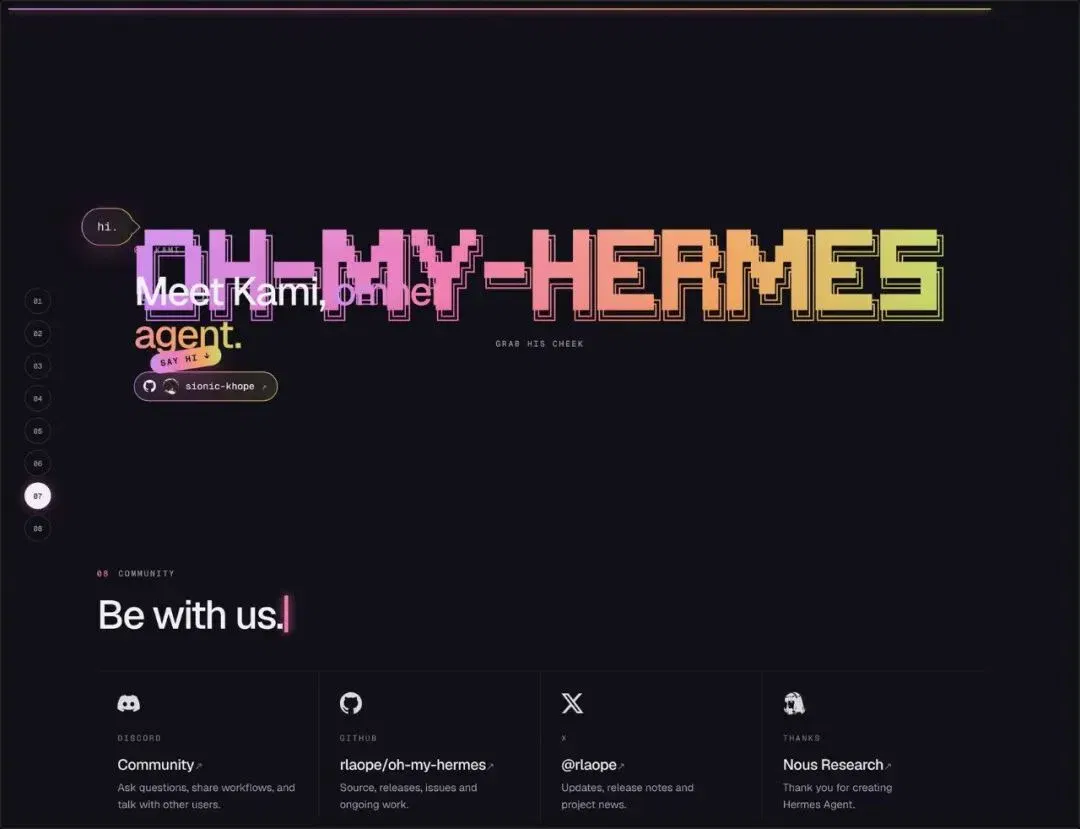
This is what the website's first screen looks like
Its one-line positioning statement appears in the most prominent spot: The ultrawork agent with AI coworkers wired into you (an ultrawork agent that connects AI colleagues to your workflow).
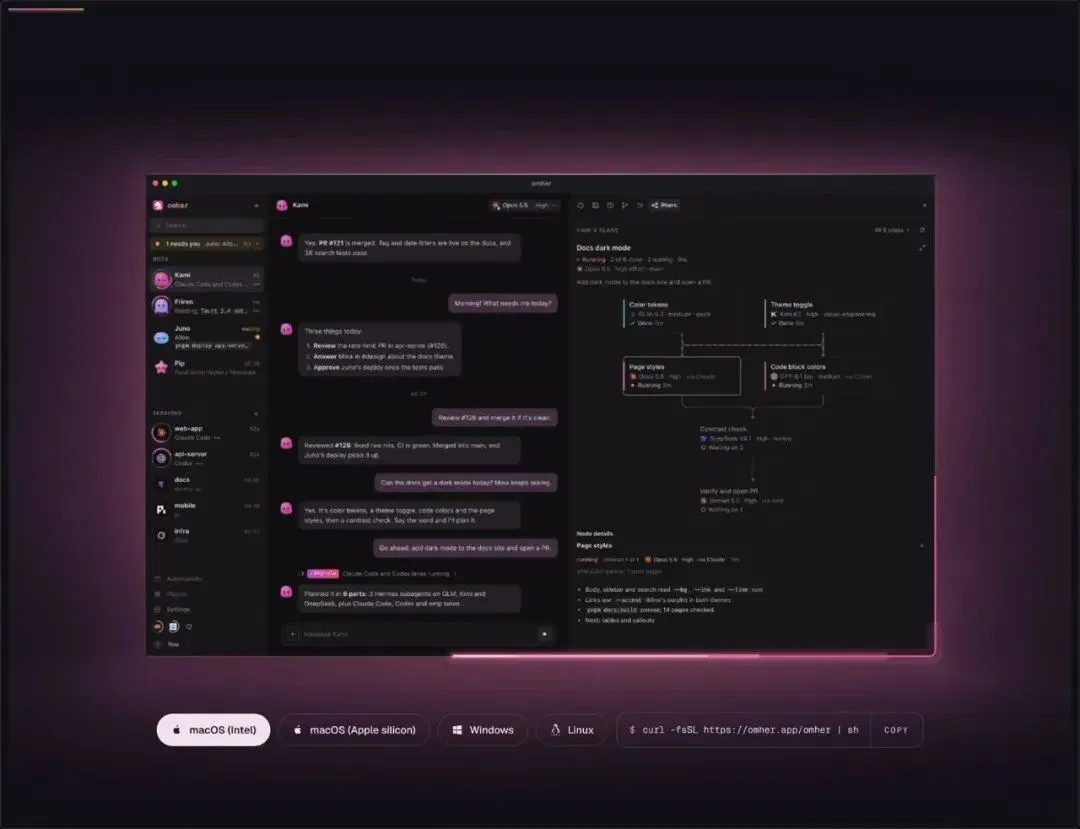
Installation commands appear directly below, with one-click installation for four operating systems. Below that is a whole row of integrated models—OpenAI, Claude, Gemini, Grok, Kimi, DeepSeek, GLM, Qwen, MiniMax, Doubao, Hunyuan, StepFun, OpenRouter, Bedrock and more, nearly thirty providers in all.
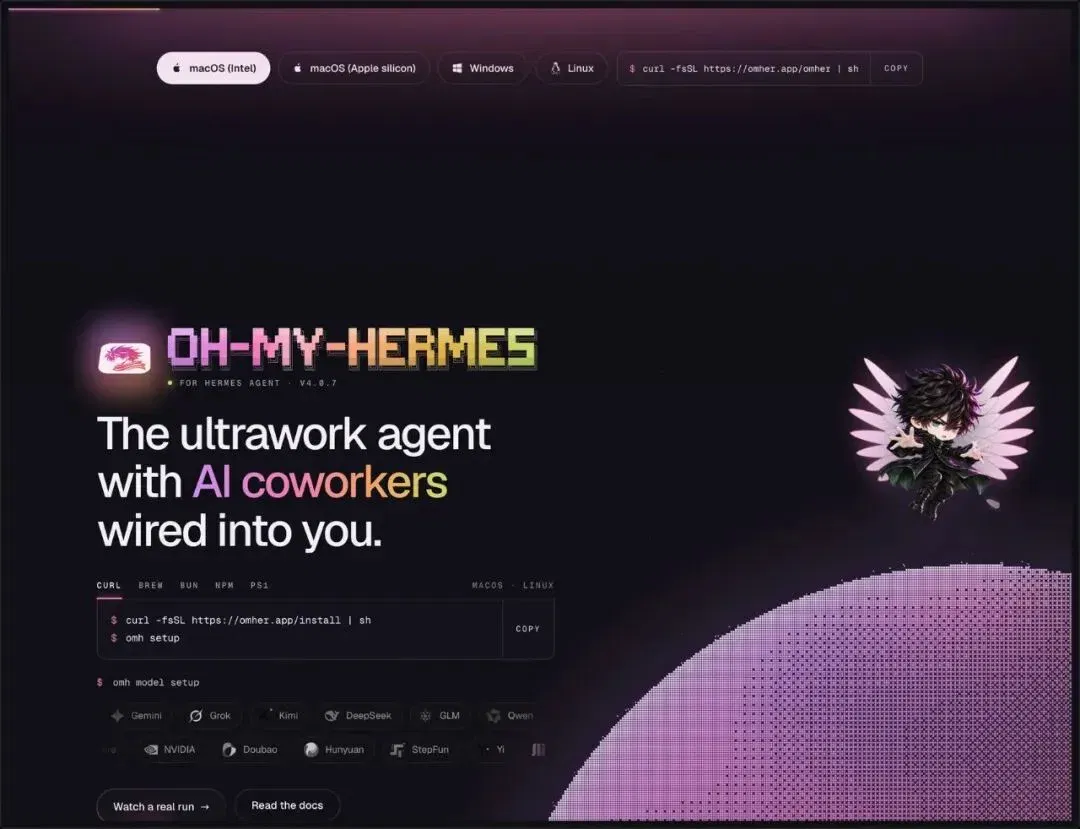
Desktop: all your colleagues in one window
The desktop app is the most immediately visible part of this release. On the left are bots and sessions—Kami, Friren, Juno, and sessions running in Claude Code, Codex and oh-my-pi. Chat occupies the middle. On the right are shards of the current task: "2 of 6 done, 2 waiting," with each shard labeled by the responsible model and execution status.
In one window, you are both chatting with someone and watching engineering progress.
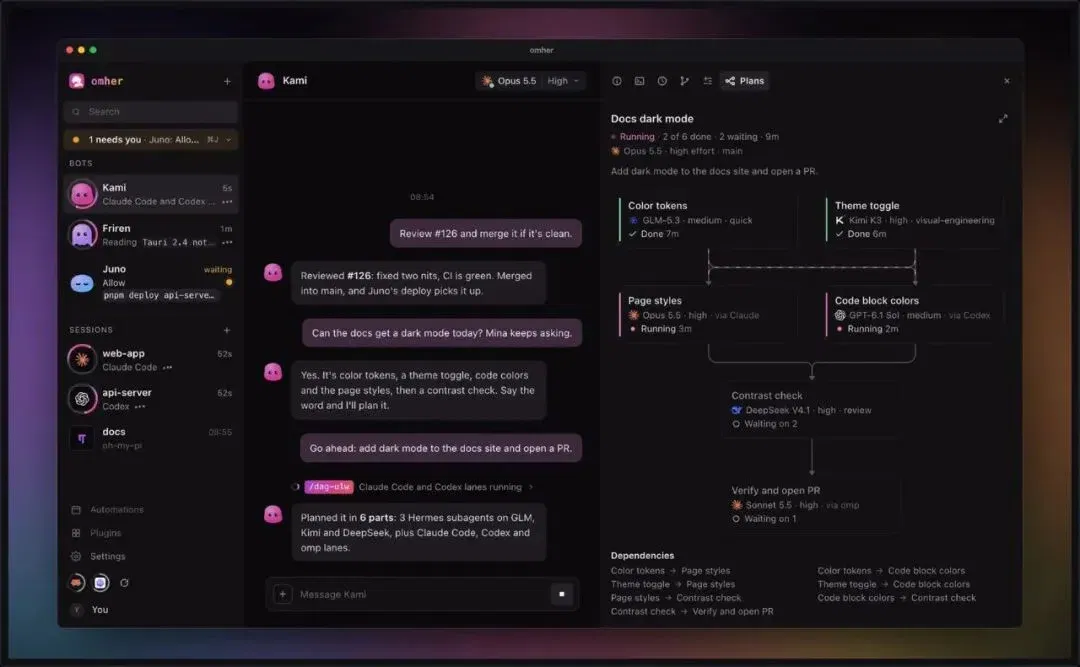
The desktop has another character: Kami. The website gives it a dedicated section where you can customize its face. The README also lists it as a collaborator, alongside Friren, having performed some actual development work. In projects like this, genuinely putting AI colleagues on the contributor list is more convincing than mentioning them in promotional copy.
What it actually does
Three things.
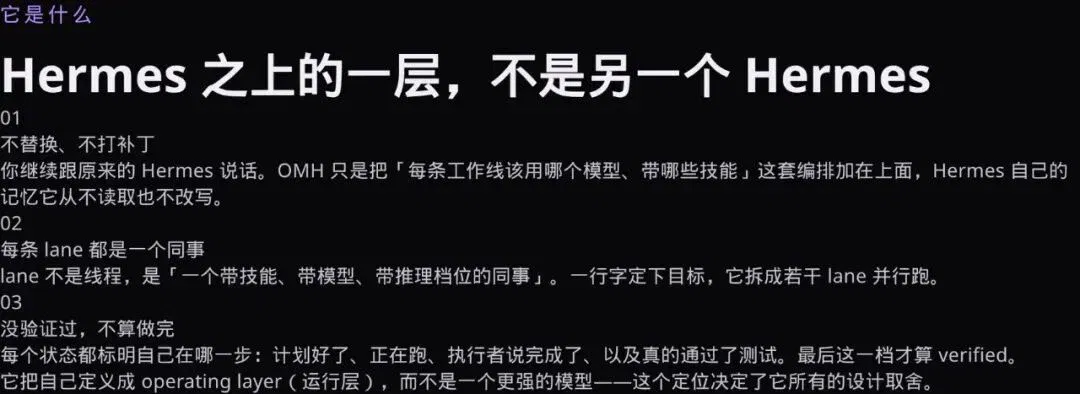
No replacement or patching. You keep using the original Hermes. OMH adds only the orchestration of "which model and skills each lane should use." It never reads or rewrites Hermes's own memory.
Each lane is a colleague. A lane is not a thread; it is "an execution unit with skills, a model and a reasoning level." State the goal in one sentence, and it splits it into several lanes to run in parallel.
Unverified does not count as done. Each status explicitly identifies the current stage. Only the level where tests, review or CI have actually run counts as verified.
The website's wording captures it best
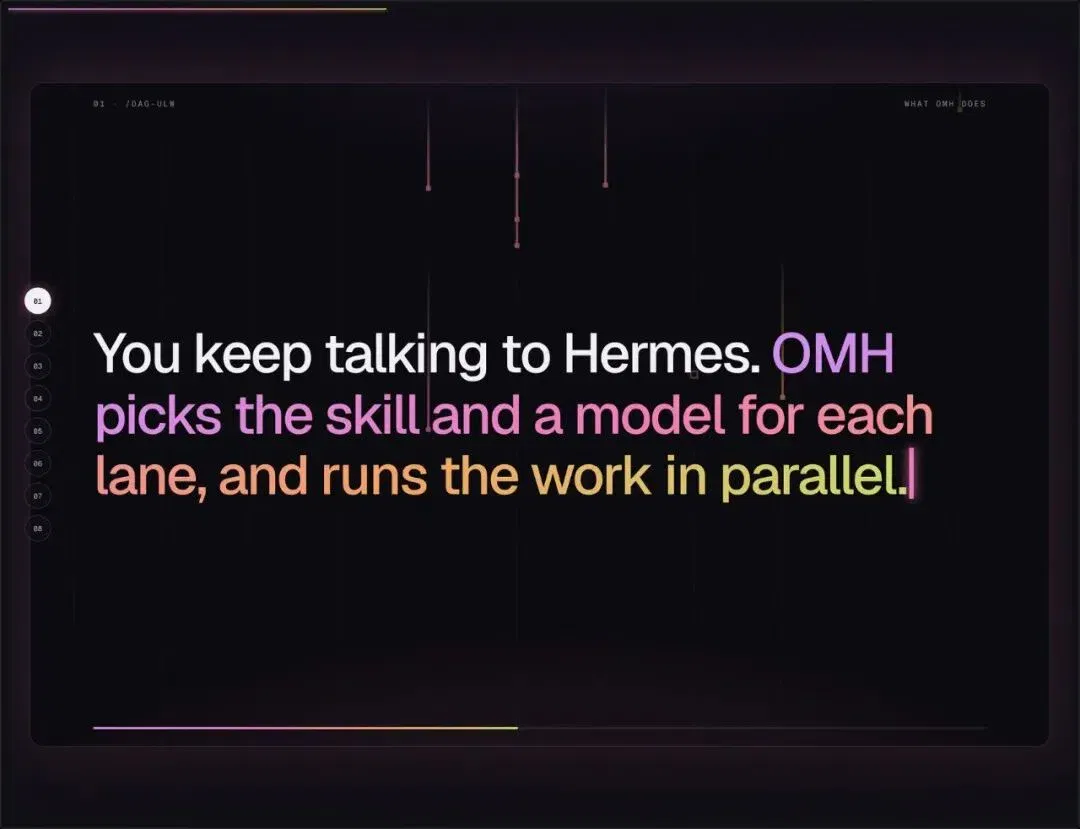
"You keep talking to Hermes. OMH selects a skill and a model for each lane, then gets the work done in parallel."
That sentence explains its entire product philosophy: keep the entry point, change the internal architecture. You need not learn new syntax or move your workflow into a new tool; it hides the complexity underneath.
It did not invent the concept
The term ultrawork comes from OmO (oh-my-openagent), by code-yeongyu. OMH brings the concept to Hermes: an ultrawork workflow previously tied to a particular agent becomes a general layer that can run on top of Hermes.
The underlying Hermes Agent is made by Nous Research. OMH explicitly describes itself as an independent, unofficial upper layer, MIT-licensed and unaffiliated with either Anthropic or OpenAI.
The core command: /dag-ulw
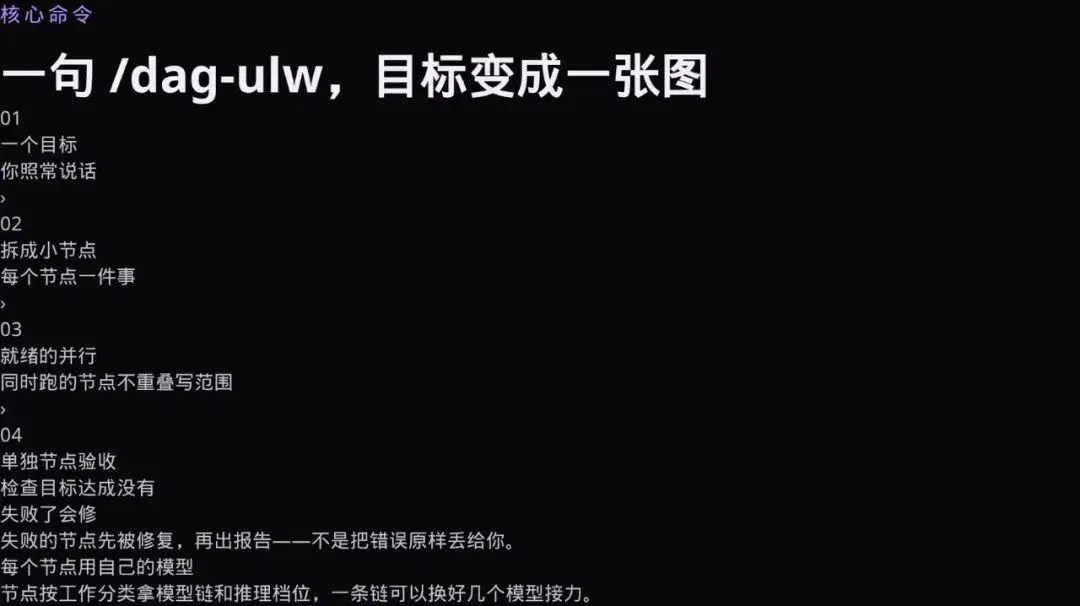
Just one word. Type it, and your goal becomes a graph: it is split into small nodes, ready nodes run in parallel, and each uses its own model and reasoning level. Concurrent nodes are ensured not to share a write scope, so they do not interfere with each other.
After execution, a separate node specifically checks whether the goal was achieved. Failed nodes are repaired before the report is produced, rather than simply passing the errors back to you.
This is what the graph looks like
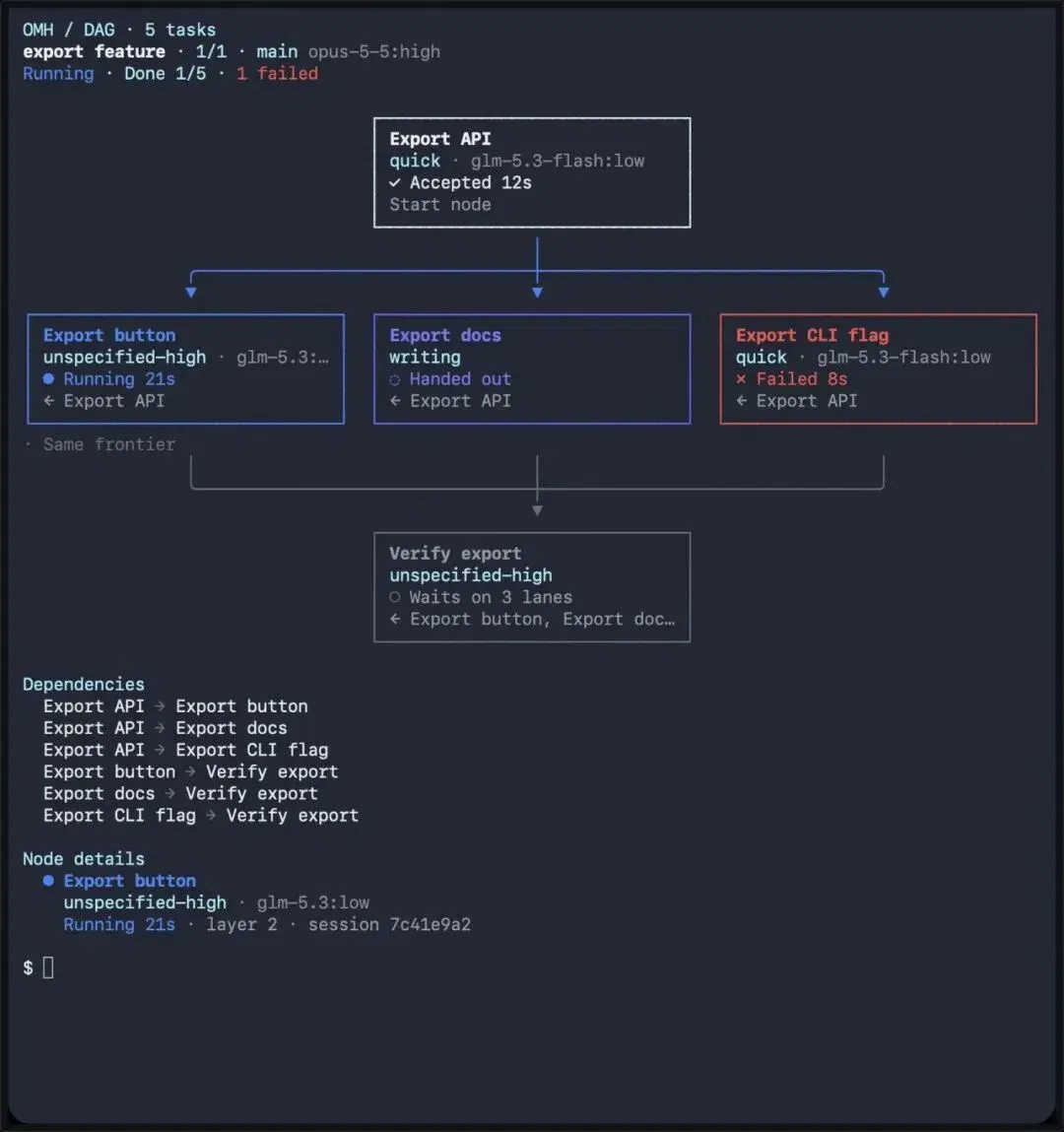
This is its own screenshot: DAG · 5 tasks. An Export API splits into three parallel branches—button, documentation and CLI arguments—before they converge on Verify export.
Each node's status and elapsed time appear on the right, with complete dependencies listed below. You can immediately see which branch finished and which failed.
The lane tree: each lane's model and tokens
Once running, this lane tree appears. Each lane shows its model, reasoning level, token consumption and current status.
This makes "parallelism" observable for the first time: instead of money burning simultaneously inside a black box, every lane is laid out for you.
This also explains the emphasis on "no shared write scope." The most likely parallelism failure is not slowness, but two nodes editing the same file simultaneously, with the last overwriting the other. Separating write scopes is a prerequisite for parallelism, not an optional optimization.
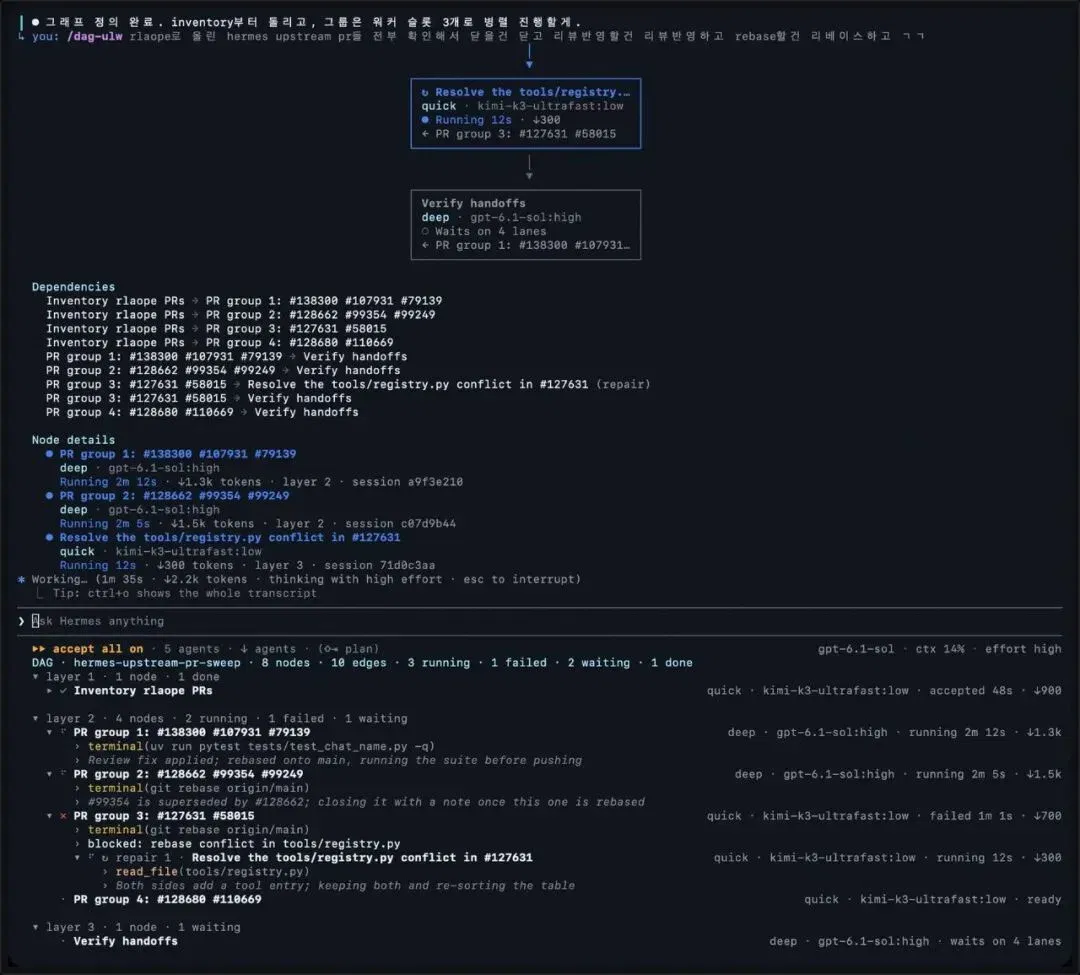
Beyond these, the README has three easily overlooked capabilities.
LSP in the loop. Definitions, references and renaming come from a language server rather than text search. Aliases, re-exports and shadowed variables with the same name are changed semantically, not by string matching. This is off by default; in the plugin settings, enable lsp_tools.
Auditable long-term memory. Nothing is secretly remembered. Every candidate memory is retained, rejected or deferred, each with a written reason. The next session receives a recall package ranked by task and trimmed to a token budget.
OMH Native. Type omh directly to open its own TUI, running on Hermes's gateway. /dag-ulw first prints the box-drawing graph, then a live lane tree with each lane's model, reasoning level and tokens. Use ! to run a one-line shell command; Esc Esc steps back.
Eighteen categories, each with its own model chain
This is its most counterintuitive design: instead of choosing one model globally, models are selected by work category.
ultrabrain (deepest reasoning) uses Fable 5.2 → Opus 5.5 → Kimi; quick (short tasks) uses GLM 5.3 Flash → GPT-6 Luna → Haiku; review (critique with a different model) uses GPT-6.1 Sol → Opus 5.5; swarm (multiple-worker sharding) uses DeepSeek Flash → GLM Flash.
The key phrase is No silent downgrade: when a provider refuses a model, the chain moves to the next one rather than silently substituting something cheap.
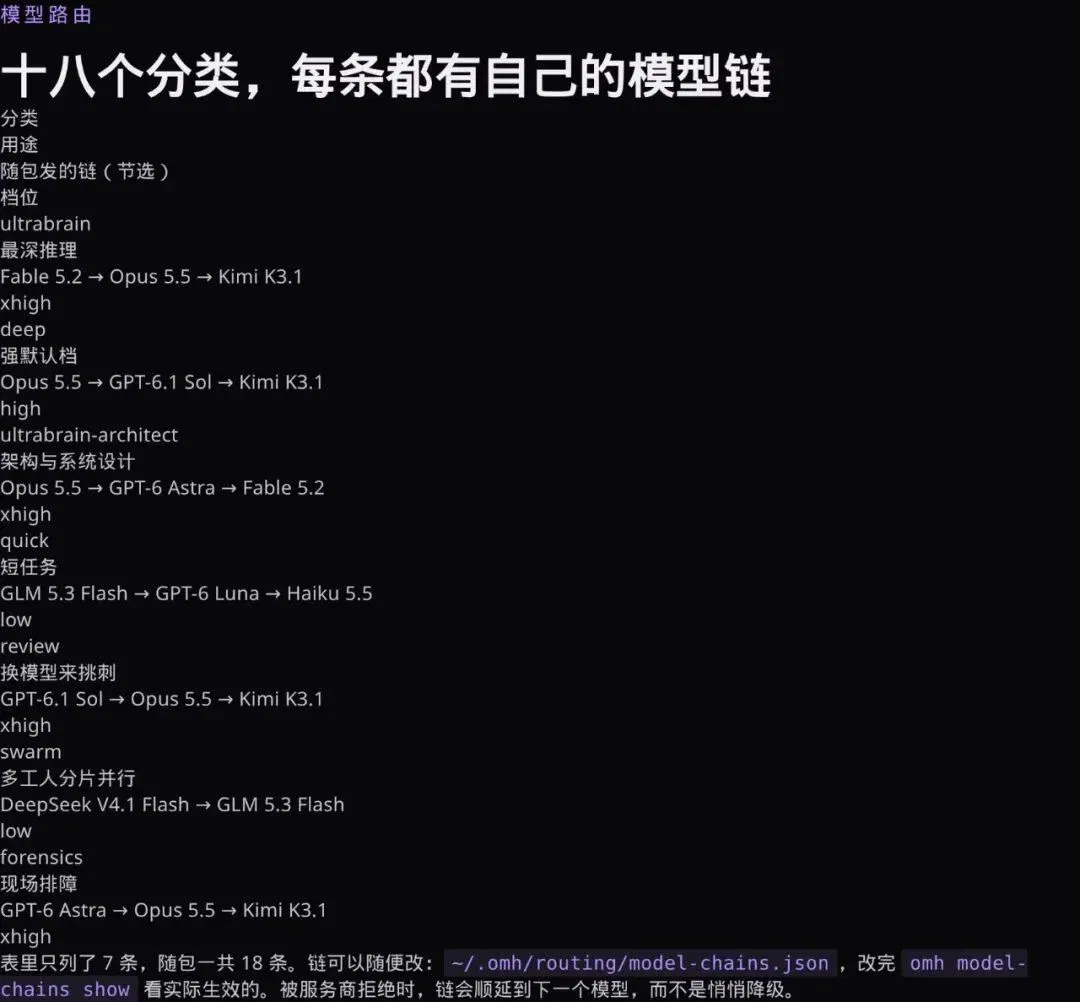
The chains can be changed
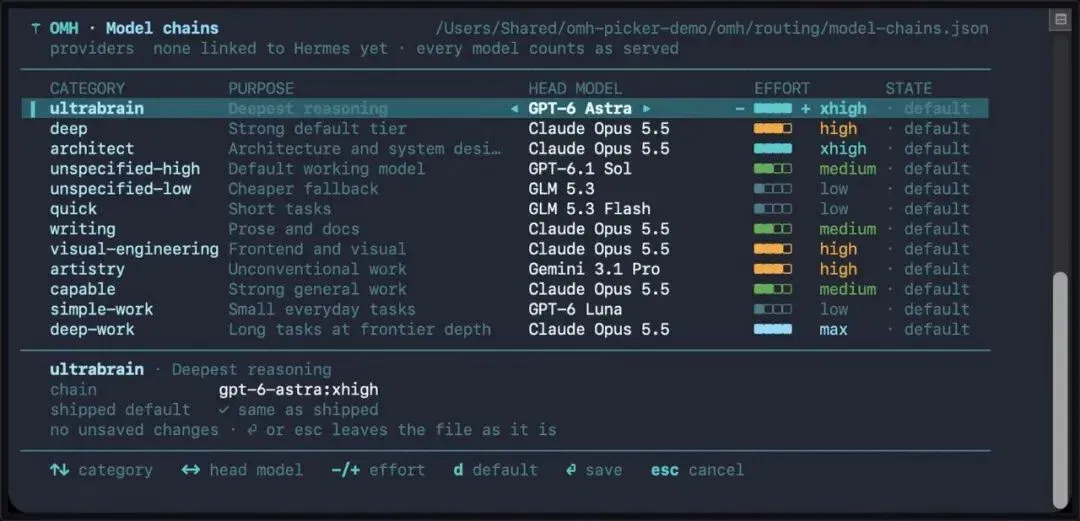
~/.omh/routing/model-chains.json is where you edit them; afterward, run omh model-chains show to see the configuration actually in effect.
The command line also has a selector: arrow keys choose categories, left and right change the primary model, and plus and minus adjust the reasoning level. Both the desktop and TUI support adjustments.
One more layer: why "routing by category" is easier than "manually choosing a model."
In real work, the same job needs different models at different stages. Coding needs strong reasoning; copywriting needs linguistic feel and consistency; visual work needs another set of aesthetic judgments; long tasks need a model that can sustain the context. Manual selection makes you reconsider at every step. Category routing turns that judgment into a template in advance; you change the chain only when the result is wrong.
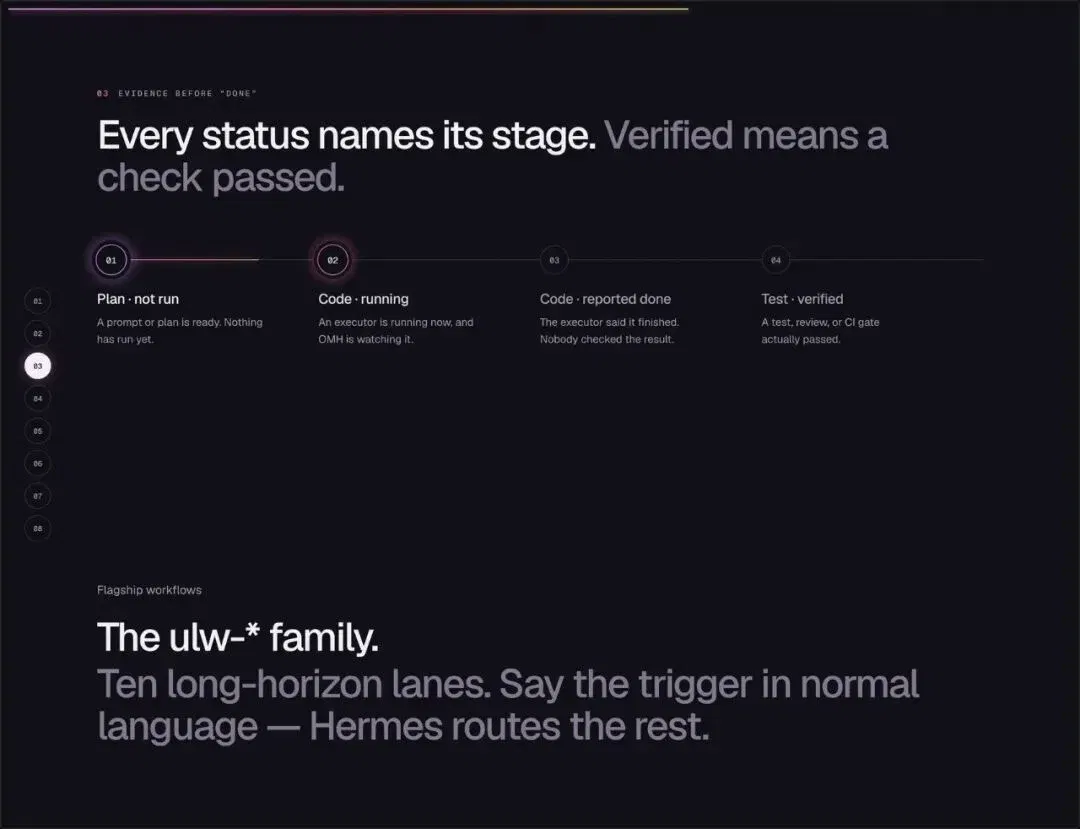
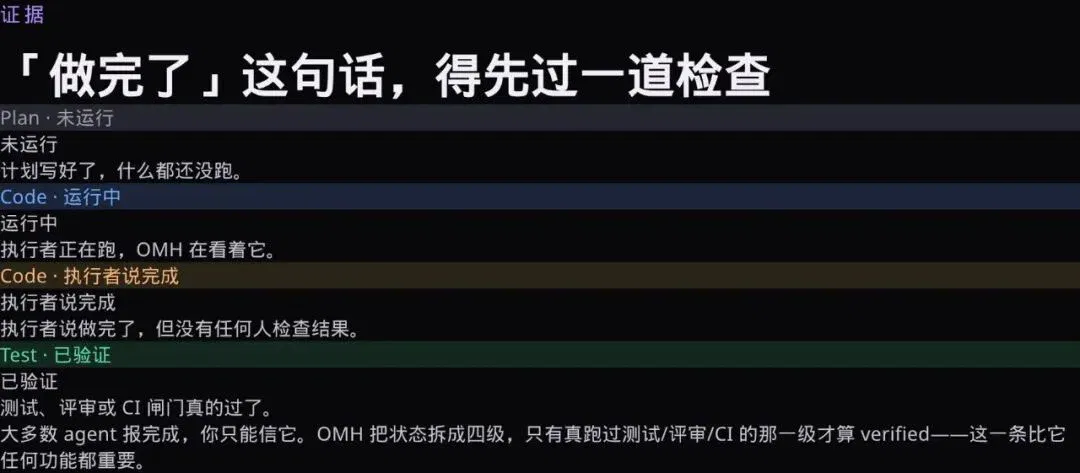
"Done" is split into four levels
To me, this is the most valuable part of the whole project.
Plan · Not run: the plan is written, but nothing has run. Code · Running: the executor is working. Code · Executor says done: it says it is finished, but no one has checked. Test · Verified: tests, review or CI have actually passed.
When most agents report completion, you can only take their word for it. This separates "who said so" from "whether it was checked."
Why this matters more than the feature list
Because an agent's most common failure is not being unable to do the work, but doing it without achieving the outcome and still saying it succeeded.
OMH turns this into a state machine. At any point, you know which level progress has reached and roughly whether to trust it. If you build your own pipeline, this design can be copied directly.
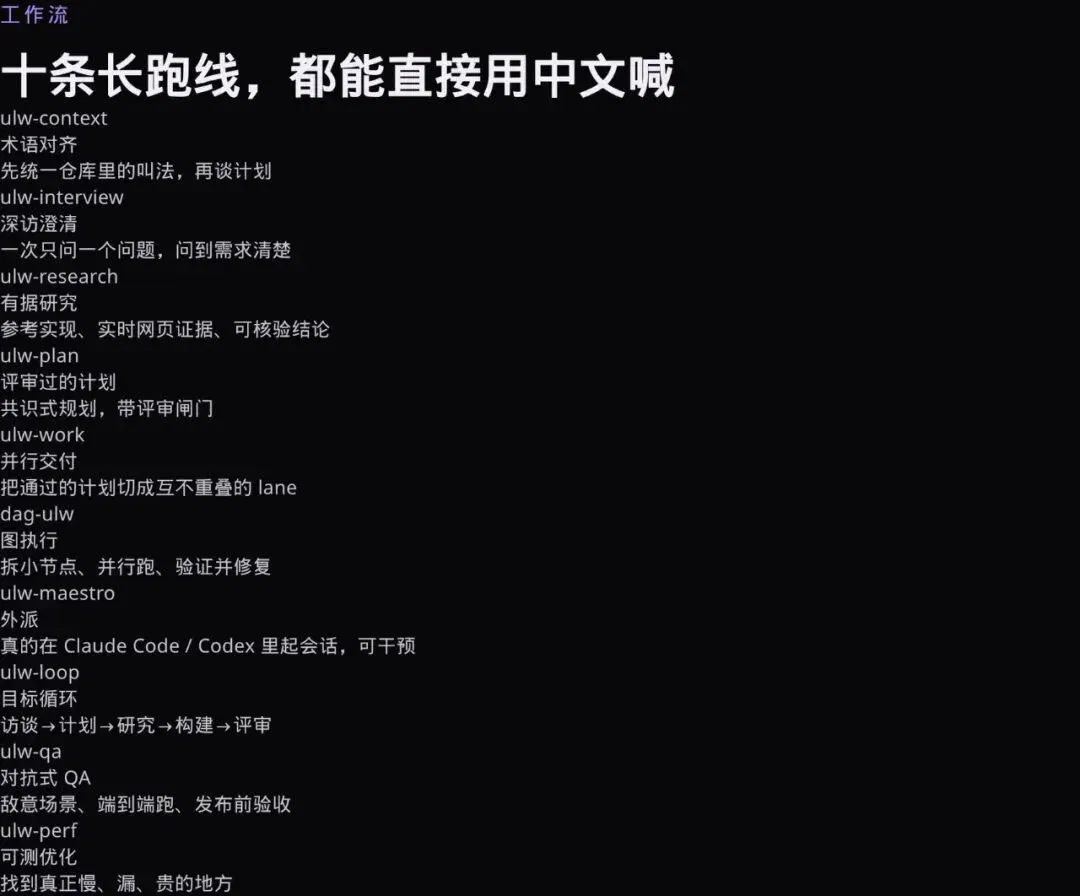
Ten long-running workflows, also callable in Chinese
ulw-* is its flagship family of ten workflows, covering different stages of long-running tasks:
Terminology alignment (agree on names before discussing the plan), deep-interview clarification (one question at a time), grounded research (live web evidence), reviewed planning, parallel delivery, graph execution, delegation to Claude Code / Codex (actual sessions are launched and can be intervened in), goal loops, adversarial QA and measurable optimization.
Each can be triggered in Chinese: "deep-interview 帮我理清需求" ("deep-interview, help me clarify my requirements") or "ultraqa 做发布前验收" ("ultraqa, run pre-release acceptance checks").
What each of the ten does
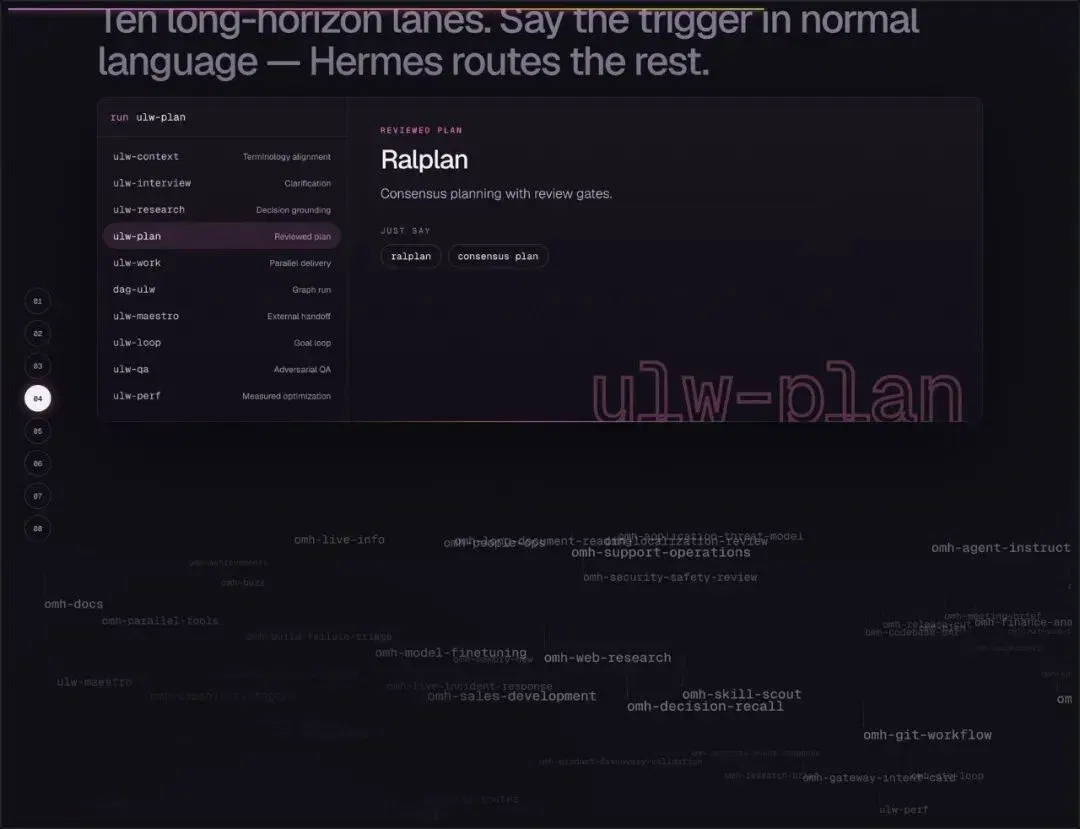
The image above is one of the trigger cards. Start with ulw-plan to produce a reviewed plan (Ralplan); the connections below are the dependencies for all subsequent lanes.
The image shows the complete division of work across all ten workflows, from "make the requirements clear" to "prove it really works," with an entry point for each stage.
153 skills, none of which you need to select
It ships with 153 omh-* expert skills: frontend, backend, Rust, security review, verification gates and more. You need neither remember their names nor invoke them.
Based on what the current step is doing, the router loads the appropriate skills into the run as tool calls. That is what makes it "ready to work out of the box": skills are assets, not a configuration burden.

This is exactly how the website puts it
"153 skills. You never call them. The router loads the right ones into the run."
The small print in the image is interesting too: "0 skills · omh-plan, 10 ulw workflows." It means your skill count starts at zero and grows, while there are always ten workflows.
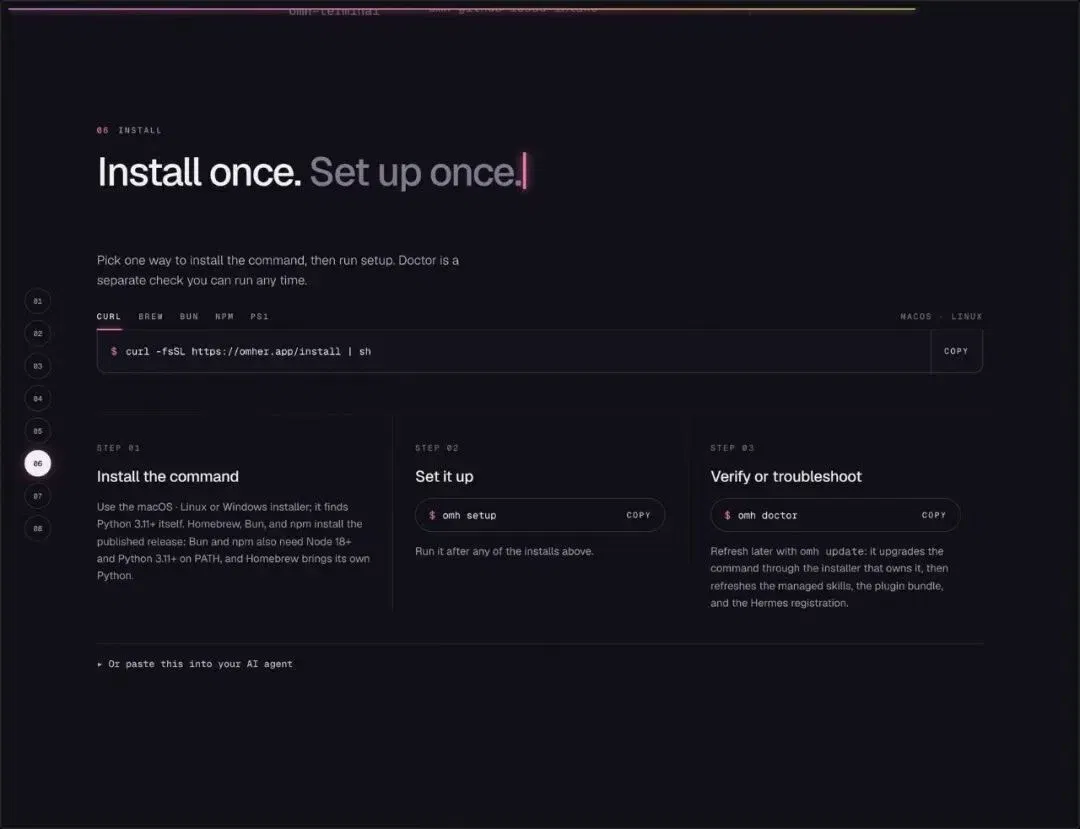
Installation takes only two steps
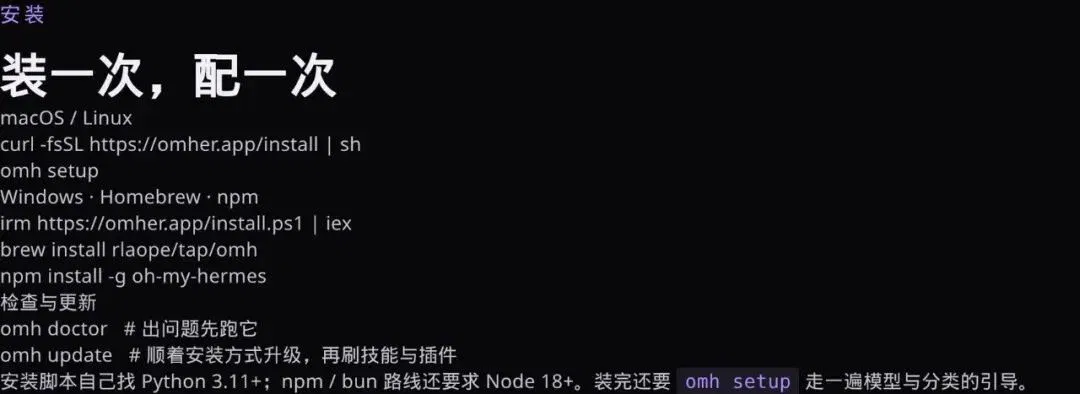
curl -fsSL https://omher.app/install | sh, then omh setup.
macOS, Linux and Windows each have corresponding scripts; Homebrew, bun and npm can also install it. After installation, there is also omh doctor for a health check and omh update to update itself through the same installation method, refreshing skills and plugins along the way.
Interestingly, it also supplies installation instructions to "paste into your AI agent." They specifically require resolving main to a full commit SHA first, then executing against that SHA, guarding against supply-chain risks such as "the repository changing midway through."
The roles of the three commands
Installing, configuring and checking are three separate things. The installation script only installs the command, finding Python 3.11+ itself; omh setup guides model and category setup, while omh doctor handles troubleshooting when something goes wrong.
The npm / bun route additionally requires Node 18+. This separation is more dependable than "install everything with one command and worry later."
The first thing to do after installation is not actually to run a complex task, but to run omh doctor first. Then use an ordinary task to see how it splits lanes and labels states. Once you have confirmed that "when it reports completion, the work really is complete," give it longer jobs.
A closer look at the product interface
This is the product close-up on the website: sessions and run history on the left, what the lane is doing on the right, and its output in the middle.
The visual language is dark with purple-and-blue accents, fitting its positioning of "a group of colleagues working in the background."
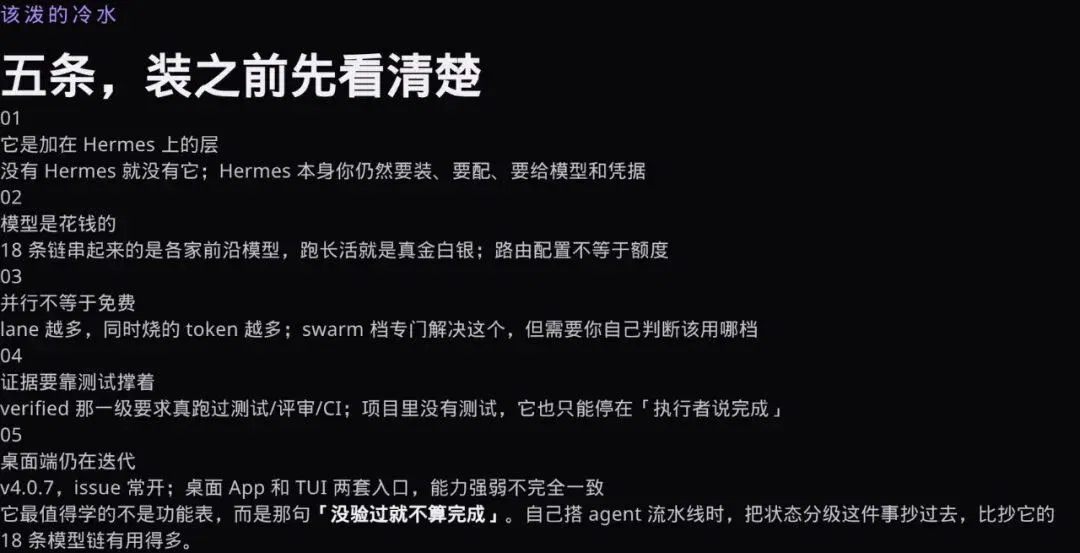
Five reality checks
It is a layer on top of Hermes. Without Hermes, there is no OMH. You still need to install and configure Hermes itself and supply models and credentials.
Models cost money. The 18 chains link frontier models from different providers; long jobs cost real money. Routing configuration does not provide quota.
Parallel does not mean free. More lanes mean more simultaneous spending. The swarm setting is designed for this, but you must judge which setting to use.
Evidence needs tests to support it. The verified level requires actual tests, review or CI. If the project has no tests, it can only stop at "the executor says done."
The desktop is still evolving. At v4.0.7, issues are frequently open. The desktop app and TUI are two entry points whose capabilities do not fully match.
Finally
While everyone compares "whose model is stronger," this project is betting on something else: orchestration and evidence are scarcer than models themselves.
A goal comes in, is split into a graph and assigned to colleagues with different strengths, and someone still has to sign off when the work is finished. AI did not invent this process; it is how engineering management has always worked. OMH simply wrote it as code, then open-sourced it.
This article comes from "Bruce AI." Author: "Bruce AI."
Related topics
After reading
Join the AINRK community
Read how to join the community and connect with people working in AI.
Related articles
Continue reading related topics and articles in this category.
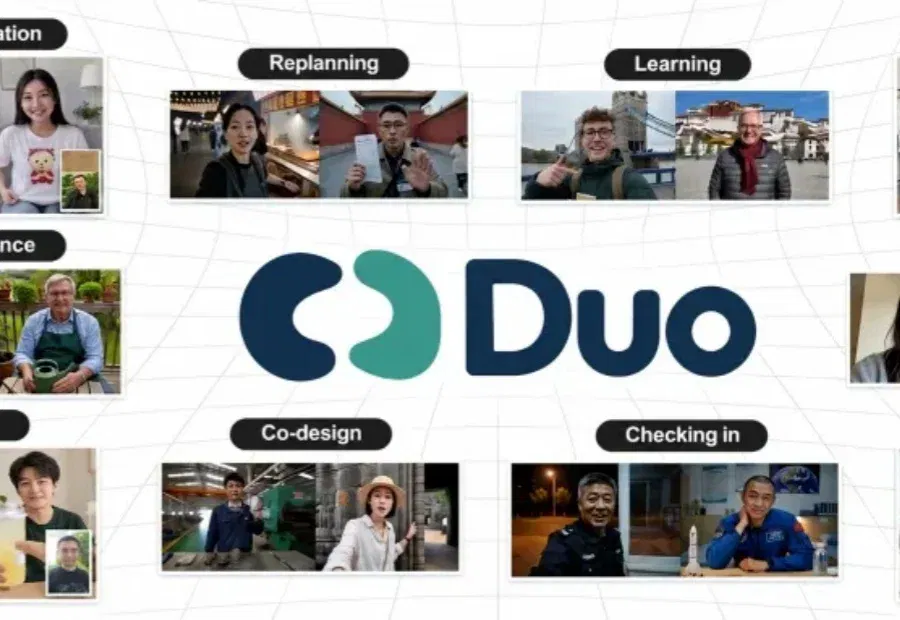
蚂蚁与西湖心辰介绍Duo v1,探索全双工视听交互 (opens in a new tab)
Duo v1通过Intent与Realization模块衔接交互决策和音视频生成。文章报告30组交互、180项检查中通过168项,内容响应度为73.3%;复杂意图理解与长程一致性仍是团队后续优化方向。
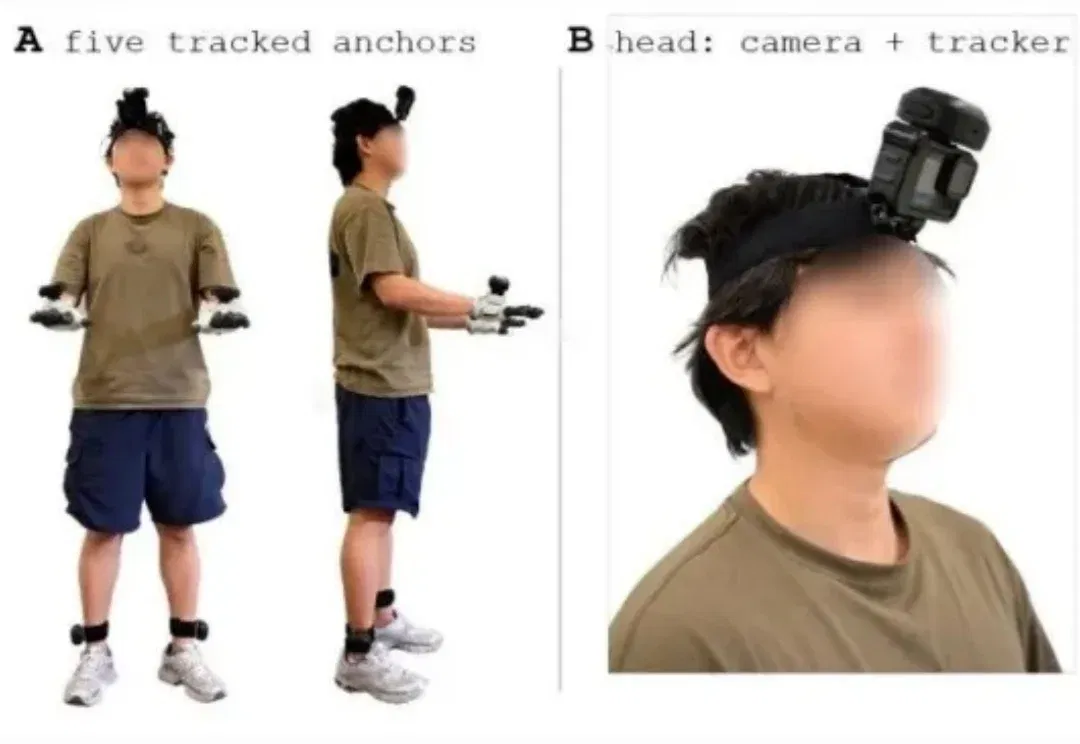
EgoExplorer captures mobile manipulation with five trackers and a camera (opens in a new tab)
Shanghai AI Lab presents a wearable capture system using trackers, gloves and a camera, plus C³ motion reconstruction, and releases 100 hours of data and code. Reconstruction and multimodal generation are assessed separately; humanoid transfer is shown only in simulation.
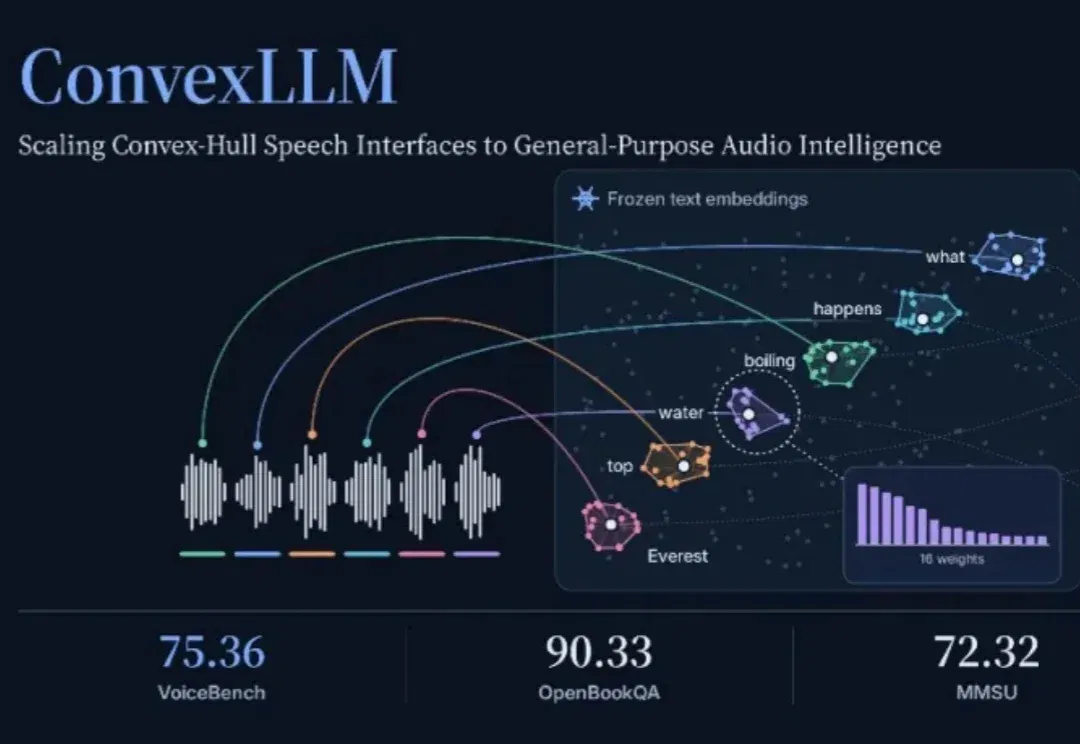
ConvexLLM connects speech to language models through frozen text embeddings (opens in a new tab)
Researchers at CUHK-Shenzhen and Microsoft propose C-Gate, mapping audio into convex combinations of frozen text embeddings. The paper reports VoiceBench gains against its listed open-model baselines, while audio understanding and transcription still involve trade-offs.
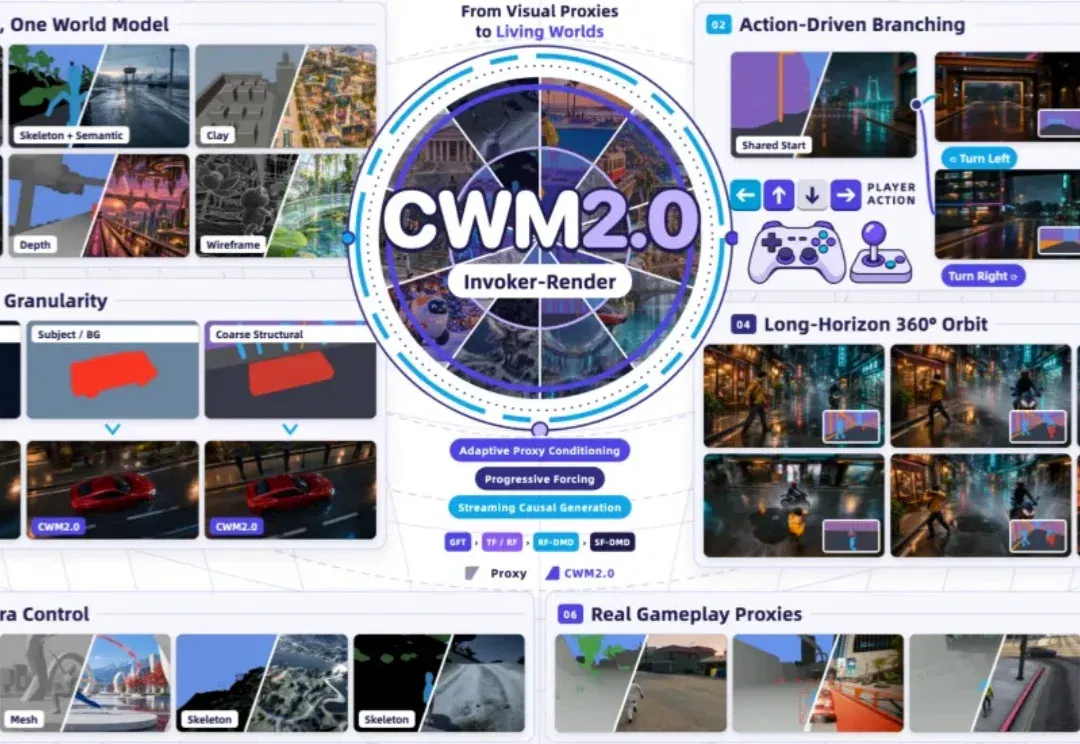
CWM2.0 open-sources generative rendering with a 30-minute racing demo (opens in a new tab)
Teams from Ant, Westlake University and Zhejiang University use a structured Proxy to control scene state and Invoker-Render to generate visuals, releasing eight-GPU streaming inference. The long demo and 140 evaluations cover specified scenes, not arbitrary stable worlds.
openJiuwen presents a Harnessless approach for reusing AgentOS execution tools (opens in a new tab)
openJiuwen uses app-development and swarm demos to show how built-in harness capabilities support sessions, tools and app management. Applications still define business rules and permissions; remote deployment and some capabilities remain planned or exploratory.