APPSO tries Kling Image 4.0: From 8K images to product pages and layer editing
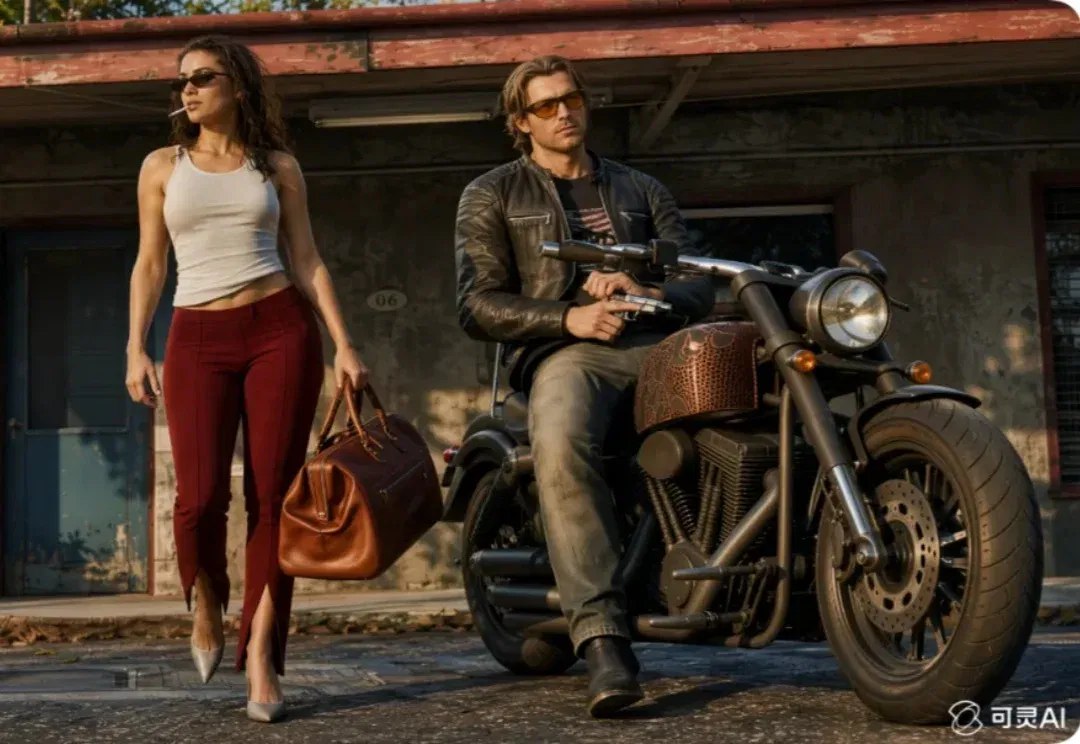
Launched November 17, Kling Image 4.0 is advertised with native 8K, preset fonts and complex text-image layouts. APPSO tries portraits, product pages and storyboards, noting that some tonal filters overwhelm detail. These examples are not a systematic success-rate evaluation.
Editor's note: This article presents APPSO's sample-based experience and official feature descriptions, not a systematic success-rate evaluation or a rigorous comparison with other models. The 8K demonstration images have been compressed, so readers cannot verify the native output resolution from the pictures in this article alone. Terms such as RAW and 85mm in the prompts are stylistic instructions, not proof that the outputs are camera RAW files or were photographed with real lenses. The street scenes featuring a real person, the petition and the product story are generated creations, not photographs of actual events. Specifications such as native resolution and fonts are subject to the platform's documentation and applicable licenses. These examples do not establish that every image or long text will be error-free. Original APPSO trial report; (opens in a new tab)NVIDIA CEO transition announcement (opens in a new tab)
For the first time in a while, AI image generation feels a little like a free-for-all again.
This month, GPT Image 2.6 and Seedream 5.5 have received successive updates, while MiniMax H3 Image has also introduced new features.
Kling, which became widely known for video generation, has joined the contest too. On November 17, it launched its next-generation image model, Kling Image 4.0.
The official promotional poster highlighted three keywords: astonishing realism, sharpness and precision.
But more noteworthy than how realistic the images look is Kling's attempt to solve more complete design problems this time.
According to Kling's official introduction, native 8K output, more than 70 preset fonts for commercial use, and an ability to understand complex design instructions mean Kling Image 4.0 aims to do more than simply make one image look good.
8K quality: AI-generated images start passing for straight-from-camera shots
AI image generation has always involved an interesting contradiction.
It can produce cinematic lighting, complex scenes and even images that would be difficult for a photographer to capture. But zoom in, and the skin, hair and clothing textures often reveal details that look somewhat unnatural.
The first thing Kling Image 4.0 upgrades this time is realism.
According to the official description, this is the model's first support for native 8K image generation, with three native output options: 2K, 4K and 8K.
Rather than pursuing higher resolution alone, Kling has also focused on lighting, skin texture and material detail. Freckles on a face, windblown hair, and the grain and creases of a leather bag are among the details highlighted in the official demonstrations.
We tried creating 8K portraits to establish the looks of GTA6's two protagonists, Lucia and Jason, to see whether it could render character details more finely.
We gave Kling Image 4.0 only reference images and a short piece of text.
Ultra-realistic live-action photography, widescreen cinematic feel, golden hour at dusk, 8K, RAW original image, 85mm f1.2 lens, shallow depth of field, film grain, realistic skin texture and pores, finely detailed wear on clothing and leather, rich retro colors, maximum atmosphere, realistic portrait, high-end commercial photography, HDR, ultra-high detail, no AI deformities, natural facial structure, cinematic composition.
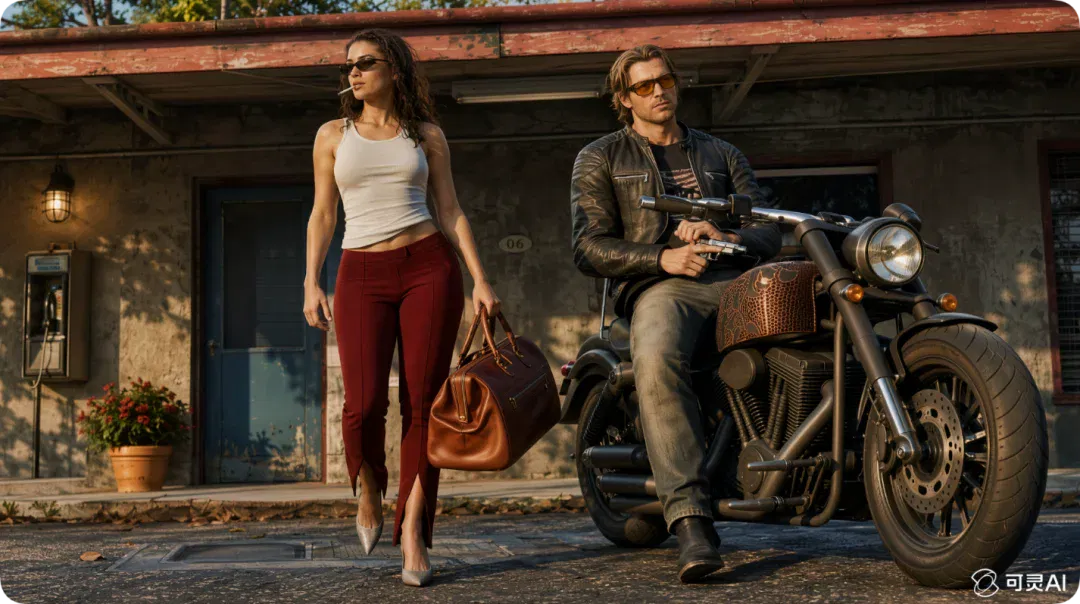
The result genuinely exceeded our expectations somewhat. Because of WeChat's image-size limits, the images shown here are compressed versions of the 8K outputs.
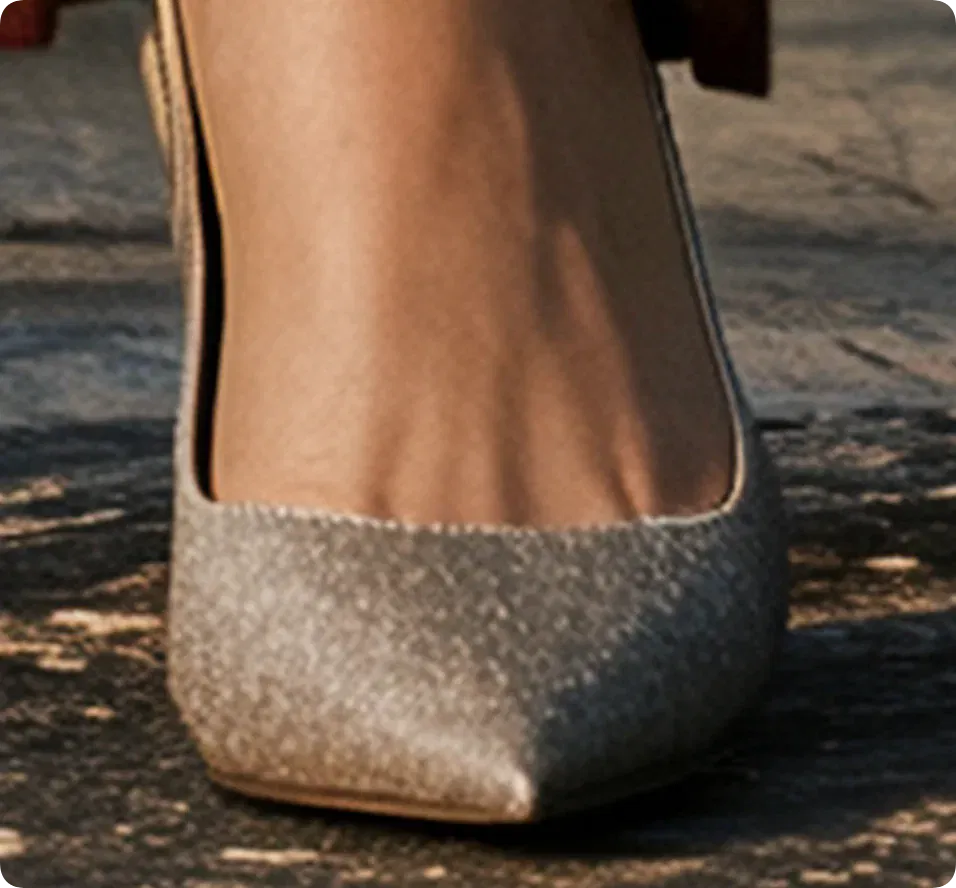
Even so, zooming in reveals Jason's stubble, skin texture and even the tiny lines on his neck very clearly.
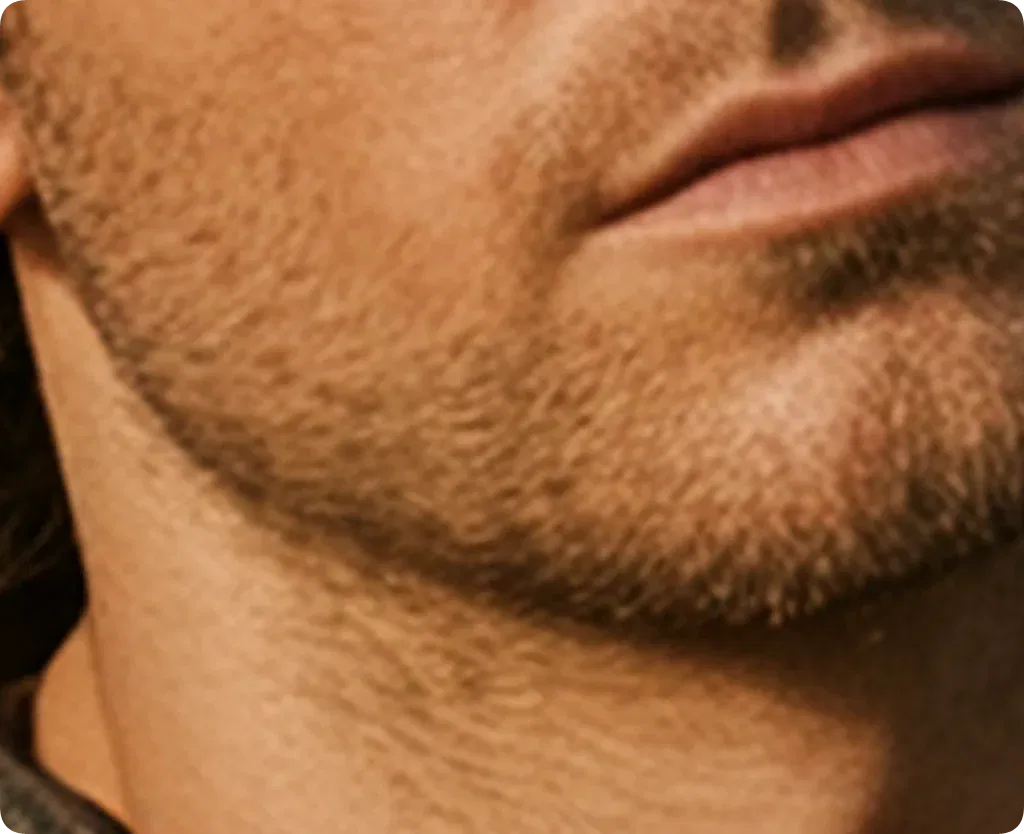
The veins slightly raised on the tops of Lucia's feet from wearing high heels were fully retained too.
To explore different character scenes, we put Jensen Huang, who has recently been at the center of controversy, into street settings and generated a fictional set of city walk images. His departure as CEO is covered by an official announcement. 'Clearing his head' is only a creative premise, not a report about his mental state or actual movements.
[Scene atmosphere and candid snapshot texture] + [Subject's appearance, clothing and state] + [Subject's orientation, actions and gaze] + [Foreground and background details] + [Natural lighting] + [Vertical-format shot size and viewpoint] + [The look of real iPhone indoor/street/travel photography]. Describe only the final image directly. Do not include the photographer, the act of taking a photograph, or device operation.
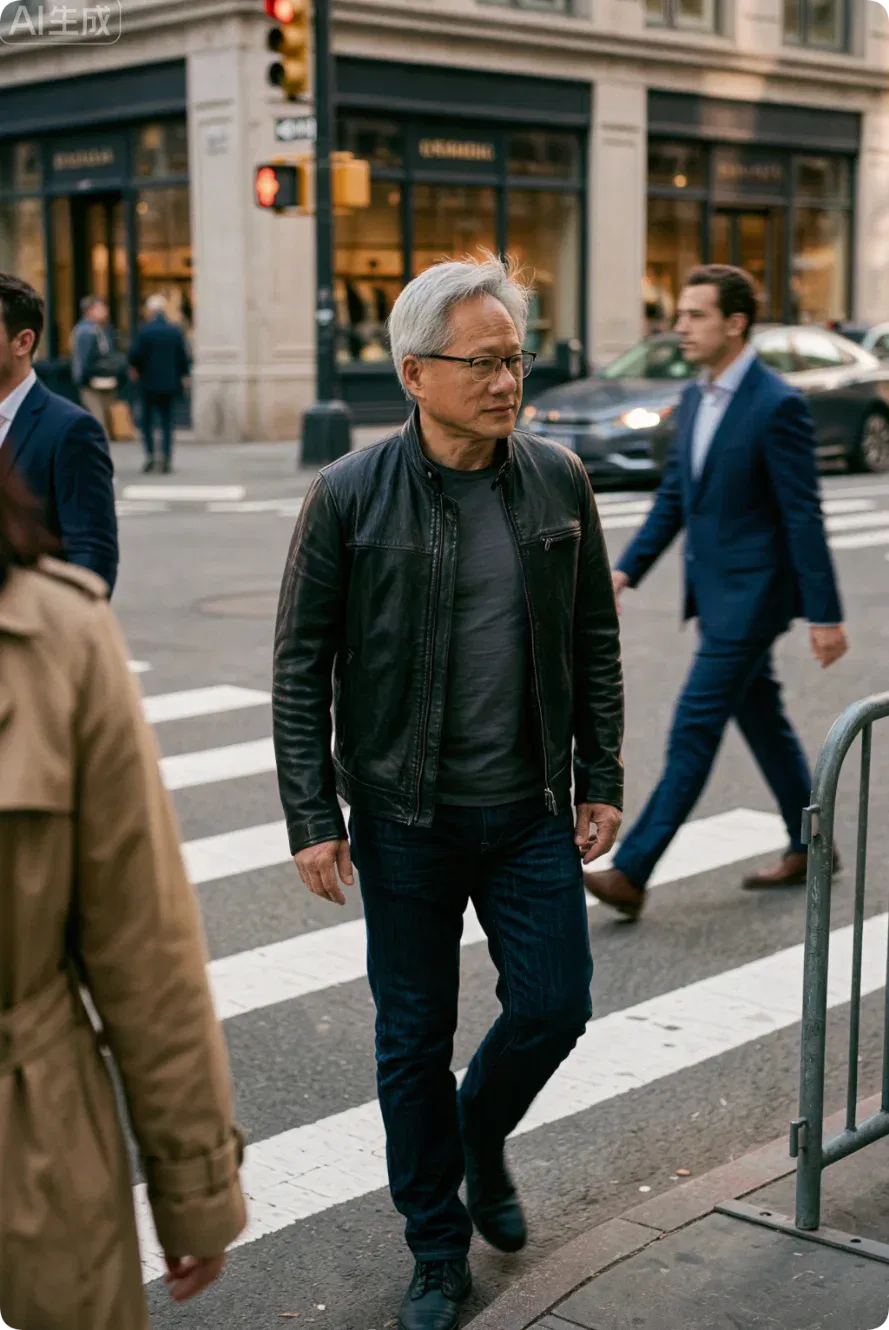
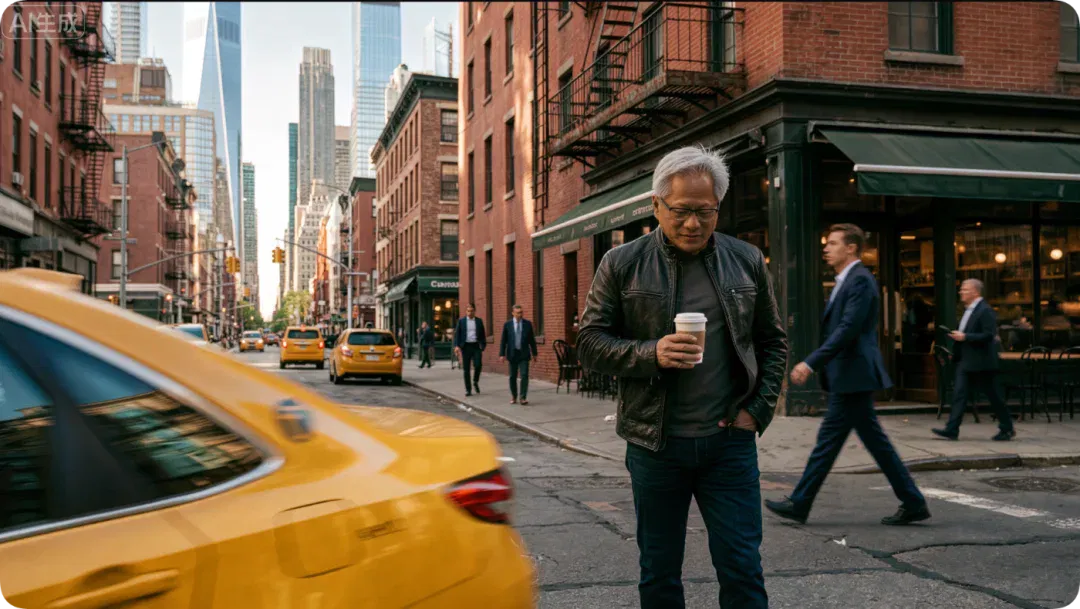
Native 8K also leaves more room for post-production. Higher-resolution outputs give photographers and designers more freedom to reframe compositions and extract parts of an image, without having to regenerate it every time.
To test fine detail further, we also recreated a set of merman looks that have recently become popular online, using 8K mode.
Ultra-realistic portrait, a handsome merman, cool-toned pale skin, clear gray-toned eyes, dark wet hair, fine watery glitter on the face, a neck covered in translucent pearlescent fish scales with delicate scale markings; a mesh head veil woven from pearls + mother-of-pearl leaves, with tiny pearls hanging down; hands cradling a huge mother-of-pearl shell with iridescent luster, its surface surrounded by iridescent halos; dark minimalist background, soft cinematic lighting, low-brightness dark tones, delicate skin texture, slightly wet skin with water droplets, refined facial features, high cheekbones, deep-set brows and eyes, a sophisticated atmosphere, 8K, ultra-high detail, film grain, a macro-photography feel, close-up portrait, bust composition, soft depth of field, cool gray tones, oil-painting texture, exquisite light and shadow, OC rendering, ultra-realistic, photographic realism.
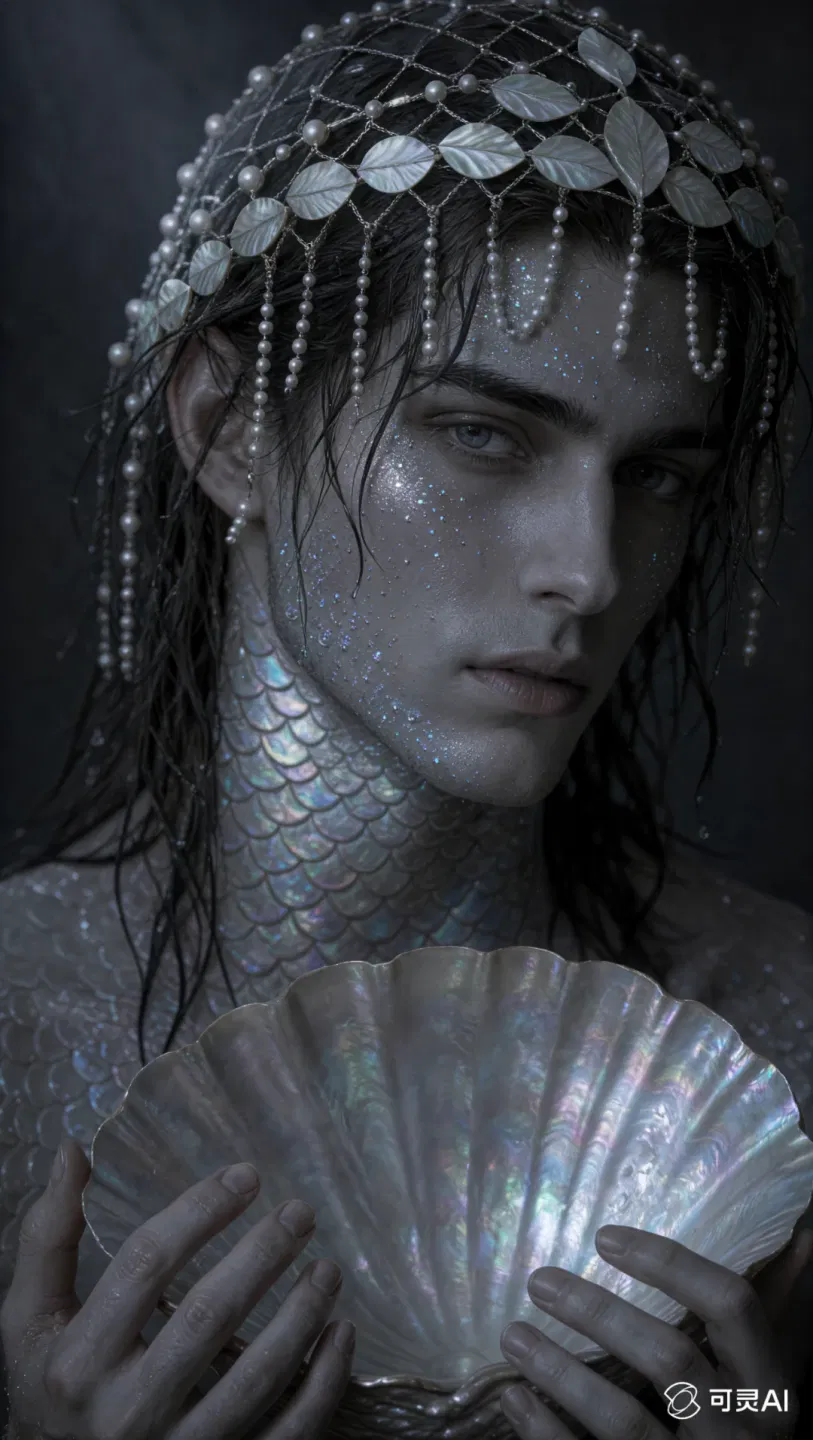
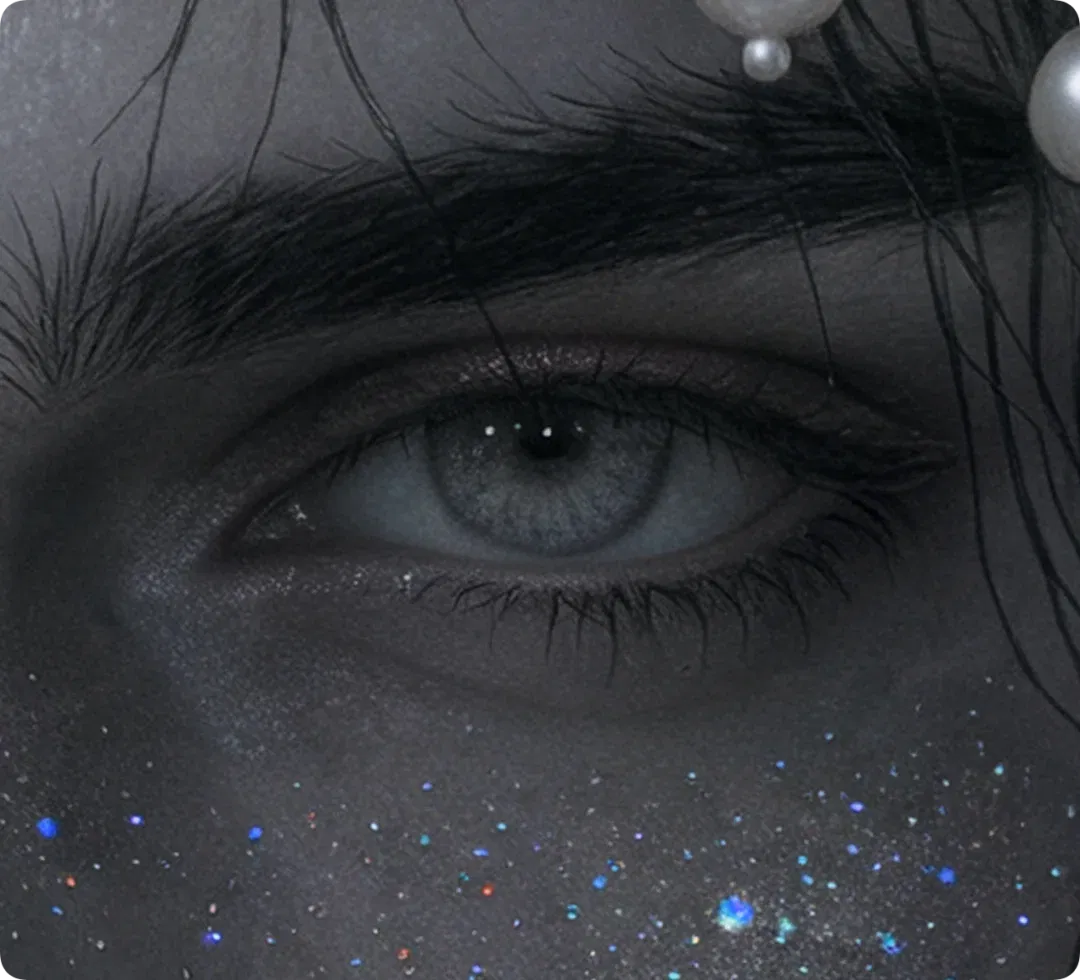
The fine skin texture on the merman's forehead was preserved, and the pearls in the headdress reflected light differently at different angles. The colored glitter on his face produced subtle refractions of different colors, rather than looking like a simple layer of sequins pasted on.
Especially when the images are enlarged, details that AI often fudges become the very elements that best convey the image's texture and quality.
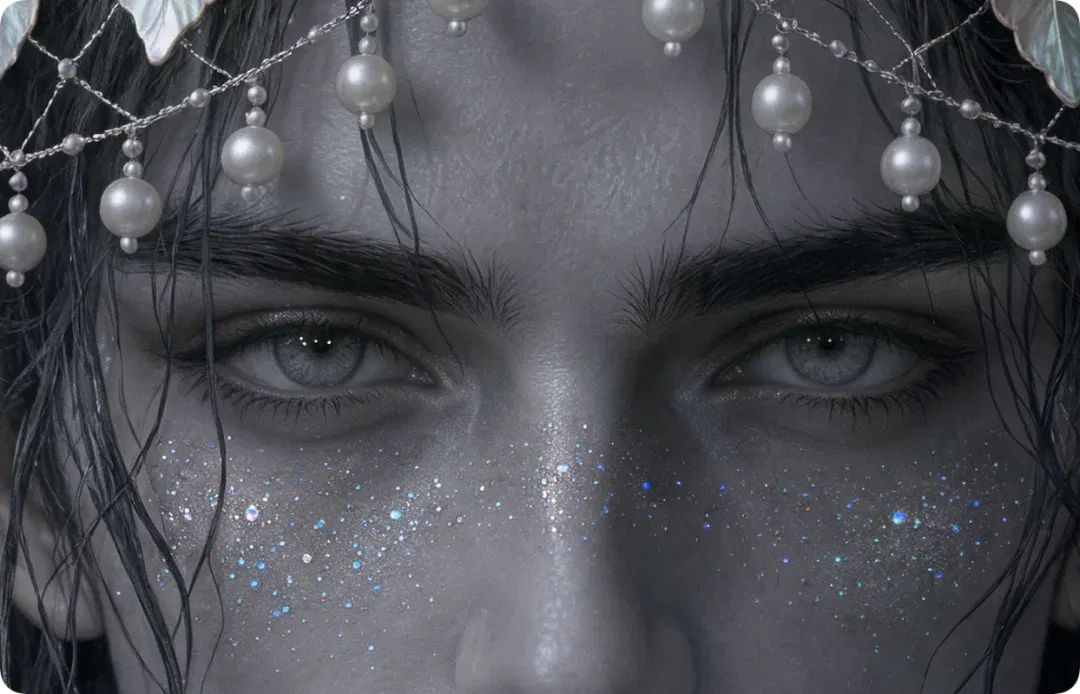
Even zooming in further presents no problem: Individual hairs in the natural brows stand upright, and the skin folds at the corners of the eyes remain clearly visible.
There is also a particularly beginner-friendly entry point called the tone library. It offers directors' styles, genre color palettes and visual lighting effects, among other options. Simply describe the image's content as usual, then select one of these tonal styles.
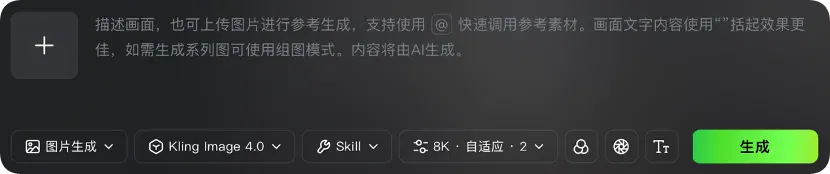
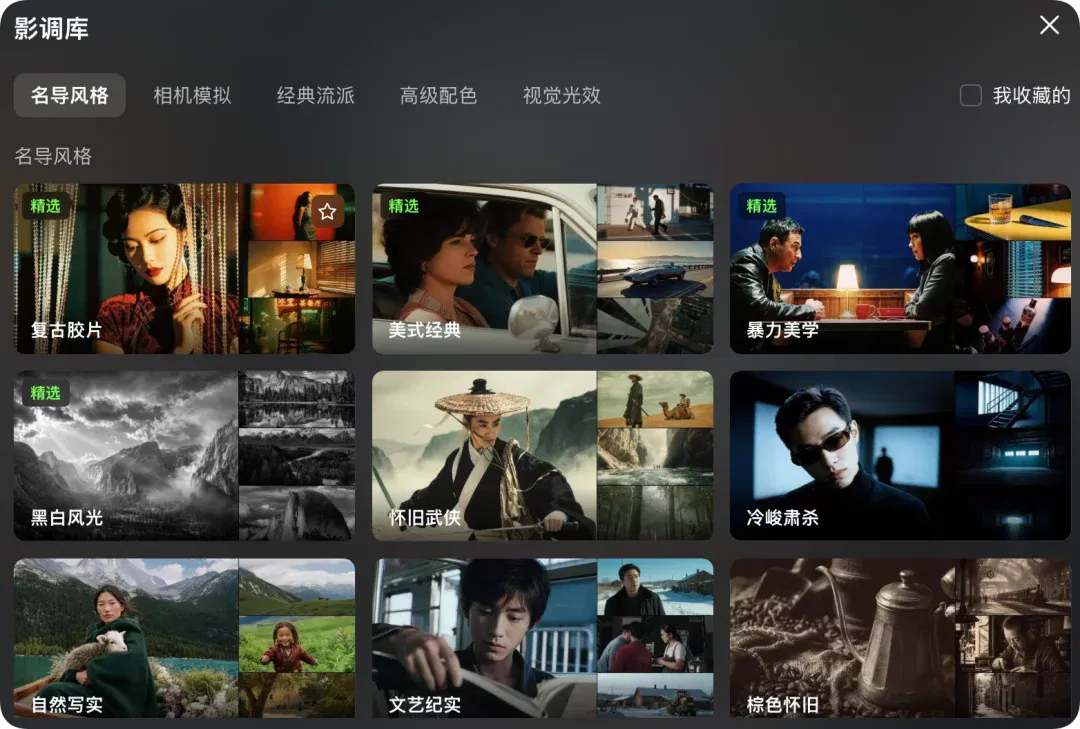
We tried an art-house documentary filter style. The overall color and mood were certainly pronounced. Compared with the natural texture provided by 8K mode, though, this filter felt a little heavy-handed and overwhelmed the character's own details.
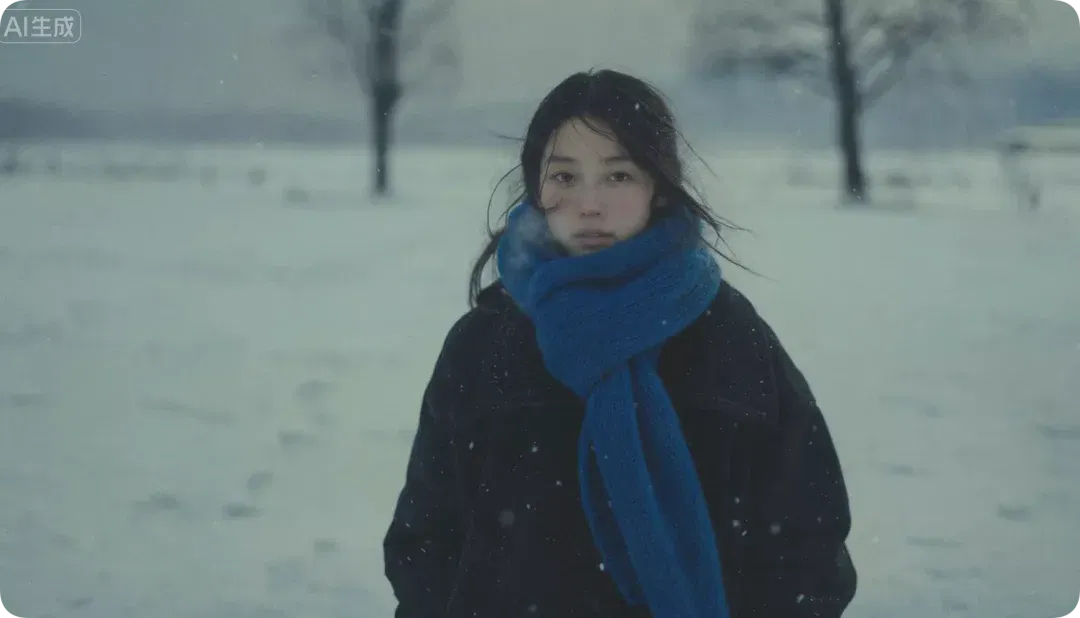
Beyond filter styles, Kling Image 4.0 offers more than 110 preset tonal styles. Users can select different color and lighting effects directly, or upload a reference image for AI to imitate its tonal treatment.
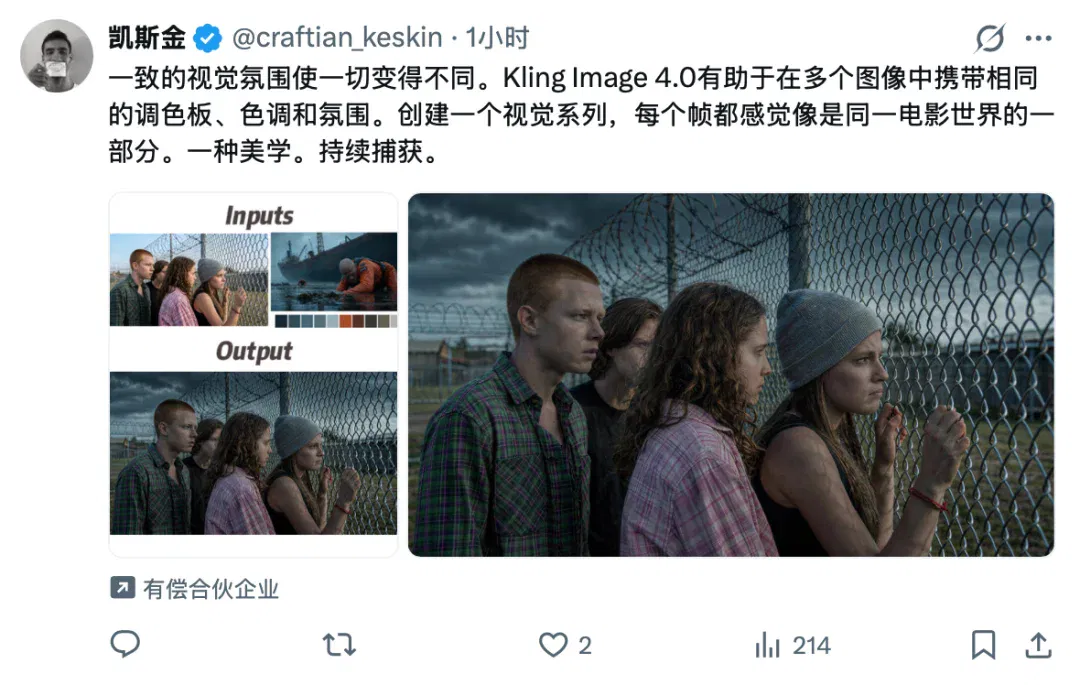
Some users on X have also tried the image color-palette feature, which can retrieve similar tones with one click. It is like an advanced version of the PS eyedropper, extracting the aesthetic style you want to emulate in a single click.
From generating images to telling product stories
This is another capability strengthened in Kling Image 4.0: a shift from generating images to telling stories.
The new model supports more complex layouts combining text and images. A single image can hold up to 2,000 characters, enabling one-click creation of long e-commerce product-detail images.
We assigned Kling Image 4.0 an e-commerce product-page design task, supplying an image of a duck neck product similar to the one shown in the program. The ingredients, manufacturing process, specifications and selling points on the generated page cannot be confirmed as real product information from the photo alone. Each must be checked before commercial use.
In the skill section of the home page, we clicked the e-commerce product-detail option, uploaded the product photo and asked the model to generate an extra-long product-detail image.
Based on the duck neck product I uploaded, design a complete, long-form e-commerce product-detail page for this RMB 25 duck neck product, with the look and feel of an internationally renowned food brand. Include a main product visual, core selling points, appearance details, usage scenarios and specifications, while maintaining a unified design style.
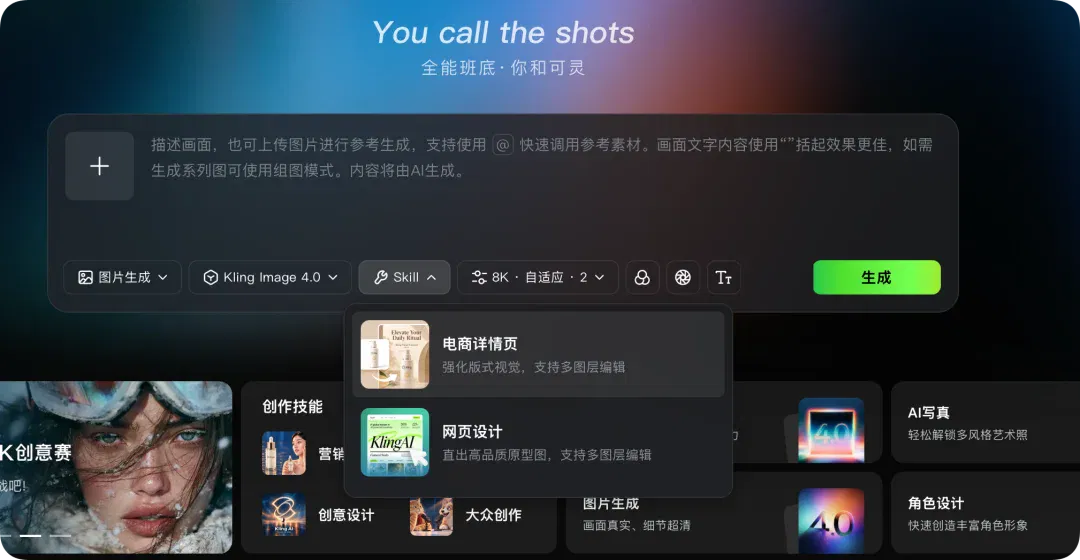
The generated product-detail page can be set to different lengths: short, at 2–5 pages; medium, at 6–10 pages; or long, at 11–18 pages. We chose the long version, and the results were somewhat beyond expectations.
We gave it only a rough design framework. The model then began adding the product's ingredients, production process and selling points on its own, and tried to organize a complete product introduction around its characteristics.
It even vividly depicted 'what it feels like to bite into duck neck.'
Another detail worth noting is how it handles small text.
Version 3.0 already supported localized re-editing, but 4.0 makes the controls more granular. The new model supports up to approximately 2,000 characters in one image. It improves not only the clarity of small text, but also the completeness of content across multiple paragraphs, the hierarchy of the layout and text consistency.

For small merchants without professional design teams, the value of this capability is easy to see. A neighborhood shop selling braised delicacies or a newly established snack brand has an opportunity to create product presentations at a lower cost that previously would have required a small marketing team.
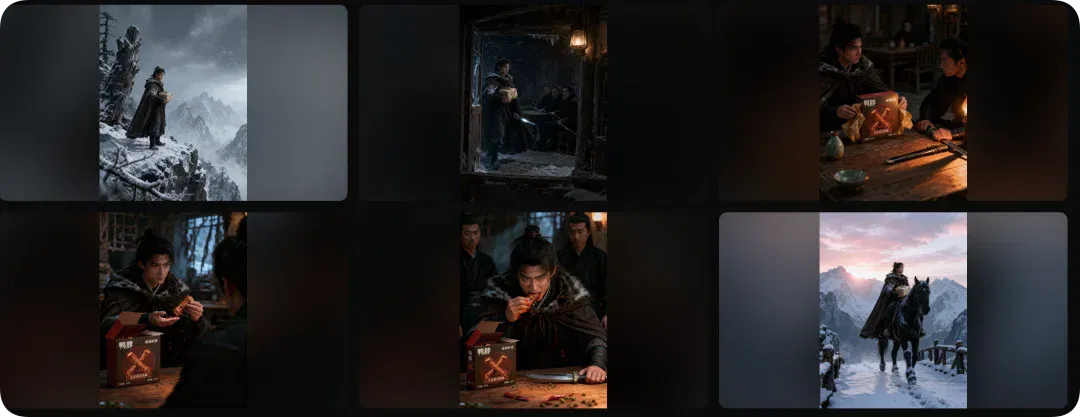
If a single product image feels too monotonous, you can also generate a coordinated set of images. Simply switch the page from 'Default Mode' to 'Image Set Mode.' We uploaded the same duck neck product photo again and asked the model to generate product-story storyboard shots around it.
Write a product story around this product, something like Fox Volant of the Snowy Mountain meets duck neck, and generate the corresponding storyboard shots.
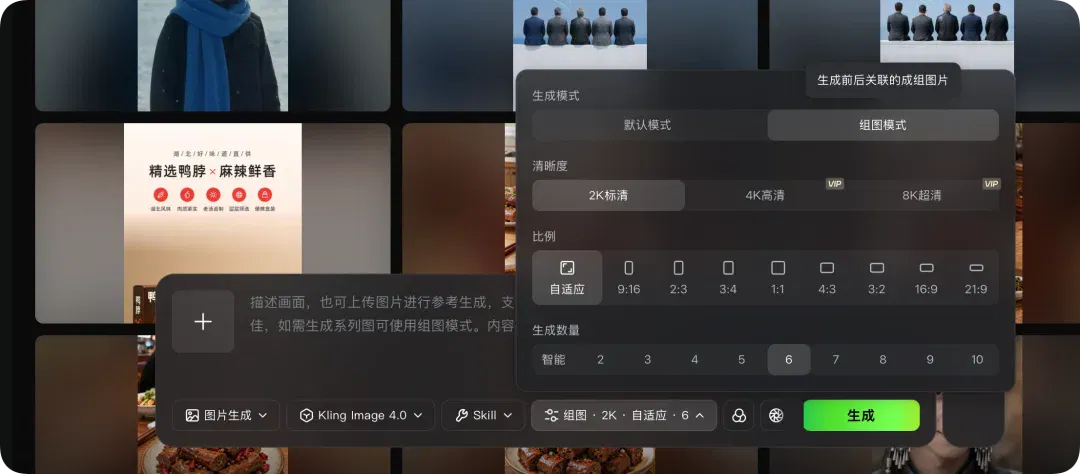
From a single main product visual to a sequence of narratively connected storyboard frames, AI is beginning to place the same product in different scenes and use multiple images to tell a complete story.
Beyond one-click e-commerce images, Kling Image 4.0 puts particular emphasis on upgrading text generation.
To adjust text in a generated image to suit your needs, find the image, open the image-editing function and select 'Layer Editing' or 'Layered Editing.' The system separates elements such as the text and background into independent layers.
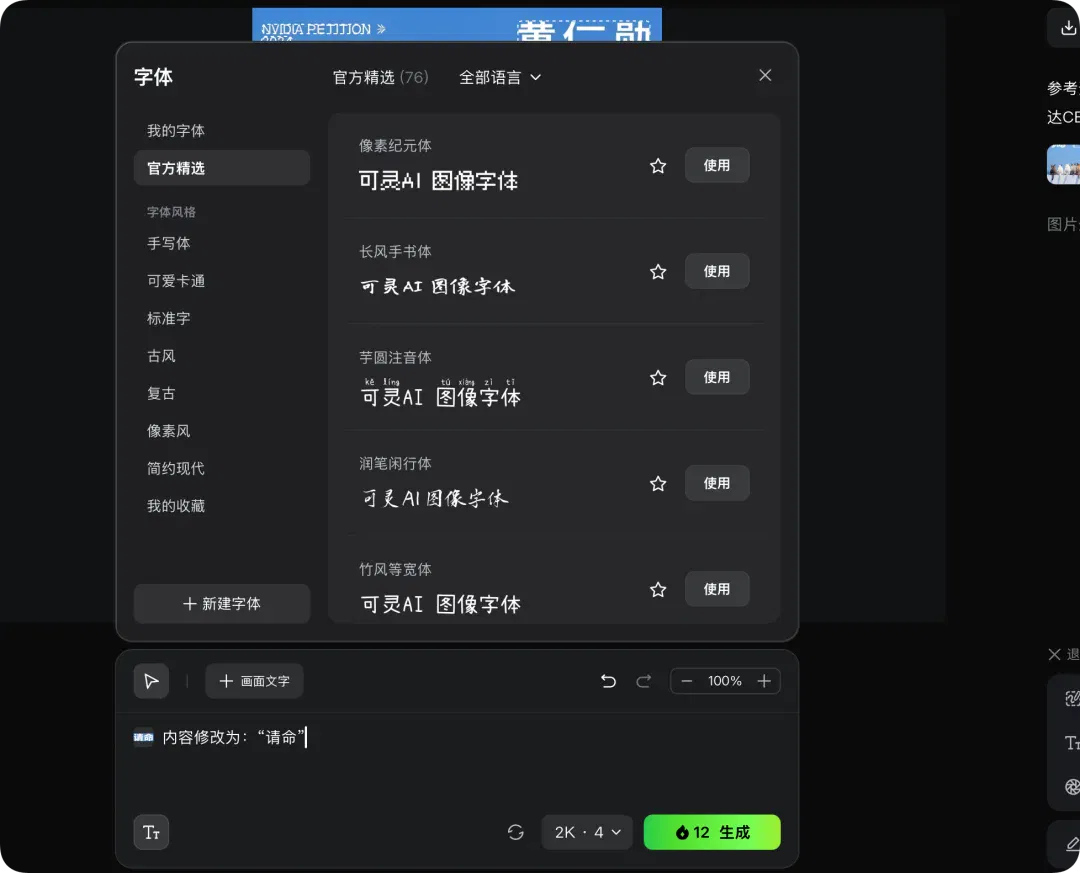
We also had it draft a petition for 'Huang Renxu' to remain CEO.
Generate an image of a petition with an elegant layout. Not a single character may be wrong.
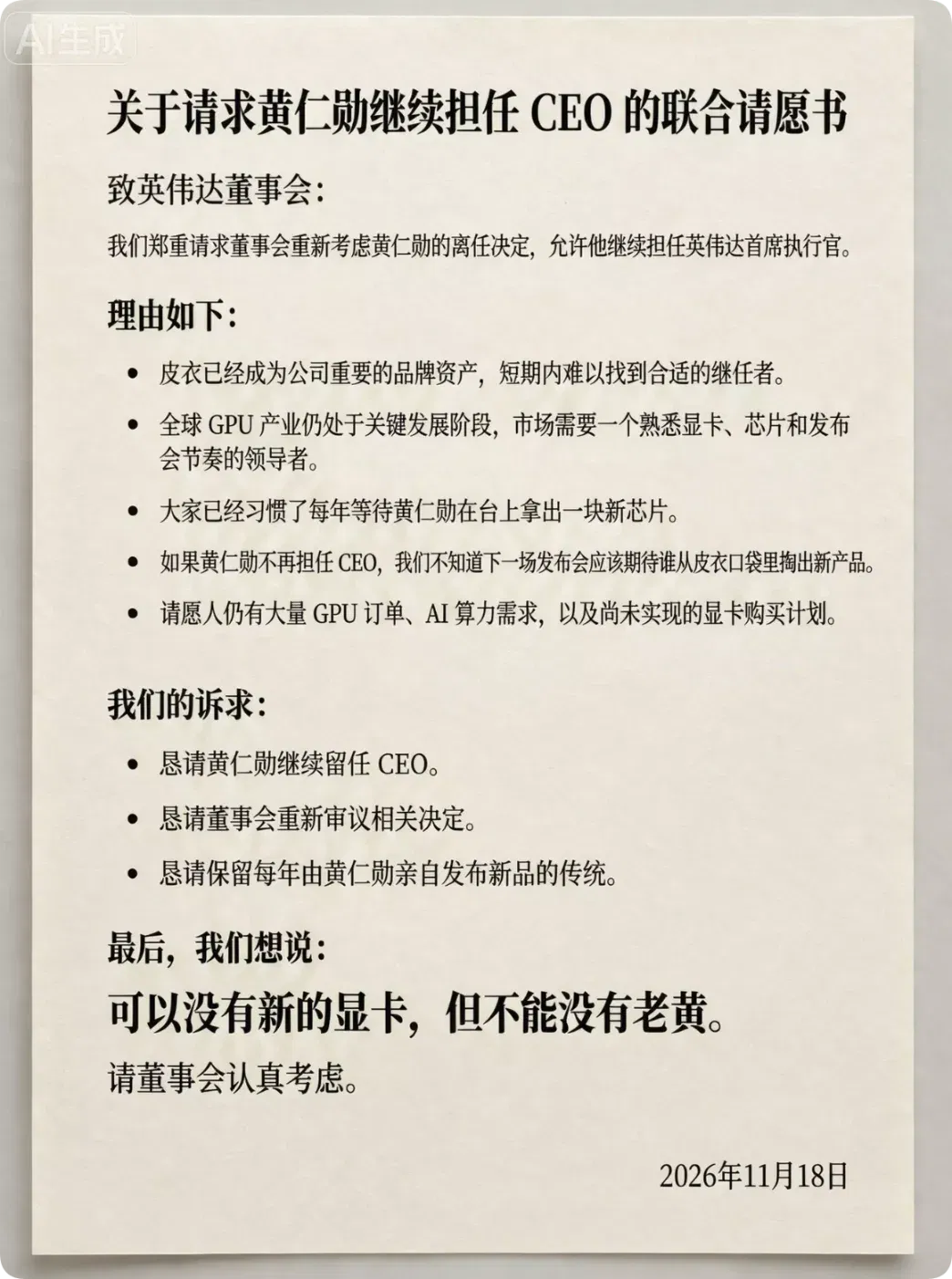
In the long-text example shown by the author, the Chinese and English layout, bold formatting and text rendering appear relatively complete. This is not a systematic assessment of typographical error rates, and does not show that arbitrary long texts will always be error-free. The petition names 'Huang Renxu,' which differs from the earlier 'Jensen Huang'—Huang Renxun. The input and output still need to be checked.
Image-generation software begins to handle an entire task
AI image generation is getting better at drawing, but that may no longer be the most important thing.
Judging from the first publicly available tests, the direction of Kling Image 4.0's upgrade is fairly clear.
Text generation, image series and long-form image design all seek to move AI image generation beyond creating a single picture and toward a more complete visual production workflow.
This change is not happening only at Kling.
OpenAI's latest GPT Image 2.6 continues to improve generation speed, precise localized editing and consistency across multiple rounds of revision. It even supports generating GIF animations and outputting SVG through an API.
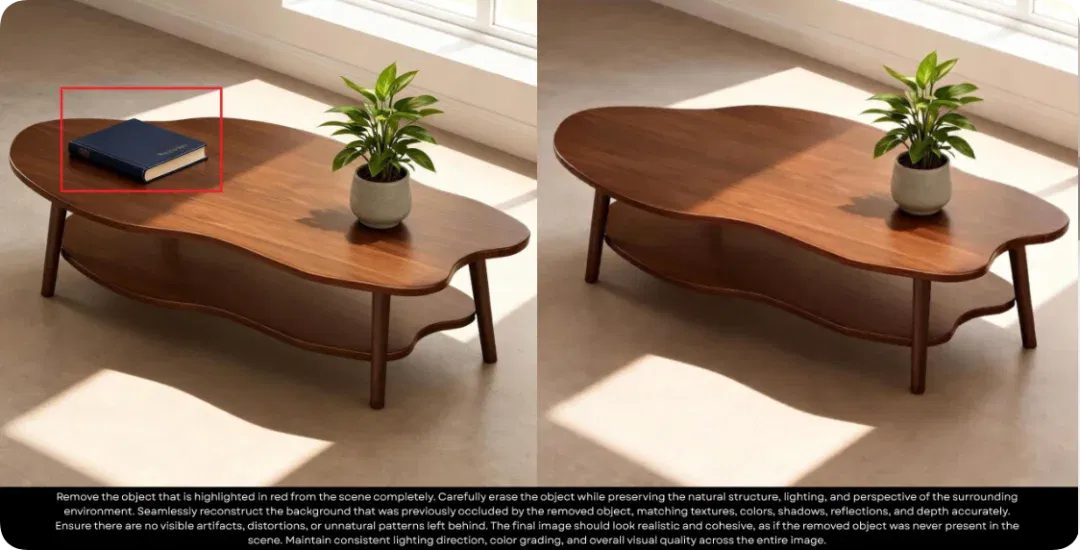
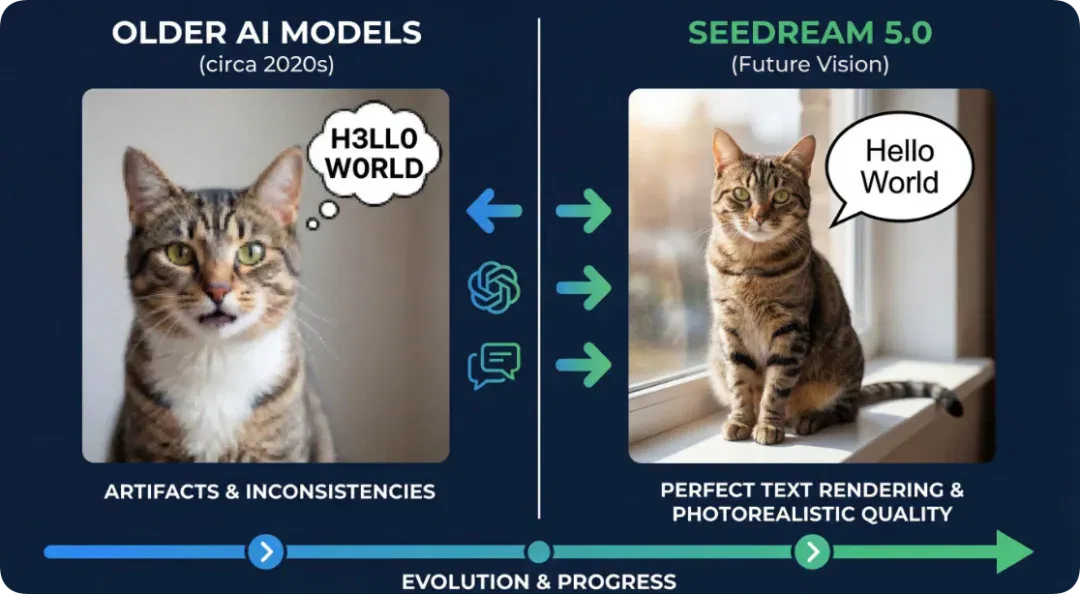
ByteDance's Seedream 5.5 focuses on controllability in professional design. Its official description claims support for up to 100 consecutive rounds of editing, as well as direct generation of RGBA assets with a transparency channel.
If AI can reliably produce initial drafts, assets and basic layouts, designers can spend more time on creative ideas, aesthetics and final delivery.
What makes Kling Image 4.0 interesting is that it begins trying to take a few more steps on the user's behalf.
The problem it is trying to solve is no longer just how to generate a more attractive picture, but how to turn a product requirement, as quickly as possible, into a commercial design draft that can be further edited and used.
Increasingly, we open image-generation software for more than just a beautiful picture. Generating an image may take only a few dozen seconds, but turning it into a genuinely usable asset often takes much more time.
After generating an image with AI, we still have to ask: 'And then what?'
For ordinary users, high benchmark scores and realistic images certainly matter. Ultimately, though, those metrics have to relate to their actual needs.
Can it understand my idea? Can it reduce the work I have to redo? Can it complete, in one go, something that previously required several tools working together? Those are the things that really determine whether I keep using it.
In this increasingly crowded AI image-generation free-for-all, what matters most to me is who can deliver a decent first draft in a few minutes for something that previously took half a day of fiddling.
This article originally appeared in APPSO, by APPSO.
Related topics
After reading
Join the AINRK community
Read how to join the community and connect with people working in AI.
Related articles
Continue reading related topics and articles in this category.
MiniMax 发布 H3-Image 并开放权重,支持 16 张参考图 (opens in a new tab)
H3-Image 支持文生图、参考图生成及编辑。MiniMax 公布了 4K 输出与最多 16 张参考图的能力,权重使用受其社区许可证约束。
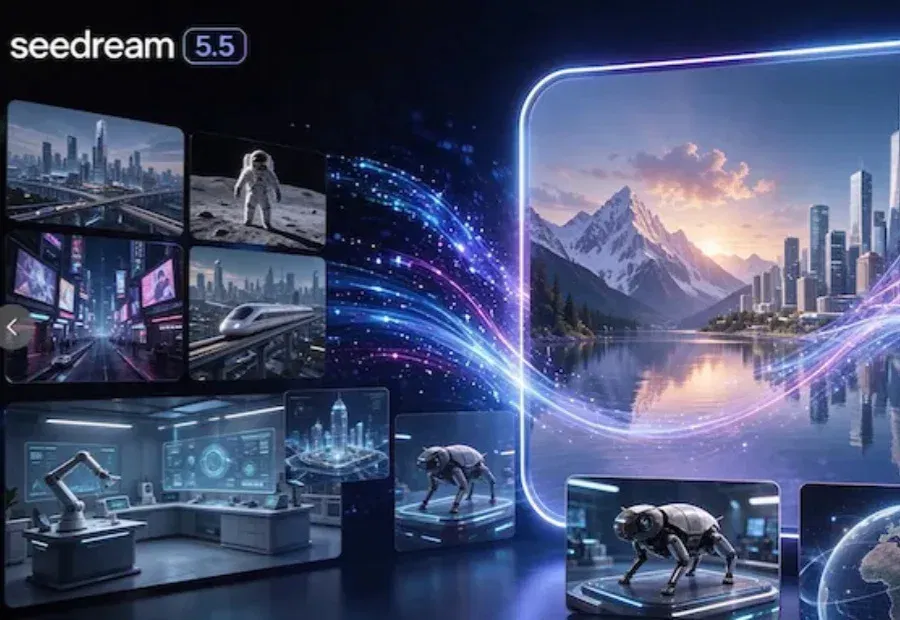
字节发布 Seedream 5.5,加入透明图生成并改善多轮编辑一致性 (opens in a new tab)
字节展示了连续 100 轮图像编辑,并为 Seedream 5.5 加入原生 RGBA 输出。智东西也用多轮局部修改和透明素材任务体验了新版。
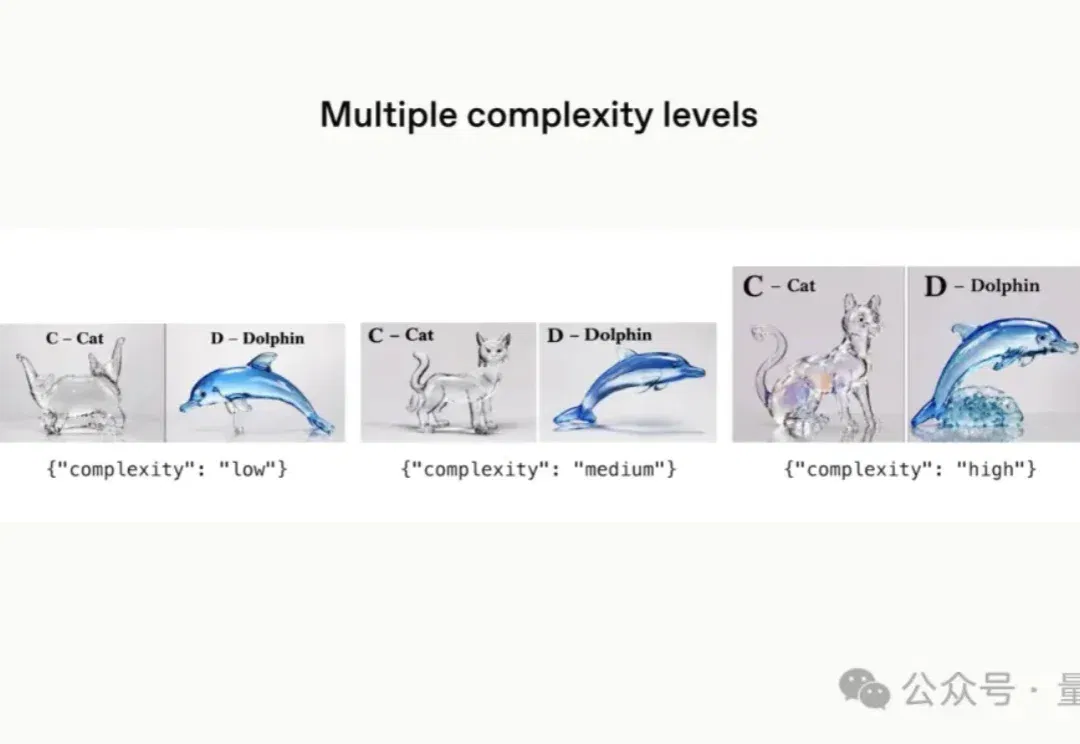
Images 2.6 上线:加快出图,增加 GIF、SVG 导出与编辑控制 (opens in a new tab)
OpenAI发布Images 2.6,在ChatGPT、Codex和API提供更快的图像生成,并增加GIF创作、SVG导出及图像标记。API区分Flare与Sunburst,并以complexity和quality分别控制规划与画质;另一则模型标识传闻尚不能确认GPT-6.2发布。
刚刚,可灵4.0深夜上线,支持30秒一镜到底,熟悉的可灵回来了。 (opens in a new tab)
今天,可灵AI在凌晨的时候,终于正式上线了他们最新的视频模型Kling 4.0。
Nano Banana终于2.1了!4K直出,中文进步太明显 (opens in a new tab)
谷歌发布Nano Banana 2.1生图模型,支持4K直出、蒙版编辑和背景替换,中文渲染改善、API价格降低,但连续编辑仍存在水印和画质下降问题。