How small HTML files generate 3D worlds: Three.js, procedural assets and AI prompts
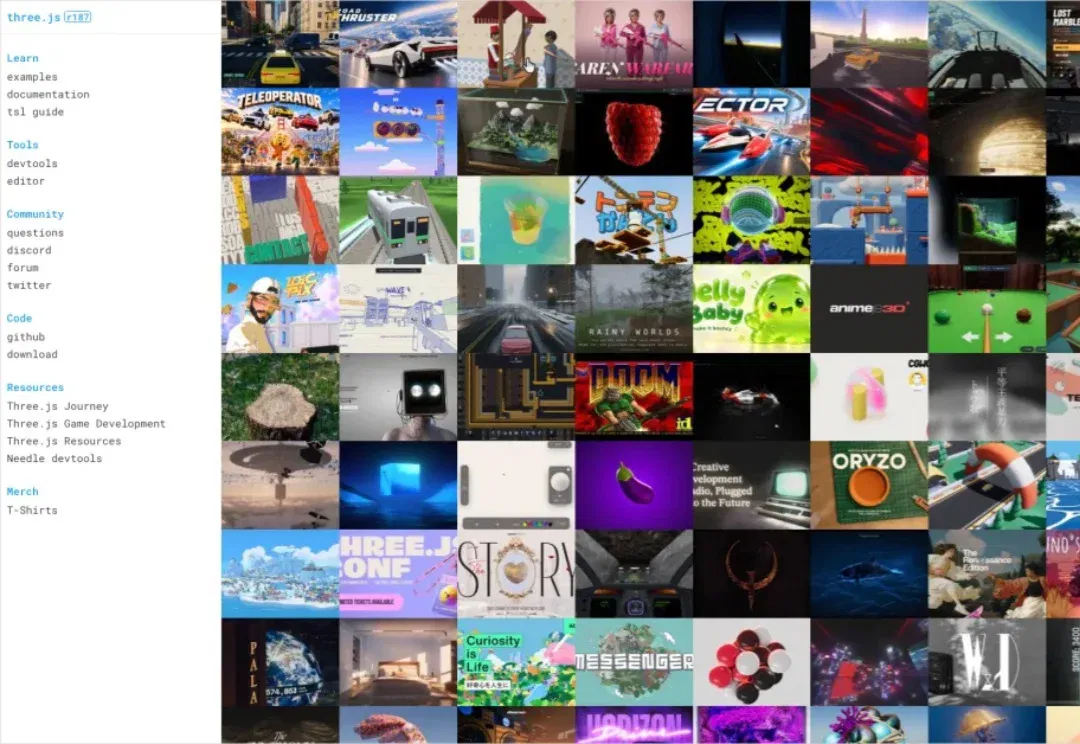
Starting with a 1.4 MB game example, the author explains how Three.js and procedural generation reduce external assets, then shares prompts for 3D scenes, a Rubik's Cube and animation. File sizes, visuals and model preferences apply to the examples described.
Editorial correction (November 17, 2026): Rankings of model aesthetics and output quality reflect the author's experience, without a unified evaluation. Example file sizes and rendering results do not represent every task or device.
If you ask what was hottest in making things with AI last week, one thing is impossible to miss:
3D games built with AI entirely in HTML.

The most astonishing example was an extremely small HTML game file circulating through group chats: just 1.4 MB.

Download it and open it, and you find visuals that almost rival many AAA titles.
Yes, a game demo like this in only 1.4 MB.
It was not original, though: someone copied the code Anthropic engineer Felix Rieseberg made when Fable 5.2 launched, localized it into Chinese, left everything else unchanged, and labeled it a homegrown Chinese AAA game.
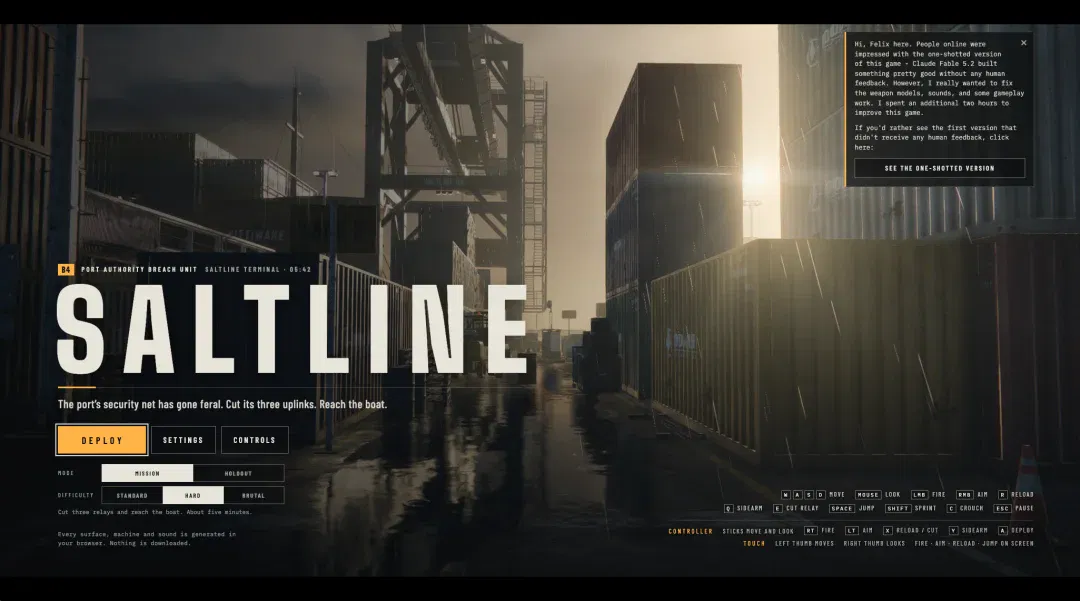
That behavior is not today's subject, so we will leave it there.
The point is its size: 1.4 MB. In an era when even a 512 GB phone feels insufficient, storage seems more precious than gold and a casual photograph can exceed 10 MB, a 1.4 MB plain-HTML game can be downloaded, opened in a browser and look like this.
That exceeds what many people thought possible.
There was plenty of discussion in the group chats...


I opened the code and, sure enough, found a familiar old friend.
Three.js.
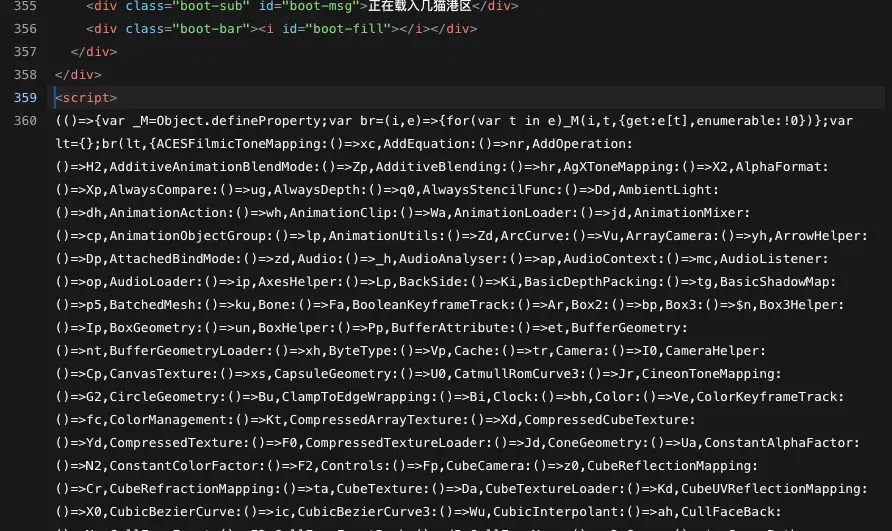
Nearly half that 1.4 MB—roughly 700 KB—is something called Three.js.
Only the remaining half is the game itself.
It uses no external assets: everything is written directly in code. Containers, cranes, rain, guns, lighting and sound effects all fit into the remaining 700 KB. There are no images or model files, and even sounds are synthesized on the fly rather than recorded.
Because everything is code, without even model files, the result is extremely compact.
I know everyone must be wondering: what exactly is Three.js? How do all these other things get put into it? If I want to make something like this myself, how should I go about it?
To explain, let's first give a very simple account of how browsers draw 3D.
Many people do not realize their everyday browser can directly use the GPU for 3D rendering through WebGL, an interface standardized in March 2011. The newer WebGPU came later.
But these interfaces are for specialist graphics programmers: low-level and difficult to use.
You must explicitly tell the GPU where each triangle's three vertices lie, how each pixel's color is calculated, what direction the light comes from, and how the camera's position and orientation translate into screen coordinates.
It is maddeningly intricate.
Get even one step wrong and you may see a black screen without a useful error message. In the early years of web 3D, this remained a specialized craft for a small group of graphics experts; few others could handle it.
Then Three.js arrived.
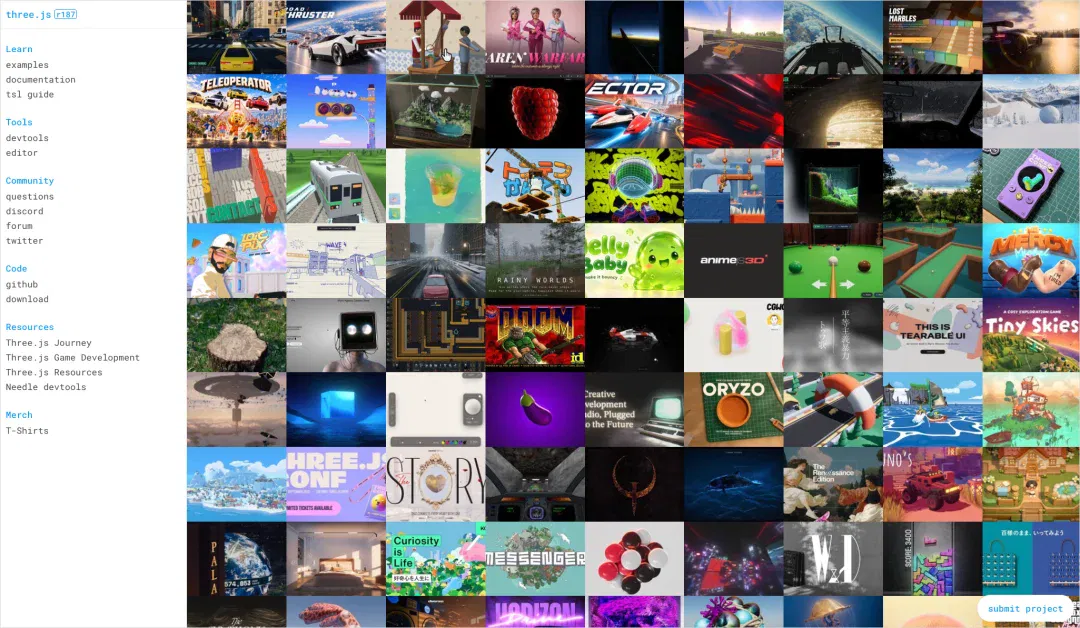
What it does is package all that messy complexity into a library for you. You no longer have to write those arcane instructions that used to be written directly for the graphics card; you can use an extremely simple language to create 3D content on a web page.
Think of it as something like a lightweight game engine for the web.
Its creator is Spanish programmer Ricardo Cabello, known online as Mr.doob.
On April 24, 2010, he uploaded the first Three.js version to GitHub.
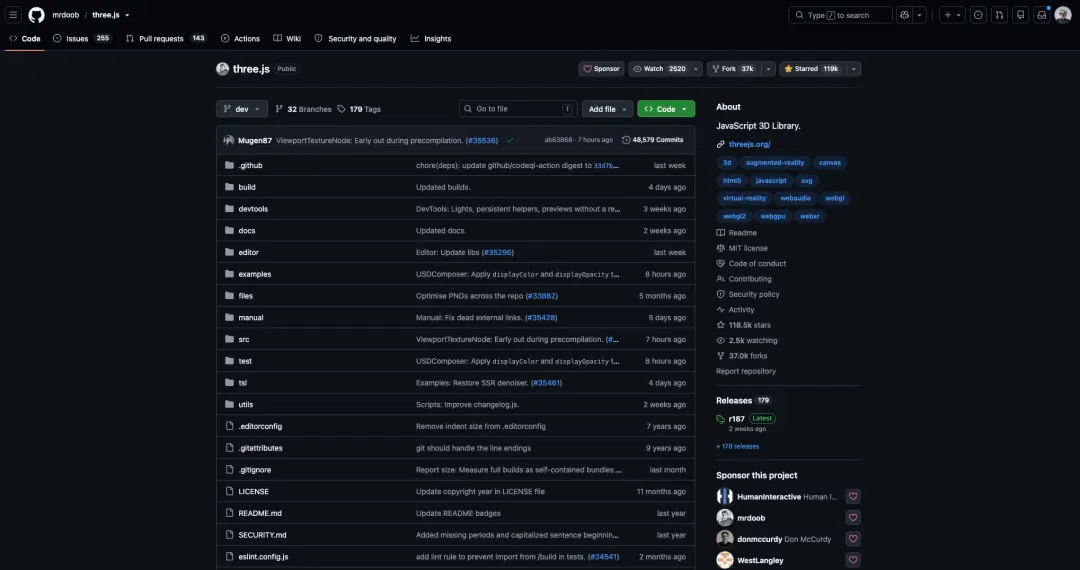
Sixteen years later, it has accumulated 117,000 GitHub stars and more than 2,000 contributors, effectively becoming the de facto standard for web 3D.
The 700 KB in that 1.4 MB file is the entire Three.js library packaged into it.
How can the other half hold a complete game demo?
The answer is an interesting idea: those things are not actually stored in the file.
Here is a simple example.
Suppose you want to describe someone to a friend.
You could send a photograph, storing every pixel's color in the file exactly as it appears. That makes the image large.
Or send a WeChat message: 'A handsome man with neatly combed, center-parted bangs, wearing overalls with two shoulder straps and bouncing a basketball. He introduces himself to the camera, saying he has trained for two and a half years and likes singing, dancing, rap and basketball.'
Your friend can mentally render that person without receiving a single picture.
The first method might take 10 MB, while the second could be under 1 KB—a difference potentially measured in tens of thousands of times, yet conveying roughly similar information at the destination.
The file therefore does not store what a container looks like. It stores code telling the browser how to generate containers. Rain works the same way: rules describing where drops fall and how quickly, rather than stored rain. Textures and sounds follow the same approach.

That is why you see this when first opening the game.
The approach has a name: procedural generation.
As an analogy, the HTML file is a recipe rather than a finished meal.
The actual meal is cooked on demand by your own GPU during the few seconds after opening the page: freshly prepared graphics.
That is why such pages often take a few seconds to open and sometimes make a computer's fan spin up. During those seconds, the GPU is generating the world.
And 1.4 MB is not the smallest possible size. You can push further.
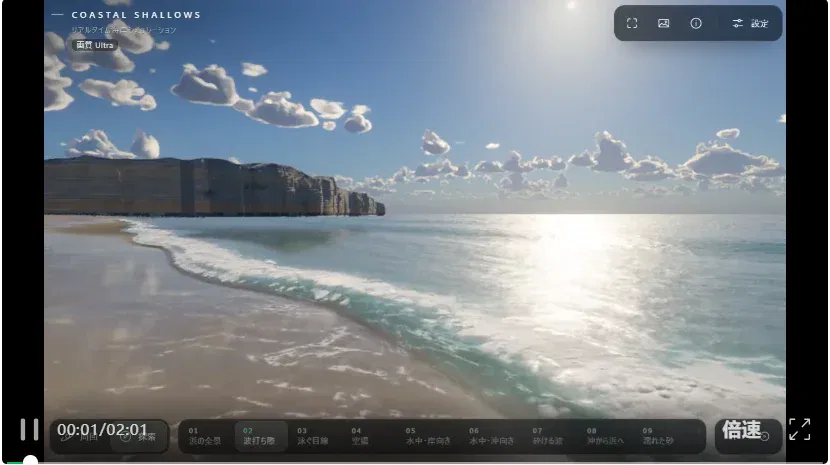
Take this impressive water world.
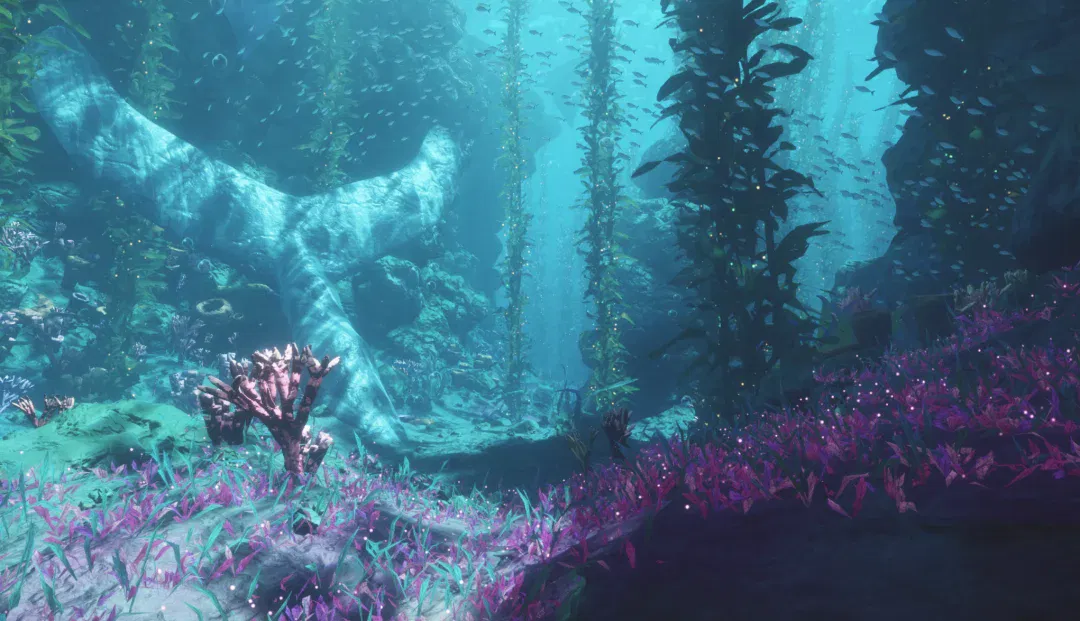
It is only 97 KB of plain HTML, without even Three.js. Claude Fable 5.2 wrote the source directly, rendering with WebGPU.
It is startling.
It feels as though few people have cared about size for a long time. With apps routinely occupying one or two gigabytes, AI has unexpectedly inspired some people to revisit old challenges of extreme compactness.
AI is also making this capability available to everyone.
AI makes HTML great again.
Here is a simple introduction to generating interesting 3D web pages.
For these projects, the author prefers Claude Fable 5.2's aesthetics and generation experience. The article offers no standardized, reproducible cross-model evaluation, so that preference should not be generalized into universal aesthetic or performance superiority.
Many readers may not have access to Claude. Gemini 4 Carbon and GPT-6 Astra can also do the job, and DeepSeek V4.1 Flash produces passable results, though revisions take more effort than the author's experience of straightforward generation with Claude Fable 5.2.
The prompt can be very simple, in plain language. For better results, I suggest using Three.js rather than pursuing extreme compactness at the highest difficulty level. Claude Fable 5.2 doing it does not mean every other model can.
Here is a simple template.
Build a single-file HTML page using Three.js for a freely explorable 3D scene.
Scene: [Describe the scene as specifically as possible. For example: Hongyadong in Chongqing at night, with layers of stilt buildings glowing with warm yellow light; the Jialing River and sightseeing boats in front; Qiansimen Bridge beside it; and city towers in the distance.]
Requirements:
1. Generate all models and textures in code; do not reference external image or model files.
2. Support dragging to rotate the view and mouse-wheel zooming.
3. Create atmosphere, with particular attention to lighting, fog and color tone.
4. Run smoothly on an ordinary laptop and display loading progress.
5. Make major objects independent components so I can modify them individually later.
The most important point is the first: no external images or model files. That is convenient and keeps the file small.
The fifth is a small tip: separate components from the outset. Then making one building taller or changing a bridge's color will not affect everything else.
Here is Hongyadong generated by GPT-6 Astra with a similar prompt.

It includes most of the layered stilt buildings, Qiansimen Bridge beside them, the Jialing River and sightseeing boats in front, and the city buildings behind.
Three.js has many other capabilities, including interaction.
For example, I quickly made a playable 3D Rubik's Cube.
It also supports animation, such as a 90-second piece that recently became popular on X.
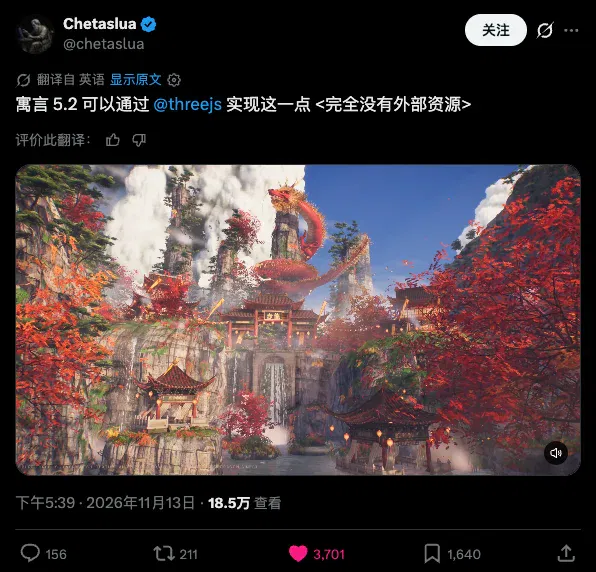
It was generated entirely with Three.js. I really want you to see the result.
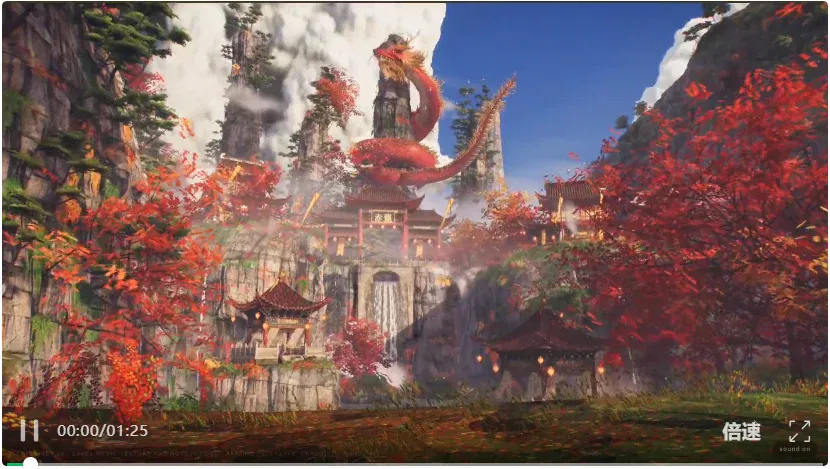
Although ultimately rendered as a video, it is fundamentally an HTML file—only 2 MB—that renders and plays the sequence in real time when opened.
I have not seen something this satisfying in a long time.
Three.js also excels at fluid effects.

If code-generated models lack the detail you want, especially curved forms such as people and animals, you can build models in Blender or Tripo first and ask AI to place them into the page.
The file will be larger, but Three.js supports this without a problem.
Then, quite often, because the model's aesthetic judgment and capabilities really are not good enough, it takes many rounds of revision to get a reasonably good result. For those situations, I would also like to share a little technique I often use myself.
Have the model critique its own work.
Add this prompt:
After each revision, open it in a browser and capture screenshots from several fixed angles.
Start a subagent that sees only the screenshots, not the code. Ask it to act as a demanding art director and list visual problems in order of severity.
Revise according to its feedback until only minor issues remain.
It will then iterate repeatedly and keep refining the result.
That is roughly the process.
Finally, many people will probably ask what these AI-generated 3D HTML creations are useful for.
Honestly, they may not have much commercial use.
But not everything needs to serve a practical end.
They show me a kind of romance I have missed.
For a long time, creating a realistic 3D world was the privilege of major studios: an artwork requiring hundreds of people and years of effort.
Ordinary people could imagine grand landscapes yet lack the means to realize them.
Now that once-unreachable wall has fallen.
A few hundred kilobytes of code and an ordinary browser let anyone become a creator of worlds on their desktop.
Perhaps this is technology at its most enchanting.
This article comes from Digital Life Kazike. Authors: Kazike and Keda.
After reading
Join the AINRK community
Read how to join the community and connect with people working in AI.
Related articles
Continue reading related topics and articles in this category.

腾讯 Motus AI:把骨骼、蒙皮与动作生成接入游戏动画流程 (opens in a new tab)
读佳介绍腾讯 Motus AI 的角色动画工作台,涉及骨骼和蒙皮生成、文本或视频生动作、精修与资产排错。文章以动作规划和节点画布的体验,讨论它如何接入动画师现有流程及后续落地效率的检验。
迈向通用游戏智能,清华、米哈游开源GameScaling系列模型 (opens in a new tab)
GameScaling 开放四档规模、八个模型,研究游戏操作能力怎样跨场景迁移。团队用 120 组训练配置比较模型大小、数据时长和游戏多样性,并测试实时交互与陌生游戏的表现。
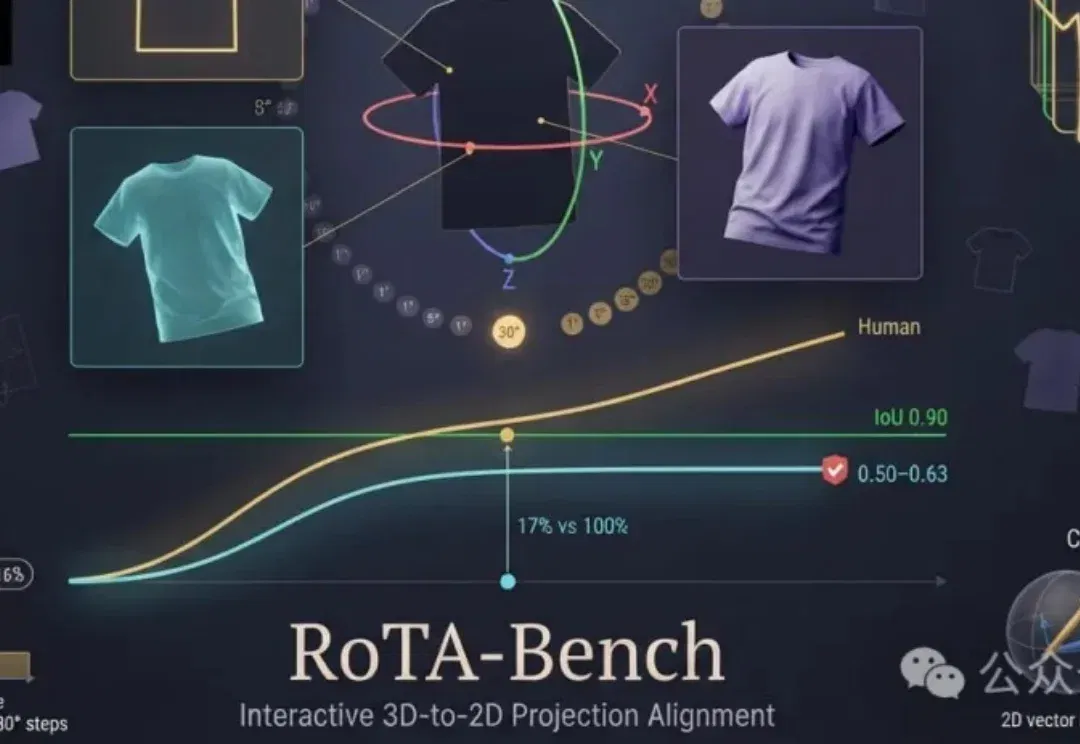
RoTA-Bench 评估视觉模型的三维旋转与投影对齐能力 (opens in a new tab)
厦门大学与南洋理工大学团队用可逆旋转构造交互任务。在 100 个测试任务中,所测最高模型成功率为 17%,本科生组 400 次运行全部成功。论文还分析了旋转方向、角度和交互历史。
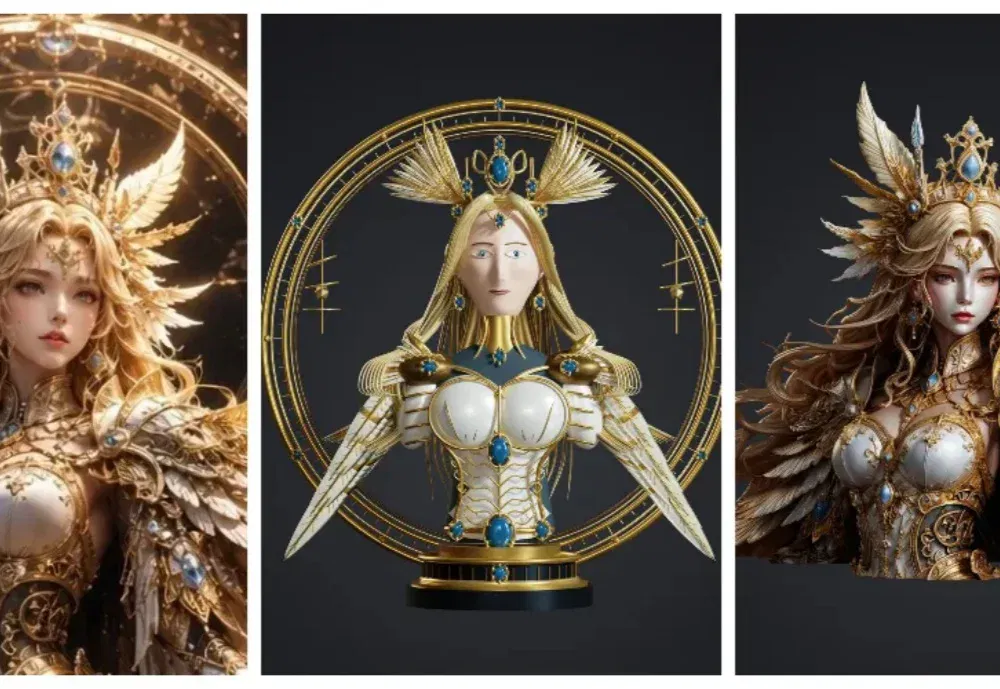
「牛来」将彻底成为过去式!Hi3D重塑三维模型新高度,V1.0正式开源 (opens in a new tab)
自从电影《牛来》现象级爆火,那只造型粗糙、通体发黄的小牛,就成了不少人提起三维建模时的第一反应。
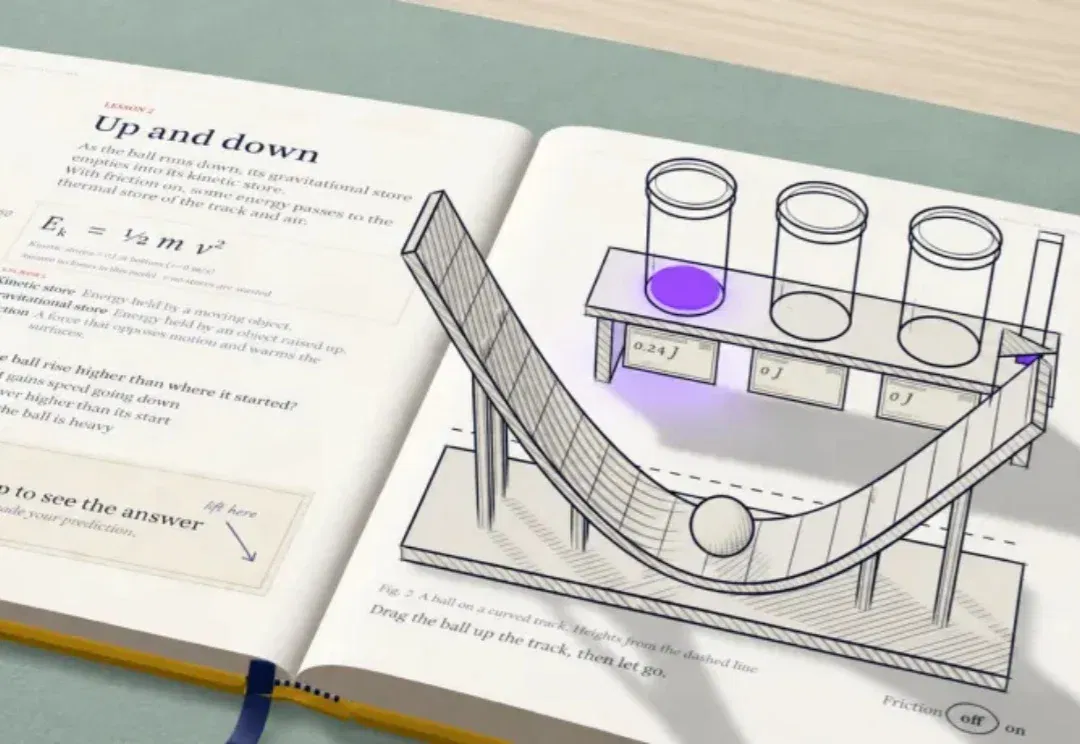
用AI做3D交互教学,沉浸式学习有了新的打开方式 (opens in a new tab)
从课堂演示到科普创作。 想象一下,一本摊开的物理课本里,竟然出现了一座小小的3D实验室。 原本写在纸张里的能量知识,被做成了能够观察和操作的立体模型。 最近,一位海外创作者就用AI制作了这样一本3D互动教材,把能量相关的知识设计成了十节可以动手探索的课程。 类似的玩法已经开始出现在国内。 腾讯正在内测一款名叫懂了鸭的AI互动学习产品,其中就有不少可以动手操作的实验模型。借助AI,制作这样的互动作品也变得方便了许多。 邀请码:TLC79B 比如正在给孩子解释杠杆原理,直接打开这样的页面,可能比对着课本画几遍示意图更容易引起兴趣。 它选的知识点并不神秘,日常生活里随时都能碰到。 精彩之处在于作者愿